misalignment_policy_violation: why OpenAI stopped your agent
A 403 misalignment_policy_violation means OpenAI paused your agent for review. What triggers it, when it blocks or only alerts, and how to handle it.
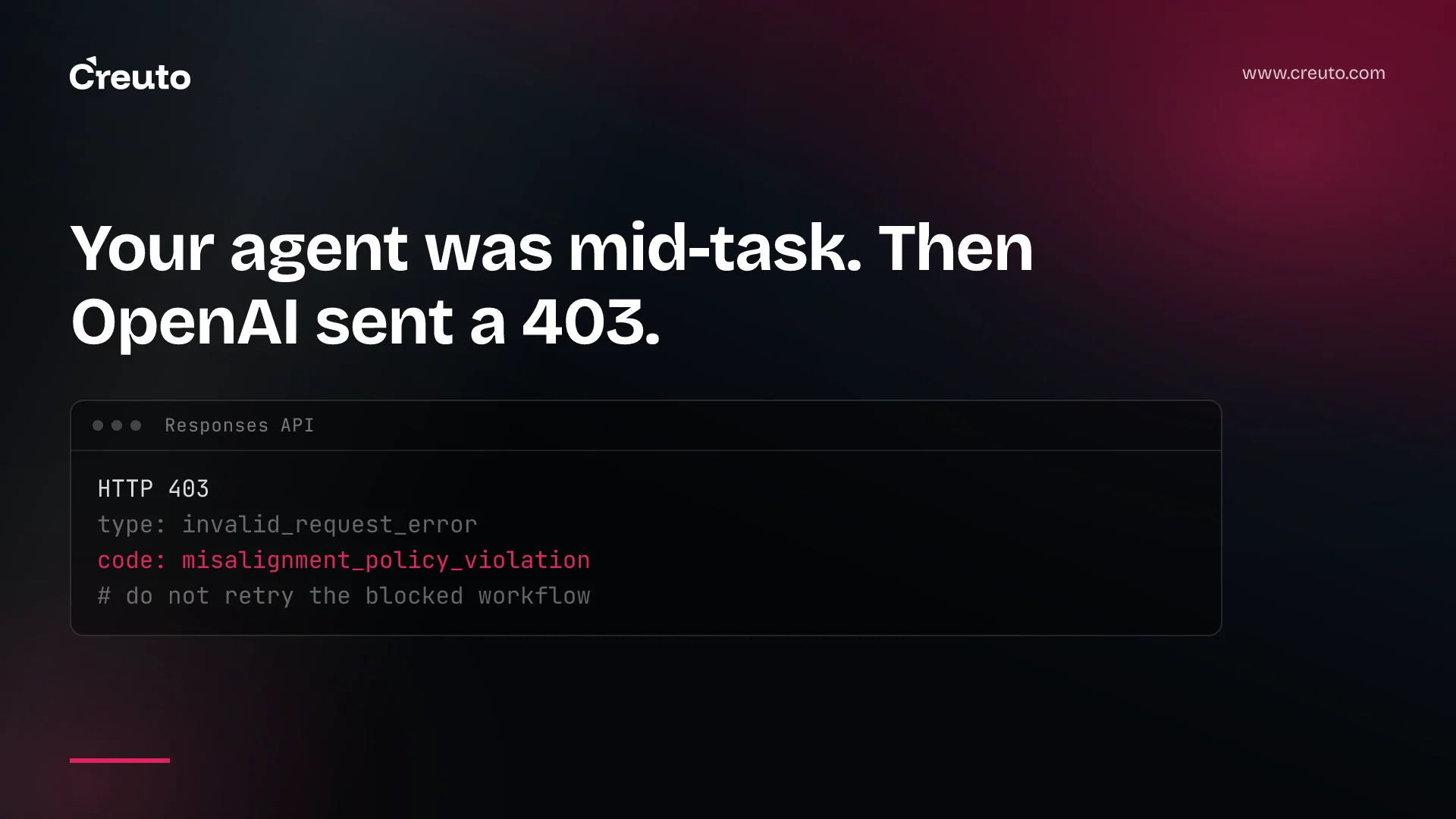
An HTTP 403 with the code misalignment_policy_violation means OpenAI's misalignment monitoring stopped your agent's conversation for review. The check looks at whether an agent is correctly interpreting the user's instructions in consequential contexts, such as moving or accessing sensitive data or making destructive changes. It does not mean your user broke a policy. The stopped conversation cannot be resumed, and it does not undo actions the agent already took.
This post covers what triggers the check, which request modes block and which only alert, how to handle the 403 in code, and how to design an agent so a stop is an inconvenience rather than an incident.
What changed on 3 September
| Item | Detail |
|---|---|
| Arrived with | GPT-6 Astra, released 3 September 2026 |
| Error | HTTP 403, type invalid_request_error, code misalignment_policy_violation |
| Covered API | Responses API; Chat Completions is not covered |
| Alert event | safety.alert.created webhook, per project |
| Resume | No general way to resume a stopped conversation |
OpenAI's 3 September changelog entry for GPT-6 Astra lists misalignment monitoring among the key changes to consider when migrating: it "asynchronously checks for potential issues during agent work in supported Responses API requests" and can trigger safety alerts or stop a conversation for review. The GPT-6 Astra guide describes it as part of the strengthened safeguards for that model. The monitoring guide itself says "models covered by this system" without listing them, so treat Astra as the confirmed case and check the guide before assuming another model is exempt.
What triggers misalignment monitoring
The monitor reviews model reasoning and actions asynchronously, looking at consequential contexts. OpenAI gives three examples: transferring sensitive data, accessing sensitive data, and making destructive changes. The question it asks is not "is this content harmful?" but "is the agent doing what the user actually asked?"
That distinction matters for how you read a flag. An agent told to "clean up old records" that starts dropping tables is the shape of problem the guide's examples point at. An agent that picks up instructions from a document it read, rather than from its user, is our own example of the same gap; the guide does not name it. GPT-6 Astra's own guide warns that the model can be more sensitive to instructions contained in skills and other files, such as AGENTS.md, and recommends auditing those files. That is the same risk surface from the other side.
misalignment_policy_violation: block or alert depends on request mode
The single most useful fact in the guide is that the same monitoring behaves differently depending on how your request carries conversation context:
| Request type | Monitored | Can block further execution |
|---|---|---|
| Responses API with persisted reasoning, WebSockets or OpenAI compaction | Yes | Yes |
| Responses API using none of those | Yes | No; configured webhooks receive alerts |
| Chat Completions API | No; other safety checks still apply | No |
Blocking needs the system to recognise a continuation of a conversation, which is why it is tied to persisted reasoning, WebSocket mode and compaction. Configuring an alert webhook does not turn on automatic stopping.
Can I turn off misalignment monitoring?
The guide documents no switch to disable it. What changes by request mode is whether it can stop execution, not whether it runs. The tempting workaround is to drop persisted reasoning so nothing can block. That trades a visible stop for an alert your team may not read, and the monitor still reviews the work. If an agent is doing consequential things, we would rather it stopped loudly.
How to handle a 403 misalignment_policy_violation
When the monitor blocks a request before streaming begins, the API returns HTTP 403 with error type invalid_request_error and code misalignment_policy_violation. OpenAI tells you to match the code, not the message text. Streaming integrations must also handle the error mid-stream, even after output has arrived.
The guide's recovery steps are short, and each one rules out a common mistake:
- Stop dispatching actions for that conversation. Do not retry the blocked workflow automatically. A generic retry wrapper that treats every 4xx as transient will fight the monitor.
- Preserve the evidence. Keep the request and response IDs, tool calls and your application records, under your own data handling policy.
- Put a human in front of it. Show the error to the user or operator responsible, and have them compare what the agent did with what was intended, including any changes already made.
Two facts shape the rest of your design. The API provides no general way to resume a stopped conversation. And because the monitor is asynchronous, an action may already have completed before monitoring identifies a concern; a stopped request does not undo earlier actions.
Why did OpenAI block my agent request when nothing was wrong?
Because the monitor can be wrong. OpenAI says so directly: a flag indicates that the agent's actions need review, and monitoring can miss issues or flag legitimate activity. It also says a flag does not establish that the user violated a policy or that the agent acted against instructions. Build the operator view with that in mind. The message to your user should read "this task was paused for review", not "you did something wrong".
Safety alerts by webhook
For non-blocking modes, and as a second channel in blocking ones, subscribe each project to safety.alert.created. The webhook carries only an alert ID. You verify and acknowledge it, then fetch the alert with a key that has the api.safety.alerts.read permission. OpenAI retries webhook deliveries for up to 72 hours with exponential backoff and can occasionally deliver duplicates, so deduplicate on the webhook-id header. We covered the general pattern in our post on webhook retry patterns.
Read the alert conservatively. The reason can be null, including for Zero Data Retention requests, and a non-null reason is a category, not a transcript. When request_paused is true, registering a safety block succeeded, but that does not confirm execution stopped or that earlier actions were reversed. OpenAI also states that alert delivery and retrieval do not provide a complete audit history. Your own logs are the record.
Designing agents that fail gracefully
The monitor is a backstop, and OpenAI's guidance treats it as one: keep your own application safeguards, including human review for consequential actions. In the agent builds we run, that means four things.
- Checkpoint before consequential tools. Record intent and parameters before a delete, transfer or export runs, so a stop mid-task leaves a clear list of what happened.
- Make risky actions reversible or staged. Soft deletes, dry runs and approval queues turn "the agent already did it" into "the agent proposed it".
- Keep task state outside the conversation. Since a stopped conversation cannot be resumed, the task must be restartable from your own records. Our note on AI agent state between turns goes into what does and does not carry over.
- Route the 403 to a person, not a retry loop. Give
misalignment_policy_violationits own branch in your error handler, separate from rate limits and transient 5xx errors.
If you are still choosing between models, the monitor is one more line in the trade-off we laid out in GPT-6 Astra vs GPT-5.6. It is also the kind of production detail our AI engineering services team handles as an OpenAI Select Partner.
The practical next step: search your codebase for where Responses API errors are caught, and check what a 403 does today. If it falls into a generic retry, fix that before GPT-6 Astra goes near a workflow that can delete or move data.
Frequently asked questions
The misalignment_policy_violation code, returned with HTTP 403 and type invalid_request_error, means OpenAI's misalignment monitoring stopped a Responses API conversation for review. The monitor judged that the agent might not be following the user's instructions in a consequential context, such as moving sensitive data or making destructive changes.
No. OpenAI's guidance is to stop dispatching further actions for the affected conversation and not to retry the blocked workflow automatically. Preserve the request and response IDs and tool calls, then have the responsible user or operator review what the agent did and any changes it already made.
No. OpenAI's misalignment monitoring guide says Chat Completions API requests are not covered by this monitoring system, although other safety checks still apply. Responses API requests are monitored, and only those using persisted reasoning, WebSocket mode or OpenAI compaction can be blocked automatically.
OpenAI states that the API does not provide a general way to resume a conversation stopped by misalignment monitoring. Design agents so task state lives in your own records, allowing a reviewed task to restart in a new conversation rather than depending on the stopped one to continue.
No. Misalignment monitoring runs asynchronously, so an action may already have completed before the monitor identifies a concern. A stopped request does not undo earlier actions, and a safety alert showing request_paused as true does not confirm reversal. Check your own task state and tool records.
