Windows Server 2016 end of support: the app is the problem
Windows Server 2016 end of support is 12 January 2027 — Microsoft's lifecycle page says the 13th. The real blocker is your application, not the OS.
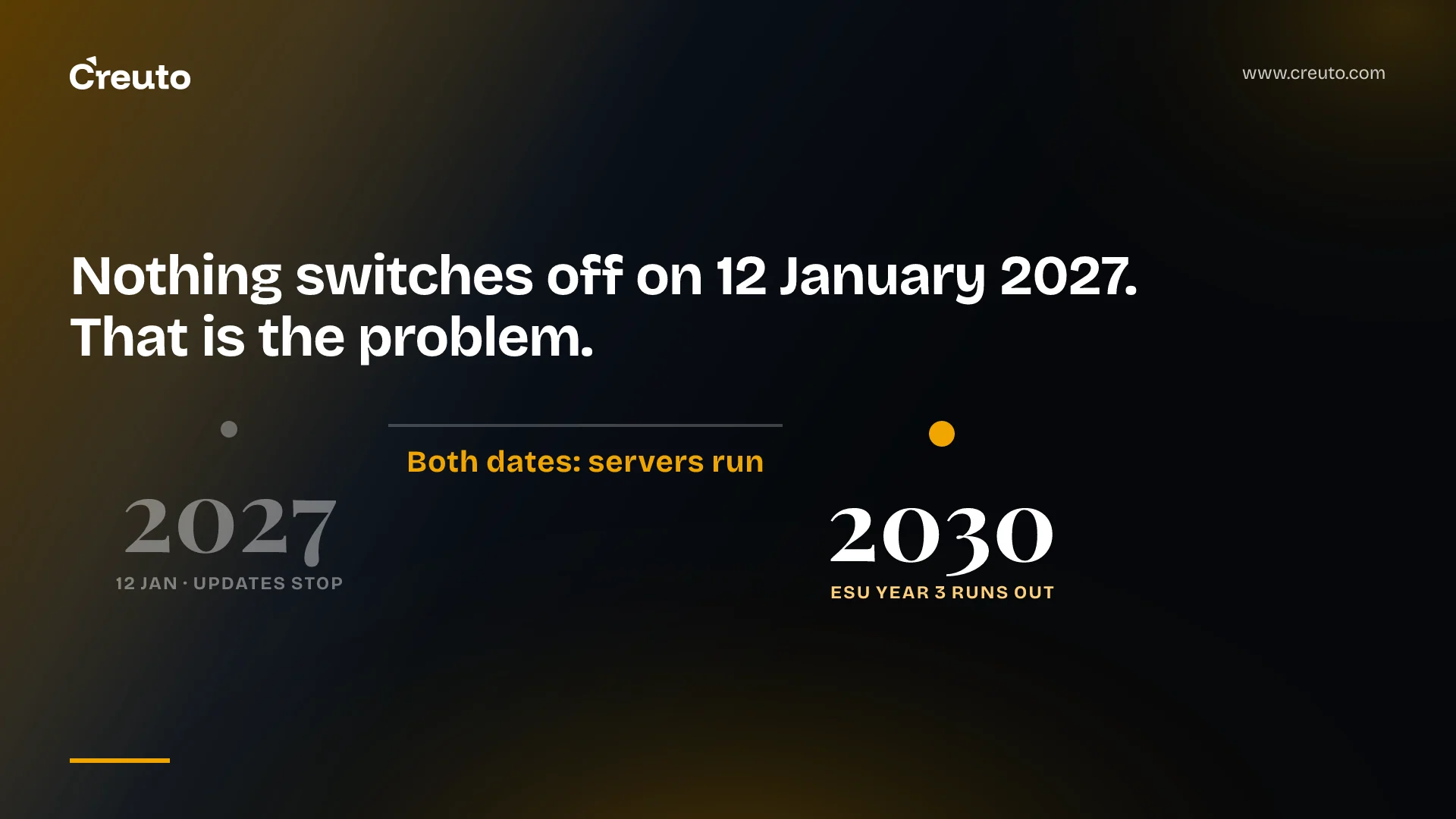
Microsoft's own pages give two different dates for windows server 2016 end of support. The Windows Server blog says extended support ends on 12 January 2027. The product lifecycle page prints an Extended End Date of 13 January 2027. Neither date is when anything stops working, and that is the part most migration plans get wrong.
Nothing switches off. Domain controllers keep authenticating, IIS keeps serving, SQL keeps answering. What ends is the supply of security updates, which converts a working server into a compliance liability on a schedule set by your auditor rather than by Microsoft. The decision in front of you is not when do we leave Server 2016. It is what do we do about the one application that does not come with us — and, if the answer is "buy time", how the Extended Security Updates programme prices that time.
What windows server 2016 end of support changes, and the day Microsoft disagrees with itself
Here are the dates as each Microsoft source prints them, verified on 4 October 2026.
| Source | What it says | Page stamp |
|---|---|---|
| Windows Server blog, "Planning ahead for Windows Server 2016 end of support" | "extended support for Windows Server 2016 will end on January 12, 2027" | 25 February 2026 |
| Microsoft Lifecycle product page | Mainstream End Date 1/12/2022; Extended End Date 1/13/2027, 6:59:59 AM | ms.date 4 June 2024 |
| Lifecycle FAQ — Extended Security Updates | No Windows Server 2016 row in the ESU availability table at all | ms.date 17 October 2025 |
Our reading of the one-day gap: the lifecycle table prints the instant coverage lapses, not the last covered day. The same offset shows up at the other end — the lifecycle page's mainstream end of 12 January 2022 is the morning after the 11 January 2022 Patch Tuesday that most coverage cites. Both 11 January 2022 and 12 January 2027 fall on a Tuesday. We would plan to the earlier date in both cases and treat the lifecycle table as the contractual edge.
The third row matters more than the first two. Microsoft's blog points readers at the Extended Security Updates FAQ for the detail, and that FAQ's availability table still lists only Windows Server 2012/R2 and Windows 10. Every year-one, year-two and year-three ESU end date on that page is for a different product. If you are building a budget line from it, you are reading 2012's calendar.
What ESU is, what it costs, and the clause that punishes a wait-and-see year
The ESU programme is, in Microsoft's own words on the lifecycle FAQ, "a last resort paid option". It delivers Critical and Important security updates for up to three years after the end of extended support, as rated by the Microsoft Security Response Center. It explicitly does not include new features, customer-requested non-security hotfixes, or design change requests, and it carries no technical support beyond ESU installation and regressions caused by an ESU itself. Three years from 12 January 2027 puts the far wall in January 2030.
The price is published as an Azure meter rather than a marketing figure. Microsoft's Azure Retail Prices API lists meter WS2016 Std 1C ESU at $0.007132 per core-hour and WS2016 DC 1C ESU at $0.041067 per core-hour, both with an effective start date of 1 August 2026. At Azure's standard 730-hour month that is $5.21 per core per month for Standard and $29.98 for Datacenter. The Azure Arc licensing guidance sets a minimum of 16 physical cores per machine or eight virtual cores per VM, so a single physical host costs at least 16 × $5.21, roughly $83 a month or about $1,000 a year before you have covered a second box. Those two multiplications are ours; the per-core-hour rates are Microsoft's.
Now the clause that should change your sequencing. The lifecycle FAQ states, under prerequisites for commercially licensed ESU SKUs: "You may only acquire ESU Year 2 and Year 3 licenses if you've also acquired the ESU license(s) for the prior year(s)." Asked directly whether a customer can onboard later and buy just year two, the same page answers: "No, organizations must purchase prior months/years of ESUs when onboarding late." The Azure Arc route enforces the same thing through billing rather than licensing — late enrolment triggers "a one-time upfront charge for the months they missed after the end of support date", and the page notes that unenrolling and re-enrolling back-bills the gap too.
Both of those passages are written against Windows Server 2012/R2, because that is the product the FAQ has been maintained for. They describe how the programme works, not how one product's SKUs are priced, and we would plan on them applying. But say so out loud in your budget paper rather than presenting them as confirmed 2016 terms, because Microsoft has not yet republished them with 2016 dates.
The practical effect is that "let's see how year one goes" is not a cheaper option than enrolling. It is the same cost, paid later, with a worse negotiating position and a patch gap in the middle. If you are going to need ESU in 2028, you are buying 2027 either way.
Who can buy ESU for Server 2016 — and who finds out they cannot
This is where the second-hand summaries go wrong, and the differences from the 2012 programme are real. Microsoft's Azure Arc licensing page, updated 16 July 2026, carries separate guidance per version, and the Windows Server 2016 variant removes two routes that 2012 customers had:
- Software Assurance or an equivalent Server Subscription is required for on-premises workloads, purchasable through an Enterprise Agreement, Enterprise Subscription Agreement, Server & Cloud Enrollment or Enrollment for Education Solutions.
- SPLA is not available. The page states plainly that "the Services Provider License Agreement (SPLA) isn't available for Windows Server 2016 ESUs" — it is available for 2012.
- The Visual Studio subscription dev/test benefit is not available for Windows Server 2016 ESUs either. For 2012, servers licensed from a Visual Studio subscription key could be covered at no extra cost. If you have been told Visual Studio subscriptions are a way in for 2016, they are not.
Microsoft does not publish a line saying retail and OEM licences are ineligible. It publishes the positive requirement above, and an OEM or retail licence carries no Software Assurance and no Server Subscription. That inference is ours, but it is the one that matters when you open the box: a pre-installed Server 2016 in a branch office, bought with the hardware, has no path to ESU without first acquiring qualifying coverage. Find those machines early, because they are the ones that turn a licensing question into a procurement project.
One mitigation is easy to miss. The same Arc page notes that once a server is "updated to Windows Server 2019 or higher", it no longer requires ESUs and you can decrement the cores on the licence. Moving a stubborn workload one version, not three, stops the meter.
Your app will not break on Server 2022 for the reason you have been told
The standard warning is that legacy applications fail on Windows Server 2022 or 2025 because TLS 1.0 and 1.1 have been turned off. Checked against Microsoft's own Schannel documentation, that is not true today.
The protocol support table lists TLS 1.0 and TLS 1.1, client and server, as Enabled on Windows Server 2022 and on Windows Server 2025. The deprecation notice says the change starts with Insider Preview releases and "won't impact in-market Operating System versions", and documents the SCHANNEL registry values that re-enable both protocols where it does apply. It also warns that support "may be removed completely in the future".
What has already changed is narrower and more dangerous, because it is invisible until something fails: TLS 1.0 and 1.1 are already disabled in Microsoft 365 products and across the WinHTTP and WinINet API surfaces. An application that calls out through WinHTTP has lost legacy TLS regardless of what the OS table says. Meanwhile TLS 1.3 only arrives in Windows Server 2022, so a Server 2016 box is not merely old at the top of the stack — it is absent from the current one.
Authentication is where a genuine removal has happened. Microsoft's deprecated features list records that all versions of NTLM were deprecated in June 2024, and then, in a November 2024 update to the same entry, that NTLMv1 is removed starting in Windows 11 version 24H2 and Windows Server 2025. NTLMv2 still works. An application that negotiates down to NTLMv1 — or a hard-coded appliance, a scanner, an old line-of-business client talking to your file server — stops working on Server 2025 and keeps working on Server 2022. That single fact is often the whole argument for a 2022 target over a 2025 one.
What to do in the next month
Fifteen months sounds generous and is not, because the slow part is not the build. It is finding out what the application actually touches. Three passes, in this order.
1. Inventory with the fields that drive the decision
A list of hostnames is not an inventory. For each Server 2016 instance, record the edition (Standard or Datacenter drives a nearly six-fold difference in the ESU meter), physical versus virtual and the core count (16 pCore or 8 vCore minimums mean a four-core VM is billed as eight), the roles and features installed, the current patch level, whether the machine is a cluster node, and the licence origin — volume, OEM or retail. Pull the OS list from Active Directory first, then reconcile against your hypervisor, because the boxes nobody remembers are rarely domain-joined.
2. Find the TLS and authentication dependencies before they find you
Both are observable in production without changing behaviour. For TLS, Schannel logging is a DWORD named EventLogging under HKLM\SYSTEM\CurrentControlSet\Control\SecurityProviders\SCHANNEL, with eight levels documented in Microsoft's TLS registry reference; level 7 logs error, warning, informational and success events, and the change needs a reboot to take effect. Run it on a representative node for a full business cycle — month-end batch is where the 2009-era integration lives.
For authentication, enable Network security: Restrict NTLM: Audit incoming NTLM traffic under Computer Configuration\Windows Settings\Security Settings\Local Policies\Security Options. Microsoft's reference notes it "doesn't actually block any traffic" and writes to the operational log at Applications and Services Log\Microsoft\Windows\NTLM. That log tells you which callers would break, by name, before you have bought anything.
3. Decide per workload, not per estate
The supported upgrade path table, updated 14 April 2026, constrains the choice more than most plans allow for. Server 2016 can upgrade in place to 2019, 2022 or 2025 from installation media. It cannot take the Windows Update route at all — that tab lists only 2019 and 2022 as sources. And a cluster rolling upgrade advances one version at a time, so a 2016 Hyper-V or Scale-Out File Server cluster reaching 2025 is three separate node-by-node operations, not one.
| Workload shape | Move | Why |
|---|---|---|
| Stateless role on supported software, clean dependency log | Side-by-side build on 2025, cut over, decommission | No ESU spend, no upgrade residue, rollback is "don't cut over" |
| Vendor application, support matrix stops at 2019 or 2022 | Side-by-side on the highest supported version | One version is enough to stop the ESU meter |
| In-house application with NTLMv1 or WinHTTP legacy TLS in the audit log | ESU for a defined period, fix the dependency, then build | ESU buys engineering time, not indefinite comfort |
| Clustered Hyper-V or file server | Rolling upgrade, one version per pass | Cluster rules forbid skipping versions |
Our default is a clean side-by-side build over an in-place upgrade wherever the application allows it, for an unglamorous reason: an in-place upgrade has no rollback that does not involve a restore, while a side-by-side build fails safe. In-place earns its place when the role is genuinely immovable — a domain controller mid-estate, a licence tied to hardware — and the upgrade restrictions list is worth reading first, because NIC teaming must be disabled, Server Core cannot become Desktop Experience, and a VHD-booted server cannot upgrade in place at all.
Where this stops being a server project
By the time the inventory is done, the conversation has usually changed shape. The three servers that resist are resisting because of one application each, and that application is resisting because of a decision made a decade ago that nobody has owned since. That is legacy application modernisation, and the deadline is just what finally paid for it.
We have been on this side of it. The custom ERP we built for a large-scale industrial client replaced four departments' separate systems — HR, CRM, inventory and finance — with one browser-based platform and one source of truth, which is exactly the kind of consolidation that removes a dependency rather than carrying it forward. Our workflow management platform does the same for task boards, collaboration and audit trail. In both, the hard part was never the hosting.
The pattern is not specific to Microsoft. The same two questions — what does this application actually depend on, and is the vendor's upgrade the only answer — run through SAP ECC end of maintenance, through the RHEL alternatives decision, and through .NET 8 end of support. The deadline is the vendor's. The dependency is yours.
So the next decision is not whether to buy ESU. It is whether, by the end of this month, you can name every Server 2016 instance, its edition and core count, and the one application on it that will not move — because that name is what everything after it costs.
Frequently asked questions
Windows Server 2016 extended support ends on 12 January 2027 according to Microsoft's Windows Server blog, while Microsoft's lifecycle product page prints an Extended End Date of 13 January 2027. Mainstream support ended five years earlier. The servers keep running on both dates; only the security updates stop.
Microsoft's Azure Retail Prices API lists Windows Server 2016 ESU through Azure Arc at $0.007132 per core-hour for Standard and $0.041067 for Datacenter. At a 730-hour month that is $5.21 and $29.98 per core. With a 16-core minimum per physical machine, one Standard host is roughly $1,000 a year.
No. Microsoft's Extended Security Updates FAQ states that organisations must purchase prior months or years of ESU when onboarding late, and that Year 2 and Year 3 licences require the prior year's licence. The Azure Arc route back-bills the missed months as a one-time upfront charge instead.
Microsoft requires Software Assurance or an equivalent Server Subscription to buy Windows Server 2016 ESU for on-premises workloads. An OEM or retail licence on its own carries neither, so a pre-installed Server 2016 has no route to ESU until qualifying coverage is acquired first.
Not for that reason. Microsoft's Schannel protocol table still lists TLS 1.0 and 1.1 as enabled by default on Windows Server 2022 and 2025. The real removal is NTLMv1, which is gone from Windows Server 2025, and legacy TLS is already disabled in WinHTTP, WinINet and Microsoft 365.
A side-by-side build is the safer default because it fails safe, while an in-place upgrade has no rollback short of a restore. Windows Server 2016 can upgrade in place to 2019, 2022 or 2025 from installation media, but not through Windows Update, and clusters advance only one version per pass.
