WhatsApp Business API integration: what Meta's new MCP server changes
WhatsApp Business API integration got easier: Meta's MCP lets AI agents set it up. The 24-hour window, templates and CRM wiring are still on you.
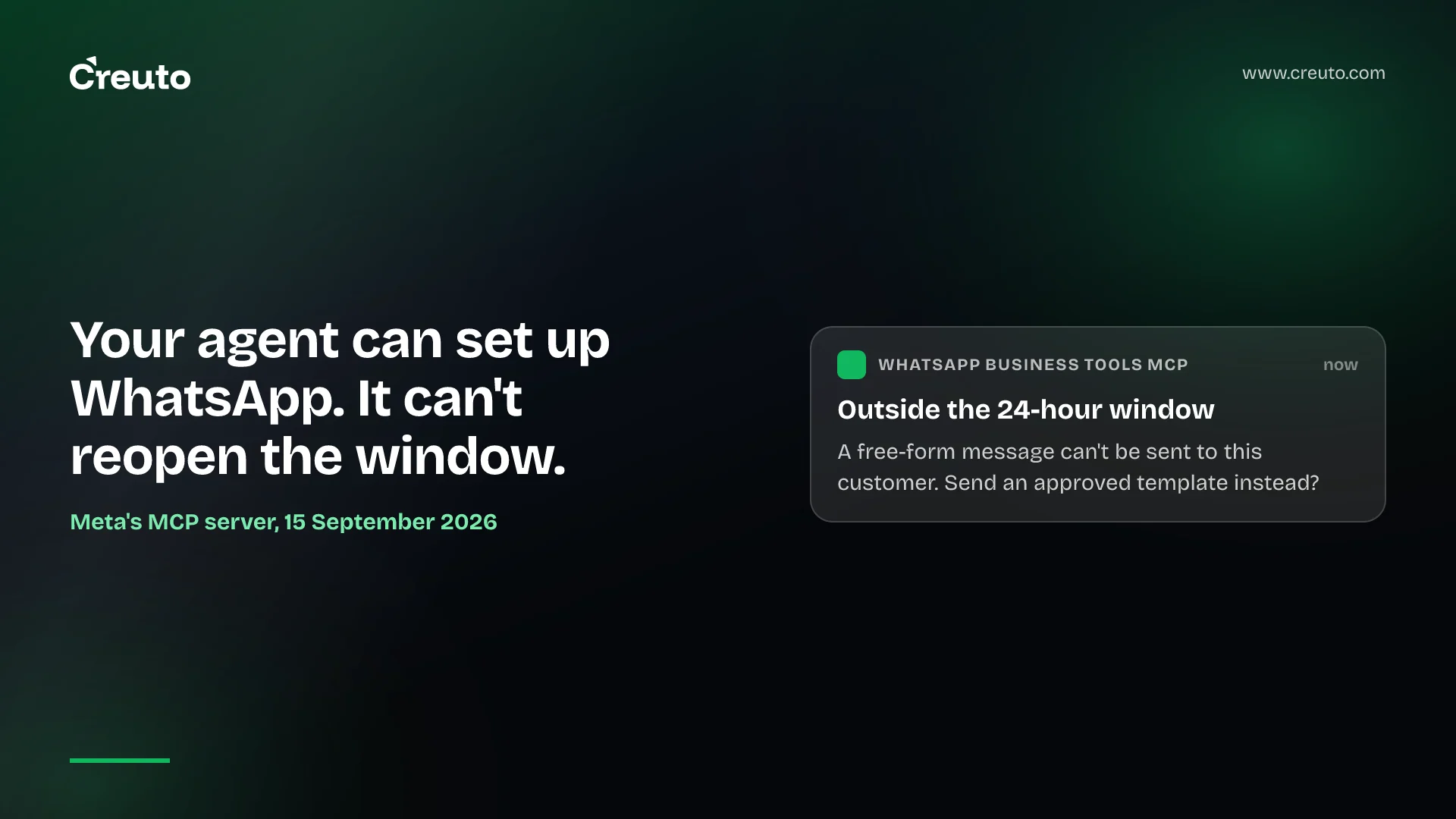
Meta now lets AI coding agents set up WhatsApp Business for you. Its new WhatsApp Business Tools MCP server can create the account, verify a phone number, draft message templates, configure webhooks and send test messages from a chat with Claude, Codex, Cursor or ChatGPT. That removes a real chunk of busywork from WhatsApp Business API integration. It does not change the part where projects actually succeed or fail: the messaging rules, and how WhatsApp is wired into the systems that hold your customers and orders.
WhatsApp is the integration our clients in India and the UAE ask for most often — for order updates, support and lead capture. This guide covers what Meta's release speeds up, what it leaves to you, and how to build the integration properly.
What Meta released
Meta announced the WhatsApp Business Tools MCP server on 15 September 2026. As TechCrunch describes it, setup previously meant moving between the developer console, Business Manager, the API reference and an editor. Now an agent can create the WhatsApp Business account, add and verify the phone number, register it for the Cloud API, and check items that often fail silently — terms of service, payment method and business verification.
According to The New Stack's walkthrough, the flow looks like this. A developer connects the MCP server to their agent, signs in with a Meta account and chooses which of the businesses they administer the agent may access. Given the number and display name, the agent handles the account steps; Meta sends a one-time code by SMS or voice, and once the developer passes it back, the number is verified. The agent can then create, list, update or delete message templates, configure the webhook that receives incoming messages, send test messages, and report what is still missing, such as payment information for billable messages.
The server is rolling out gradually and remains in beta. It complements Meta's broader Social Technologies MCP, which searches documentation and helps troubleshoot Graph API errors.
Can AI agents set up WhatsApp Business safely?
Meta made a deliberate security choice here. In the words of Meta's Zoë Lieberman, quoted by The New Stack: "Every read runs under your own viewer context, every invocation is logged, and anything that changes state requires an authenticated person rather than an app-level credential."
That is the opposite of the direction some platforms are taking, such as Microsoft's Entra Agent ID, which gives agents identities of their own. Meta keeps the agent bound to a known human's existing access. For a business, that makes changes attributable to a person and limits the agent to the accounts that person selected. It also means the person who connects the agent should be someone whose access you would trust with every action the agent might take. We discuss the trade-offs in enterprise AI agent governance.
What is the WhatsApp 24-hour customer service window?
This is the rule that shapes every WhatsApp integration, and no setup tool changes it. When a customer messages a business, a 24-hour customer service window opens, during which the business can reply with ordinary free-form messages. Each new message from the customer restarts the clock. Once the window closes, the business generally has to use an approved message template to start the conversation again.
The rule exists to stop businesses turning an old conversation into a channel for unsolicited messages. In practice it means your integration has to know, for every outbound message, whether the window is open. The New Stack notes that Meta's agent will flag when a test recipient is outside the window and offer an approved template instead. Your production system needs the same logic.
Do I need approved templates to message customers on WhatsApp?
Outside the 24-hour window, yes. Templates are pre-approved message formats with a header, body, footer and buttons, in categories such as marketing and utility. An order update is typically a utility template; a coupon is marketing. Templates are also where most pricing applies: Meta charges for billable template messages, and the rates are set out in its WhatsApp Business Platform documentation. Designing a small, well-categorised template set early saves both approval delays and cost.
How to integrate WhatsApp Business API with a CRM
The MCP server gets a number sending messages. A useful integration needs more. For the retail, services and B2B clients we work with, the pieces are usually these:
- Opt-in capture. Record when and how each customer agreed to receive WhatsApp messages, in the CRM, against the contact. This is the foundation for everything else.
- A webhook receiver you control. Incoming messages, delivery receipts and read receipts arrive as webhook events. They need to be verified, stored and processed idempotently, because events can arrive more than once or out of order — the same issues we cover in webhook retry patterns.
- Conversation state. Track the last inbound message time per contact so your system knows whether the 24-hour window is open before it tries to send.
- Event-driven outbound messages. Order shipped, appointment tomorrow, invoice due: these should fire from your order-management or ERP system through a single messaging service, choosing the right template and filling its variables.
- Human handover. Route replies to the right agent or team in your support tool or CRM, with the conversation history attached.
- Monitoring. Template rejections, delivery failures and webhook errors should alert someone. Silent failure is the most common WhatsApp integration problem we are called in to fix.
Of these, the MCP server helps with template creation and webhook configuration during setup. The rest is application work, and it is where most of the value — and most of the risk — sits.
WhatsApp order updates integration for ecommerce
Order updates show how the pieces fit. When an order ships, the order-management system emits an event. The messaging service checks that the customer opted in, looks up whether a 24-hour window is open, and — since it usually is not — sends the approved "order shipped" utility template with the order number and tracking link filled in. If the customer replies "where is it?", the inbound webhook stores the message against the contact, opens a new window, and either answers automatically from the tracking data or hands the conversation to a support agent with the order attached. Every step is logged, so when a customer says they never got the message, someone can see exactly what happened.
WhatsApp Business API provider vs direct Cloud API
Businesses can connect to WhatsApp directly through Meta's Cloud API or through a Business Solution Provider (BSP) that adds dashboards, inboxes and support. The choice depends on what you are building:
- A BSP suits teams that want a ready-made shared inbox and campaign tools, and are happy to work within the provider's features and pricing on top of Meta's.
- The direct Cloud API suits businesses that want WhatsApp embedded in their own CRM, ERP or app, with messages flowing through their own systems. Meta's new MCP server makes this route noticeably easier to start.
Neither is universally cheaper. BSP fees buy convenience; a direct integration costs development time but avoids a middle layer and keeps your data in your own systems.
WhatsApp Business API integration cost in India and the UAE
We will not quote a universal figure, because scope varies too much. The cost drivers are predictable, though: the number of systems WhatsApp must connect to, the number of message flows (order updates, reminders, support), whether you need a shared inbox or chatbot, and Meta's own per-message charges for billable templates. A single notification flow from one system is a small project. A two-way support channel integrated with CRM, ERP and a chatbot is a larger one. Paid messaging is already a large business for Meta: it passed a $2 billion annual run rate in the fourth quarter of 2025, according to Meta CFO Susan Li. Budget for message costs alongside development.
Where to start
If you are adding WhatsApp this quarter, a sensible sequence is: use the MCP server, or the console, to get a verified number and a first utility template; build the webhook receiver and opt-in records before anything customer-facing; then add flows one at a time, starting with the one customers already ask for — usually order status.
Our API development and integrations team builds WhatsApp integrations into CRM and ERP systems for clients in India and through our Dubai team for the UAE, and our CRM development practice can build the conversation history and handover into the CRM your team already uses.
Frequently asked questions
To integrate the WhatsApp Business API, verify a business phone number on Meta's Cloud API or through a provider, create approved message templates, and build a webhook receiver for incoming messages. Then connect it to your CRM or order system with opt-in records and 24-hour window tracking.
The WhatsApp 24-hour customer service window opens when a customer messages a business, allowing free-form replies for 24 hours. Each new customer message restarts the clock. After the window closes, the business generally must use an approved message template to contact the customer.
AI agents can set up WhatsApp Business using Meta's WhatsApp Business Tools MCP server, announced in September 2026. Agents such as Claude or Codex can verify numbers, manage templates, configure webhooks and send test messages, acting only under the connected person's access, with every invocation logged.
Businesses need approved WhatsApp message templates to contact customers outside the 24-hour customer service window. Templates are categorised, for example as marketing or utility, and Meta charges for billable template messages, so a small, well-designed template set keeps approval and costs manageable.
A WhatsApp Business Solution Provider suits teams wanting a ready-made inbox and campaign tools. The direct Cloud API suits businesses embedding WhatsApp in their own CRM, ERP or app, keeping data in their systems at the cost of development work.