Traffic drop after Google update? Rule out your deploy first
Traffic drop after Google update? Google's own guide lists five other causes. Check Crawl stats, indexing and your CDN before rewriting content.
Google published a warning about CDNs on 11 November 2026, the day after its November core update began rolling out: blanket bot protection that does not exempt verified crawlers "leaves crawlers basically stuck on an error page." So when you see a traffic drop after Google update announcements, check your own stack before the algorithm. Google's own debugging guide lists technical faults, security problems, spam actions, seasonality and site moves next to algorithm updates. By the end of this post you will know which Search Console reports separate the update from your own release, and why that has to happen before anyone rewrites content.
Here is the timing that makes the mistake easy to make, as of 27 November 2026:
| Date (2026) | Event | Source |
|---|---|---|
| 10 Nov, 10:06 PT | November 2026 core update starts rolling out | Search Status Dashboard |
| 11 Nov | Google posts its guidance on moving to a CDN without blocking Googlebot | Google Search Central blog |
| 24 Nov, 06:03 PT | November rollout listed as complete | Search Status Dashboard |
| 24 Nov | December 2026 core update preannounced, no start date given | Ranking update history |
That is two weeks in which any release, CDN switch or migration overlapped a confirmed core update. Another one is announced but has no date yet. Google told Search Engine Roundtable on 24 November that "We don't have a date yet" and that "It's not imminent." Whatever shipped in the next few weeks may overlap that update too.
A traffic drop after Google update announcements is not proof the update caused it
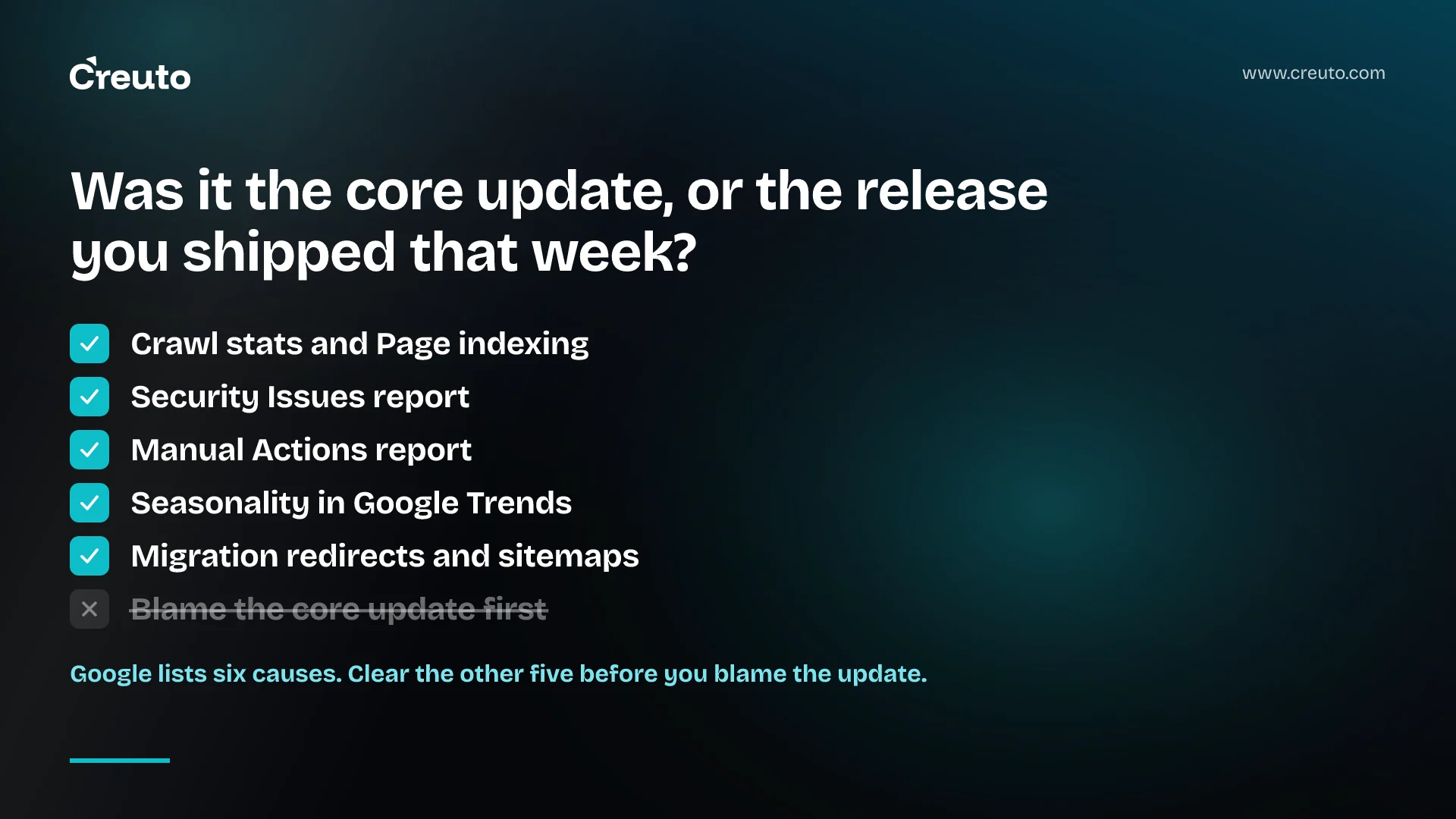
Google's Debugging drops in Google Search traffic guide lists six main causes, each with its own place to look. Only one of them is an algorithmic update. The others are things an engineering team either caused or can rule out in an afternoon.
| Cause | What it usually looks like | Where Google says to check |
|---|---|---|
| Algorithmic update | Gradual position changes across many queries | Ranking update history, then Performance report positions |
| Technical issues | Site-wide or page-wide loss, often matched by crawl or indexing spikes | Crawl stats and Page indexing reports |
| Security issues | Malware or phishing warnings shown to searchers | Security Issues report |
| Spam issues | Lower rankings or results removed | Manual Actions report |
| Seasonality and changing interest | A drop that recurs each year or affects the whole industry | Performance report by query, then Google Trends |
| Site moves and migrations | Ranking fluctuations while Google recrawls | Site move troubleshooting |
The guide names "robots.txt fetching" and "a misplaced noindex tag" as technical examples. It also asks you to check the Data Anomalies page in Search Console, because a drop can be a reporting change rather than a real loss. That one is worth a minute before anything else.
The update and a regression rarely look the same in the data. An update moves positions; a regression removes pages from crawling or indexing. Reading the reports in the right order is usually enough to tell them apart, and it is mostly infrastructure monitoring work rather than SEO work.
How to tell a core update from a technical SEO issue
A core update shows up as average position moving across many queries while pages stay indexed. A technical issue shows up as pages that cannot be crawled, cannot be indexed, or return errors, and the Crawl stats or Page indexing reports change at the same time. Google's debugging guide also notes that a page-level problem such as a noindex tag produces a slower decline than a site-wide outage, so a slow slide is not automatically an algorithm.
Work through Search Console in this order:
- Crawl stats, host status. The Crawl stats report grades robots.txt fetching, DNS resolution and server connectivity for the past 90 days. A spike in bad response codes on the day of a release is the strongest signal you will get.
- Page indexing. Look for a jump in pages excluded by noindex, blocked by robots.txt, or returning server errors.
- Security Issues and Manual Actions. Both are binary. If either has an entry, that comes before any ranking theory.
- Performance, last 16 months. Google suggests the 16-month range to spot yearly patterns, then the Compare tab, the Search type filter and average position. Sort pages by clicks difference to see whether the loss is a handful of templates or the whole site.
- URL Inspection on the losers. Run a live test on the pages that lost the most clicks.
Then line the result up against your deploy log. If impressions fell on the day a CDN rule or a release went out, and Crawl stats moved with it, the update is a coincidence.
Five regressions that land in the same fortnight as an update
CDN or WAF blocking Googlebot
A CDN or firewall can block Googlebot, and Google's 11 November post describes exactly how. A new CDN starts with a cold cache, so every uncached URL goes back to the origin; slower responses reduce crawl rate, while "fast and stable responses speed up crawling." The bigger risk is bot protection switched on for everything. Google recommends you "allow verified bots in your CDN and firewall settings," using its published IP ranges, and that you return 429 or 503 only "for a short window (a few hours, or 1-2 days at most)."
Googlebot can be verified two ways: a reverse DNS lookup that resolves to googlebot.com, google.com or googleusercontent.com and then back to the same IP, or a match against Google's IP lists, such as common-crawlers.json. A WAF rule that challenges every unfamiliar client fails both, quietly. We wrote about a related setup in our post on letting an agent install bot protection.
A robots.txt change, or a robots.txt that errors
A robots.txt change can drop traffic faster than most teams expect. Google's robots.txt documentation says it "generally caches the contents of robots.txt file for up to 24 hours." A staging file promoted to production starts to bite within a day. An error is worse in a different way: if robots.txt returns a 5xx, "for the first 12 hours, Google stops crawling the site but keeps trying to fetch the robots.txt file." A 404, by contrast, is treated as if no file existed.
noindex deployed by mistake
When Google sees noindex, it will "drop that page entirely from Google Search results". It can arrive in a meta tag or in an X-Robots-Tag HTTP header, and the header is the one teams miss because it never appears in the page source. Environment flags are the usual route: a header meant for staging ships with a config change. Fixing it with a robots.txt block makes it worse, because a blocked page's noindex is never read.
JavaScript rendering failures
Pages built on client-side rendering can return a shell that looks fine to a browser and empty to a crawler after a bundle or API change. The URL Inspection live test shows "a screenshot of the rendered page, the raw HTML returned, the HTTP headers, JavaScript console output." Compare that against what a user sees. If the main content is missing from the rendered HTML, server-side rendering or a fixed API dependency is the repair, not new copy.
Traffic drop after website migration
A migration produces a drop by design for a while. Google's site move guide says you "may experience ranking fluctuations while Google recrawls and reindexes your site," and that a small to medium-sized site "can take a few weeks for most pages to move." It recommends permanent redirects such as 301 or 308, kept for at least a year, and lists the usual mistakes: noindex or robots.txt blocks, incorrect redirects, crawl errors, insufficient server capacity and stale sitemaps. A move that overlaps a core update gives you two causes for one chart, which is why the redirect map has to be checked URL by URL.
The case for blaming the update is real, sometimes
Core updates do move rankings, and the strongest version of the marketing team's argument deserves a fair hearing. SE Ranking tracked about 100,000 keywords across 20 niches and found that 32.20% of the domains that lost their top 10 spots after March 2026 climbed back after the May update. That is a measured result from one tool's dataset, in one location. It shows that updates reshuffle results at scale, and also that most of the losers in that sample had not come back by early June.
If every technical check is clean, positions dropped across many queries, and the timing matches the rollout window, the update is the likely cause. Google's core updates guidance then applies: wait "at least a full week after a core update completes before analyzing your site in Search Console," treat a small move like "dropping from position 2 to 4" with "no need to take drastic action," and do a deeper assessment for a fall like "position 4 to 29." Google also says to "avoid doing 'quick fix' changes" and that "deleting content is a last resort."
This checklist is the wrong tool in that case. If the pages are indexed, crawlable and rendering correctly, the problem is in the content and how Google now ranks it, and that is editorial work, not ours.
Put the release log next to the update history
The cheapest way to avoid this argument is to have the evidence before the drop. Most teams cannot answer "what did we ship on 12 November" without digging through chat history. A few habits fix that:
- Annotate deploys, CDN rule changes and DNS changes in the same timeline your analytics team reads.
- Add a check to your CI/CD pipeline that fails a production build if robots.txt disallows the whole site or if templates emit noindex or an X-Robots-Tag header outside staging.
- Alert on 4xx and 5xx rates for requests from verified Google crawler IPs, not just total traffic.
- Pre-warm a new CDN's cache at a controlled pace before cutting over, as Google's CDN post recommends.
Google's ranking update history lists nine entries for 2026, from a February Discover update to the December core update preannouncement. With that many updates in a year, almost any release will land near one.
Prove which it was before you rewrite a page
The decision in front of you is whether to spend months on content or a few days on infrastructure. Run the Search Console checks above against your deploy log first. If Crawl stats, Page indexing or URL Inspection show a fault, the fix belongs to the people who run your CDN, firewall, build and rendering setup, and it is usually quicker than any content project.
We do not do SEO, and we will not promise rankings. If the evidence points at your stack, our DevOps and cloud engineering team can audit the CDN and WAF rules, robots.txt and header handling, rendering path and redirect map that shipped in the window, and put the deploy checks in place so the next update arrives with a clean record.
Frequently asked questions
A traffic drop that lines up with a Google core update is not proof the update caused it. Google's debugging guide lists technical issues, security issues, spam actions, seasonality and site migrations as other causes, so check Crawl stats, Page indexing, Security Issues and Manual Actions in Search Console before concluding the algorithm moved you.
A core update usually shows as average position falling across many queries while pages stay indexed and crawlable. A technical SEO problem shows as pages that stop being crawled or indexed, with matching changes in the Crawl stats or Page indexing reports, often starting on the day a release, CDN rule or migration went live.
A CDN or web application firewall can block Googlebot if blanket bot protection is enabled without exempting verified crawlers. Google's November 2026 CDN guidance says this leaves crawlers stuck on an error page, and recommends allowing verified bots by Google's published IP ranges and using 429 or 503 only briefly.
Traffic often drops after a site migration because Google needs time to recrawl and reindex the new URLs, which takes a few weeks for a small to medium-sized site. Lasting drops usually trace to noindex or robots.txt blocks, incorrect redirects, crawl errors, insufficient server capacity or sitemaps that were never updated.
A robots.txt mistake can affect Google within about a day, because Google generally caches robots.txt for up to 24 hours. If the robots.txt URL returns a server error instead, Google stops crawling the whole site for the first 12 hours while it keeps retrying the file.