Target API level 36: your Google Play extension ends 1 November
Google Play now requires target API level 36 for new apps and updates. Extensions end 1 November 2026. What breaks, React Native notes and a six-week plan.
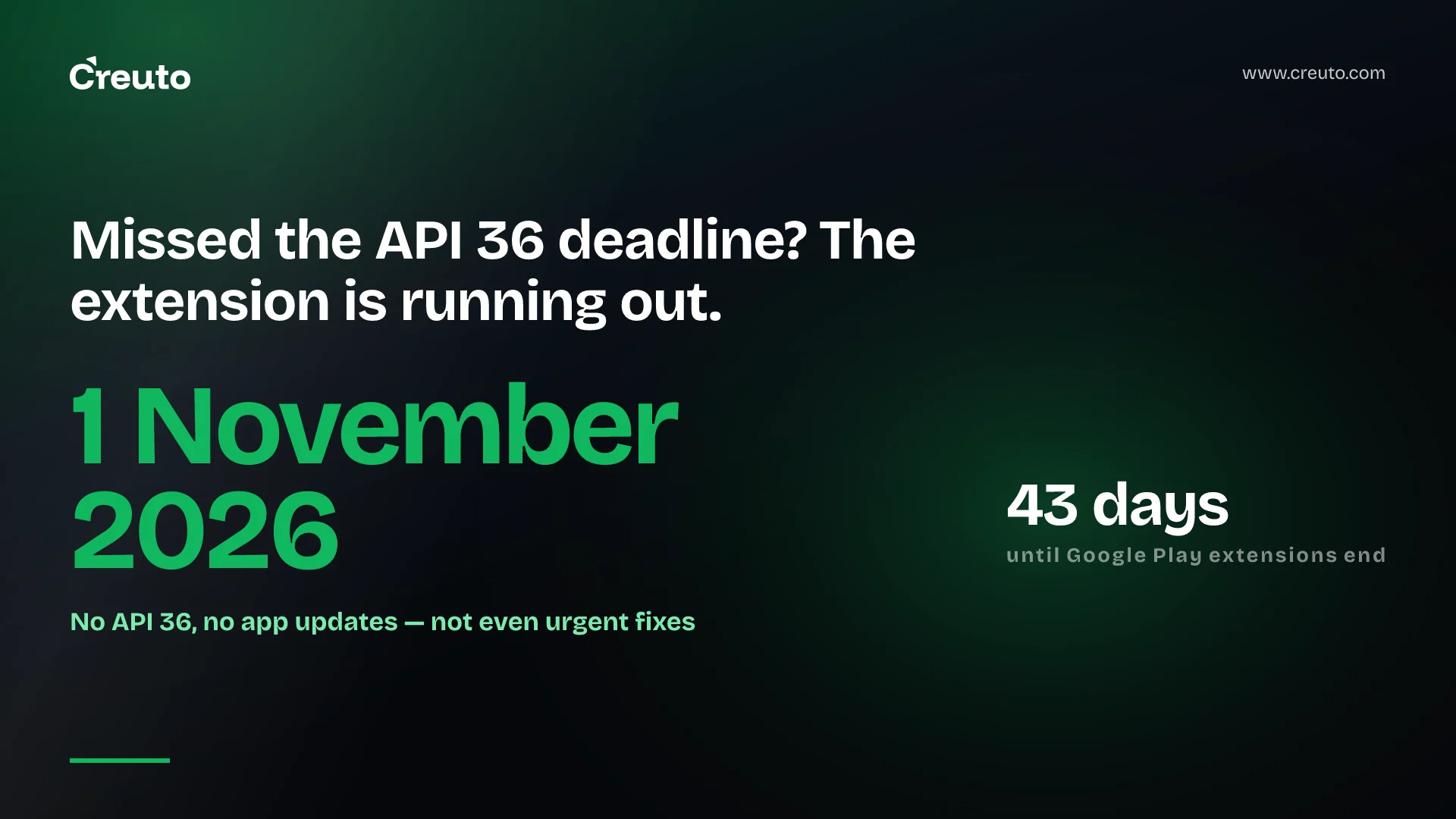
Google Play now requires new apps and app updates to use target API level 36 — Android 16. The deadline was 31 August 2026. Teams that requested more time have until 1 November 2026, and after that an app that has not been updated cannot ship updates at all. The good news: for most apps the upgrade is days of focused work, not a rewrite, as long as you start now.
What the target API level 36 policy says
According to Google Play Console Help:
- New apps and updates must target Android 16 (API level 36) or higher. Wear OS and Android Automotive OS apps must target Android 15 (API 35); Android TV and Android XR apps must target Android 14 (API 34).
- Existing apps must target Android 15 (API 35) or higher to remain available to new users on devices running newer Android versions. Apps targeting lower levels stop being offered to those users.
- Extension: developers can request an extension to 1 November 2026 through forms in Play Console.
The Android developer documentation explains the reason: each new target level opts your app into the latest security, privacy and behaviour changes.
What happens if my app does not target API 36?
You will not be able to publish updates — including urgent bug fixes and security patches — until it does. That is the real risk: a critical issue in November with no way to ship the fix. If your existing app is also below API 35, it additionally stops being available to new users on newer devices.
What breaks when targeting API 36
Raising the target opts you into Android 16's behaviour changes. Developers have been documenting what actually breaks in practice. The areas to test first:
- Edge-to-edge display. Content drawing behind system bars; screens need correct insets handling.
- Predictive back. Back gestures and custom back handling behave differently.
- Screen orientation and resizing. Large-screen devices increasingly ignore orientation and resizability restrictions.
- Background work and permissions. Foreground services, alarms and permission flows tighten with each release.
- Third-party SDKs. Payment, analytics, maps and chat SDKs must support API 36; outdated ones are the most common blocker.
React Native and Flutter apps
Cross-platform apps have one extra step: the framework and its native modules must support the new target. For React Native, that usually means upgrading React Native or Expo to a version that supports Android 16, then checking each native dependency. Many teams will combine this with their iOS 27 upgrade, since Expo SDK 58 and React Native 0.88 arrive at the same time. Our comparison of React Native and Flutter covers how each framework handles platform upgrades. Flutter apps need a current Flutter release and updated plugins.
How to request a Google Play API extension
Google says extension forms are available in Play Console for each app. If you have not requested one and are past 31 August, check Play Console now — and treat 1 November as a hard stop regardless. An extension buys time; it does not change the requirement.
An upgrade plan for the next six weeks
- Week 1: set
targetSdkandcompileSdkto 36 on a branch, update the Android Gradle Plugin and build tools, and list failing dependencies. - Week 2: upgrade or replace SDKs that do not support API 36; for React Native or Flutter, upgrade the framework.
- Weeks 3–4: fix edge-to-edge layouts, back handling and permission flows; test on Android 16 devices and large screens.
- Week 5: staged rollout through Play's testing tracks.
- Week 6: buffer for store review and fixes before 1 November.
Target API level 36 for apps without a development team
Many business apps were built by an agency or freelancer and have had no developer since launch. Those are the apps most at risk, because nobody is watching Play Console notices. If that describes your app:
- Log in to Play Console and check the app's policy status and any extension option.
- Make sure you have the source code, signing keys and access to the developer account — without them, nobody can ship the update.
- Get an assessment of how old the app's dependencies are; a very old app may need several upgrade steps.
- Decide whether to upgrade the existing app or, if it is badly outdated, rebuild the parts that matter.
Why this keeps happening
Google raises the target API requirement every year, and Android adds other deadlines alongside it, such as developer verification. Apps with a maintenance plan absorb these in a sprint; apps without one scramble each year. Our guide to mobile app development cost explains why maintenance belongs in the budget from day one.
A simple habit helps: schedule a platform-readiness sprint each year, shortly after Google announces the next requirement and Apple ships its new SDK. Upgrading when nothing is on fire costs far less than upgrading against a deadline with a production bug waiting to ship.
If your app is not yet on API 36, our Android app development team can take on the upgrade, test it across devices and get it through review before 1 November.
Frequently asked questions
From 31 August 2026, new apps and app updates on Google Play must target Android 16 (API level 36). Existing apps must target Android 15 (API 35) or higher to stay available to new users on newer Android versions. Extensions run to 1 November 2026.
An app that does not target API 36 cannot publish updates on Google Play after the deadline or extension ends, including urgent bug fixes. Apps below API 35 also stop being offered to new users on newer devices.
Google Play provides extension request forms for each app in Play Console, allowing more time until 1 November 2026. The extension delays the requirement but does not remove it.
Common issues when targeting Android 16 include edge-to-edge layout and insets, predictive back handling, orientation and resizing on large screens, background work and permission flows, and third-party SDKs that do not yet support API 36.
