SQL Server 2016 end of support: late ESU signup saves nothing
SQL Server 2016 end of support passed on 14 July 2026. ESUs are paid even on Azure VMs, run to 17 July 2029, and a late start is billed back.
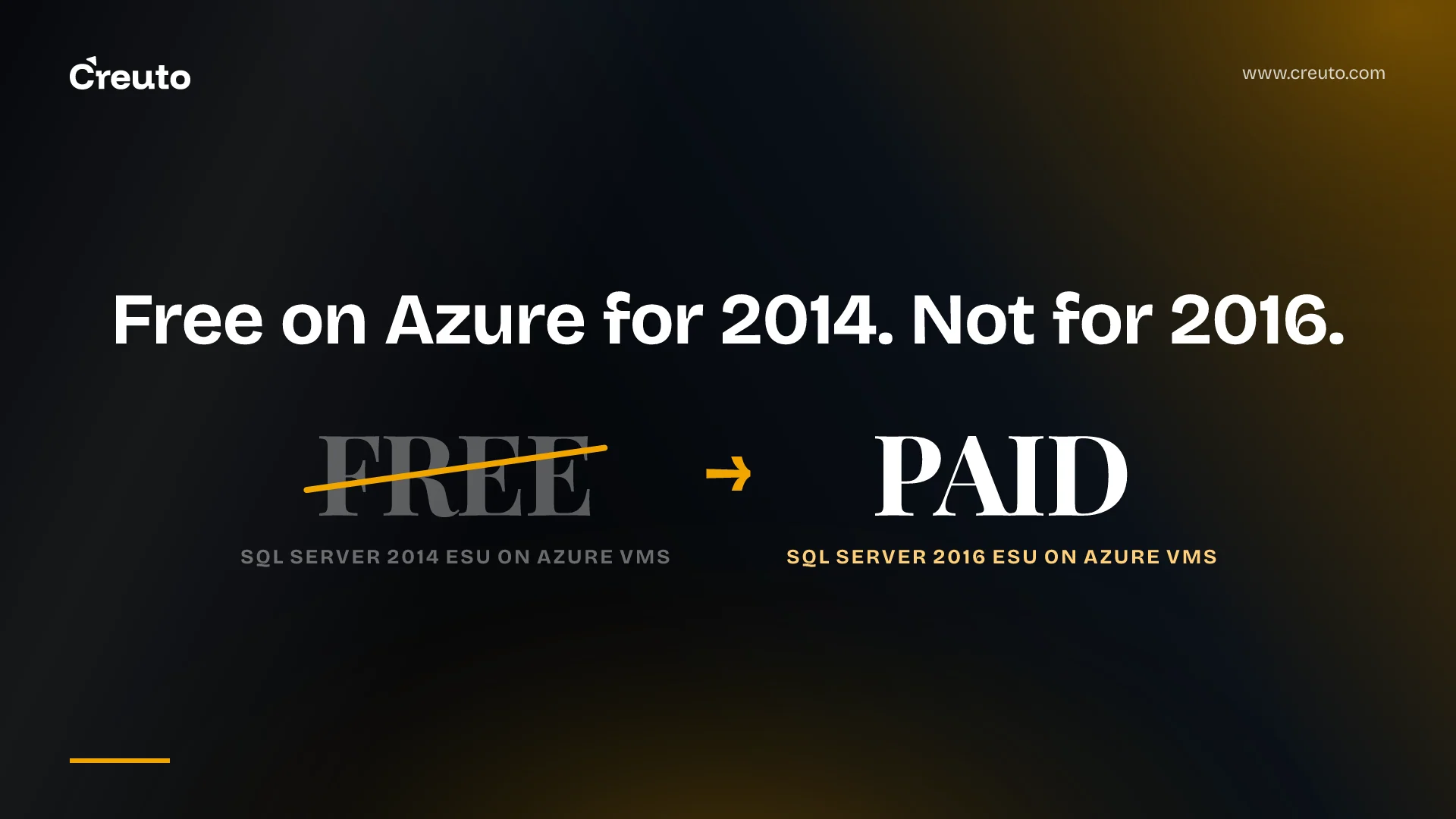
SQL Server 2016 end of support arrived on 14 July 2026. Extended Security Updates (ESUs) now cost money for production instances everywhere, including Azure VMs where SQL Server 2014's were free. They cover critical security fixes only, up to 17 July 2029, and a late start is billed back to day one of the ESU year.
SQL Server 2016 end of support: what changed and what ESUs cover
Microsoft's blog is blunt: "As of today, July 14, 2026, SQL Server 2016 has reached end of support," and Microsoft no longer provides regular security updates or technical support. The pages differ by a day on the boundary: the ESU FAQ starts billing at midnight UTC on 15 July, the same offset we found on Windows Server 2016. Microsoft's lifecycle page sets the ESU years like this.
| ESU year | Coverage dates | Source |
|---|---|---|
| Year 1 | 15 July 2026 to 13 July 2027 | Lifecycle page |
| Year 2 | 14 July 2027 to 18 July 2028 | Lifecycle page |
| Year 3 | 19 July 2028 to 17 July 2029 | Lifecycle page |
What the subscription buys is narrow. ESUs deliver security updates rated Critical by the Microsoft Security Response Center, released only if a qualifying vulnerability appears, so there is no regular release cadence. They exclude new features, functional improvements and customer-requested fixes. Only Standard and Enterprise editions are eligible, and you must run the latest service pack. If you only applied GDR updates, Microsoft says to install and validate the latest cumulative update when you subscribe.
Support is just as thin. Without ESUs, Microsoft's FAQ says you can't log a support ticket even if you have a support plan. With them, tickets cover only issues related to the updates or problems they introduce.
The Azure VM shortcut is gone for SQL Server 2016
Microsoft's Learn page says it directly: migrating your workload to SQL Server on Azure VMs no longer provides free access to ESUs for SQL Server 2016. SQL Server 2014 customers still get free ESUs on Azure VMs, and Microsoft lists 2014 coverage until 12 July 2027. The Tech Community post describes the 2016 route as needing a paid subscription rather than the previous no-additional-cost experience. The same split applies on Azure Stack: free for 2014, purchasable for 2016.
We can't give you the price, because the Microsoft pages we read don't print one. The FAQ points to pricing pages, the Azure Arc pricing page we fetched listed no ESU rates, and the third-party figures in search results disagree with each other, so we are not repeating them. Ask your Microsoft seller for the rate that applies to your agreement. What the Azure Arc billing rules do tell you is how the meter works, and each rule is a cost lever:
- Billing is hourly, with a minimum of four cores per operating system environment.
- The Standard ESU subscription is capped at 24 cores, and one Enterprise core counts as four normalized cores to Standard's one.
- Passive high-availability and disaster-recovery replicas that meet Microsoft's criteria are not billed.
- Once production is subscribed through Azure Arc, non-production instances can be covered for free through Developer edition or an Azure dev/test subscription.
Waiting to buy ESUs saves nothing
The FAQ states the rule for 2016: if you subscribe after the end of support, billing starts the day you subscribe and includes a one-time bill-back charge to the first day of the ESU term. A late start moves the payment, not the Year 1 total. It is the same trap we described in our Windows Server 2016 end of support post, where the app, not the server, set the timeline.
The exit is cheap, which is the reason to take the bridge seriously. You can cancel without penalty, and charges stop automatically when you upgrade to a supported version or migrate to Azure. The upkeep is where people get caught. If the Azure Arc agent stays offline for more than 45 days its certificate expires, and re-onboarding can trigger bill-back charges. Renaming a machine can change its VM ID, and moving it to a different Azure location terminates the subscription. Give the bridge an owner.
When paying for ESUs is the right call
The strongest case for ESUs is Microsoft's own. They are a temporary bridge for environments with application dependencies, testing requirements or migration complexity, and nothing locks you in. The database keeps receiving critical patches while you test, and the cost stops when you upgrade. In our reading, that fits an application whose vendor certifies only SQL Server 2016, or one with no tests and an unknown owner.
It is the wrong choice when it replaces the inventory. ESUs buy engineering time, not an answer. They run out on 17 July 2029 at the latest, and three years of fees buy no support for the product itself.
The upgrade is smaller than the migration
Microsoft supports upgrading to SQL Server 2025 from SQL Server 2016 SP3 or later, and the same service pack level is the starting point for SQL Server 2022. SQL Server 2016's default compatibility level is 130, and SQL Server 2025 supports levels 100 to 170. Microsoft's guidance is that for existing databases, keeping the previous compatibility level is a valid approach if the application doesn't need newer enhancements.
In our reading, that separates the platform change from the application change: the engine moves to a supported version while query behaviour stays closer to what the app was tested against. It guarantees nothing about drivers, deprecated features or linked servers, so test before you cut over. The runways, from Microsoft's lifecycle pages:
| Path | Support runway | Fit |
|---|---|---|
| ESU bridge | Critical security fixes to 17 July 2029 | Microsoft: short-term protection while planning |
| SQL Server 2022 | Mainstream to 12 January 2028, extended to 12 January 2033 (lifecycle) | Our reading: staying on premises, with a shorter runway than 2025 |
| SQL Server 2025 | Mainstream to 7 January 2031, extended to 7 January 2036 (lifecycle) | Microsoft: keeping databases on premises or in hybrid cloud |
| Azure SQL Managed Instance or Database | Never reaches end of support | Microsoft: avoiding future upgrade cycles |
If Azure SQL Managed Instance is the target, the Managed Instance link replicates from SQL Server 2016 in one direction only. Failing over to the managed instance breaks the link, and failing back isn't supported, so write the rollback plan before the cutover date. Older checklists that start with Data Migration Assistant are stale: Microsoft retired the tool on 16 July 2025 and recommends Azure Database Migration Service for large migrations.
Ask the application before you pick a path
For each 2016 instance, ask four things: which application owns it, whether that application runs on a supported version at compatibility level 130, what its vendor certifies, and how many cores, replicas and non-production copies the meter will count. Use ESUs for the applications you can't test yet, upgrade the ones you can, and treat Azure SQL as a cloud migration decision rather than a patching one.
A caveat on our own authority: our stack is PostgreSQL, MongoDB, Redis and TimescaleDB, not SQL Server, so this post rests on Microsoft's documentation as read on 17 November 2026, not on a SQL Server migration of ours. If the unknown is the application rather than the database, that is the work our legacy application modernisation team does: reading what the app really depends on before you choose between ESUs, an upgrade and a rebuild.
Frequently asked questions
SQL Server 2016 reached end of support on 14 July 2026. Extended Security Updates are available for up to three years, and Microsoft's lifecycle page lists coverage to 17 July 2029. They carry critical security fixes only, released when a qualifying vulnerability appears, with no regular release cadence.
No. Microsoft states that migrating SQL Server 2016 to an Azure VM no longer provides free ESUs, so a paid subscription is required. SQL Server 2014 ESUs on Azure VMs remain free. The Microsoft pages we read publish no per-core price, so confirm the rate with your Microsoft seller.
Microsoft's FAQ says billing starts on the day you subscribe and includes a one-time bill-back charge to the first day of the ESU term. Waiting to see how the first year goes therefore delays the payment but does not reduce what you owe for that year.
No. Microsoft's ESU FAQ says you cannot log a support ticket for SQL Server 2016 on-premises after end of support, even with a support plan. With an ESU subscription you can log tickets, but only for issues related to the extended security updates or problems introduced by installing them.
It may, but test it. Microsoft supports upgrades to SQL Server 2025 from SQL Server 2016 SP3 or later, and SQL Server 2025 supports compatibility levels 100 to 170, so a database can stay at level 130. That does not guarantee drivers or deprecated features behave identically.