Safari MCP: your coding agent can now test your site in Safari 27
Safari MCP ships in Safari 27, giving Claude Code and Codex the DOM, network, console and screenshots in real Safari. Setup, QA uses and what else is new.
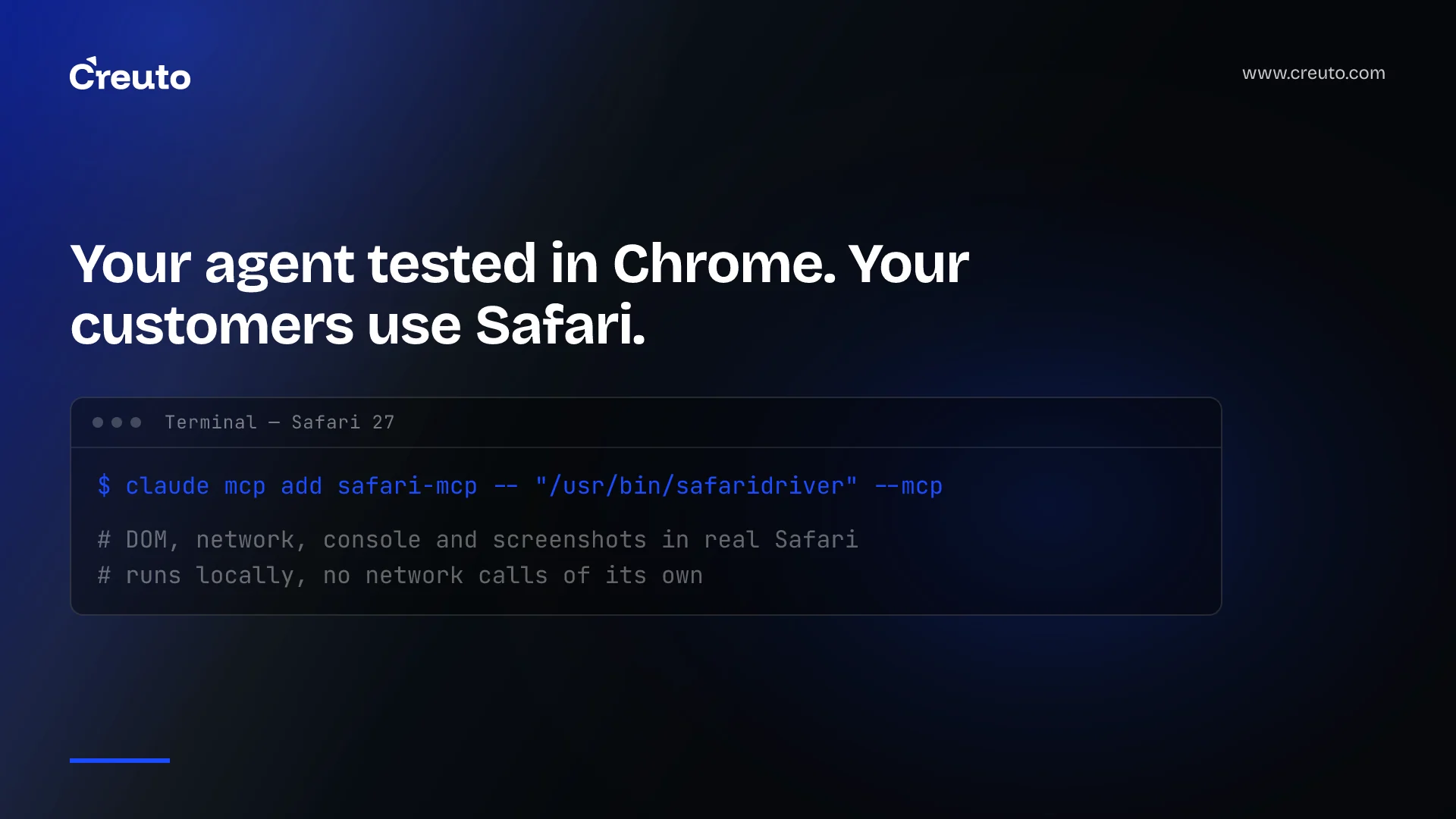
Safari 27 ships with something no browser vendor had built in before: an MCP server. Safari MCP lets coding agents such as Claude Code or Codex control a real Safari window — reading the DOM, network requests, console output and screenshots. For teams whose customers are mostly on iPhones, that closes an awkward gap: until now, agent-driven testing and debugging almost always happened in Chromium, while the bugs customers hit were in Safari.
What is Safari MCP?
WebKit's Safari 27.0 features post, published on 17 September 2026, introduces the Safari MCP server as a way to "give Claude Code, Codex, or the agent of your choice control over the browser window so it can see how your code renders." It provides access to the DOM, network requests, screenshots and console output, so an agent can check how a page actually looks and behaves, and verify user states in forms, checkout flows and selections.
WebKit is specific about privacy: the MCP server runs entirely on your local machine, makes no network calls of its own, does not have access to your personal information in Safari, and any captured data goes directly to the agent you are running, not to Apple. 9to5Mac led its coverage of Safari 27 with the feature.
How to enable Safari MCP
Setup is a single command pointing your agent at Safari's WebDriver binary. For Claude Code, WebKit gives:
claude mcp add safari-mcp -- "/usr/bin/safaridriver" --mcpand for Codex:
codex mcp add safari-mcp -- "/usr/bin/safaridriver" --mcpOther agents take the same command and arguments in their MCP configuration file. The server comes with Safari 27 on macOS.
Why it matters for web QA
Cross-browser bugs are disproportionately Safari bugs in practice, and iPhone users are a large share of traffic for consumer sites in India and the Gulf. Agent workflows so far have leaned on Chromium-based tooling, which means an agent could "verify" a fix that still failed on the browser most customers use. With Safari MCP, an agent can:
- reproduce a customer-reported Safari bug and check the fix renders correctly;
- walk a checkout or sign-up flow and confirm form states and error messages;
- inspect failing network requests and console errors in Safari itself;
- capture screenshots before and after a change for review.
This is interactive debugging, not a replacement for automated test suites. Keep your regression tests in a framework such as Playwright running in CI, and use agent sessions for investigation and exploratory checks. The same "give agents a structured interface" idea appears on the site side with WebMCP.
A Safari MCP workflow for web teams
- Start from a real report. Give the agent the customer's steps, device and Safari version, and the page URL on staging.
- Reproduce first. Ask the agent to walk the flow in Safari and capture screenshots, console errors and failing requests before changing any code.
- Fix with evidence. Once the cause is clear, let the agent propose a change, then re-run the same flow in Safari and compare screenshots.
- Turn it into a test. Add a regression test in your automated suite so the same bug cannot return unnoticed.
- Review the diff. A person approves the fix, checking it against the requirement rather than only the screenshot.
The value is speed on the part that used to be slowest: getting a reliable reproduction on the browser where the bug actually happens.
What else is new in Safari 27 for web developers
- Customizable select. The native
<select>element can now be fully restyled, with new default styles, removing the need for JavaScript dropdown replacements that often broke accessibility. - Scroll anchoring. Prevents content from jumping when something loads above the viewport — a common cause of mis-taps on mobile.
- WebAssembly JavaScript Promise Integration. Lets Wasm code work with asynchronous JavaScript.
- Quality. WebKit says it announced 525 fixes at WWDC and ended with 844 — "the biggest feature of Safari 27.0 isn't a feature at all."
Customizable select and scroll anchoring both remove long-standing workarounds, which is worth a quick audit of your front-end code once your Safari audience has upgraded.
Safari MCP vs Playwright WebKit
Playwright can already run WebKit, the engine behind Safari, and remains the right tool for repeatable automated tests. Safari MCP is different: it drives real Safari on a Mac for an agent's interactive session. Use Playwright for regression suites in CI, and Safari MCP when an agent needs to see exactly what a Safari user sees.
Precautions
- Point agents at development or staging environments, not production accounts with real customer data.
- Remember that what the agent captures goes to the agent's provider; follow your AI tool policy.
- Review agent-proposed fixes like any other change; seeing the page is not the same as understanding the requirement.
Our QA and automation and web app development teams test on the browsers your customers actually use. If Safari issues keep reaching your users, we can add Safari to both your automated tests and your agent-assisted debugging.
Frequently asked questions
Safari MCP is a Model Context Protocol server built into Safari 27 that lets coding agents such as Claude Code or Codex control a Safari window, with access to the DOM, network requests, console output and screenshots. It runs locally on your Mac.
Add Safari's driver as an MCP server in your agent. For Claude Code the command is claude mcp add safari-mcp -- "/usr/bin/safaridriver" --mcp, and Codex uses the same arguments with codex mcp add. Other agents use the same command in their MCP config.
According to WebKit, the Safari MCP server runs entirely on your machine, makes no network calls of its own, cannot access your personal Safari information, and sends captured data only to the agent you run, not to Apple.
Safari 27 adds the Safari MCP server, a fully customizable select element, scroll anchoring, WebAssembly JavaScript Promise Integration and 844 fixes to existing features, according to WebKit's release post.
