OpenAI Dots: decide these four things before you enable one
OpenAI Dots read your connected apps between conversations. What the published limits and admin controls actually cover, and what they leave to you.
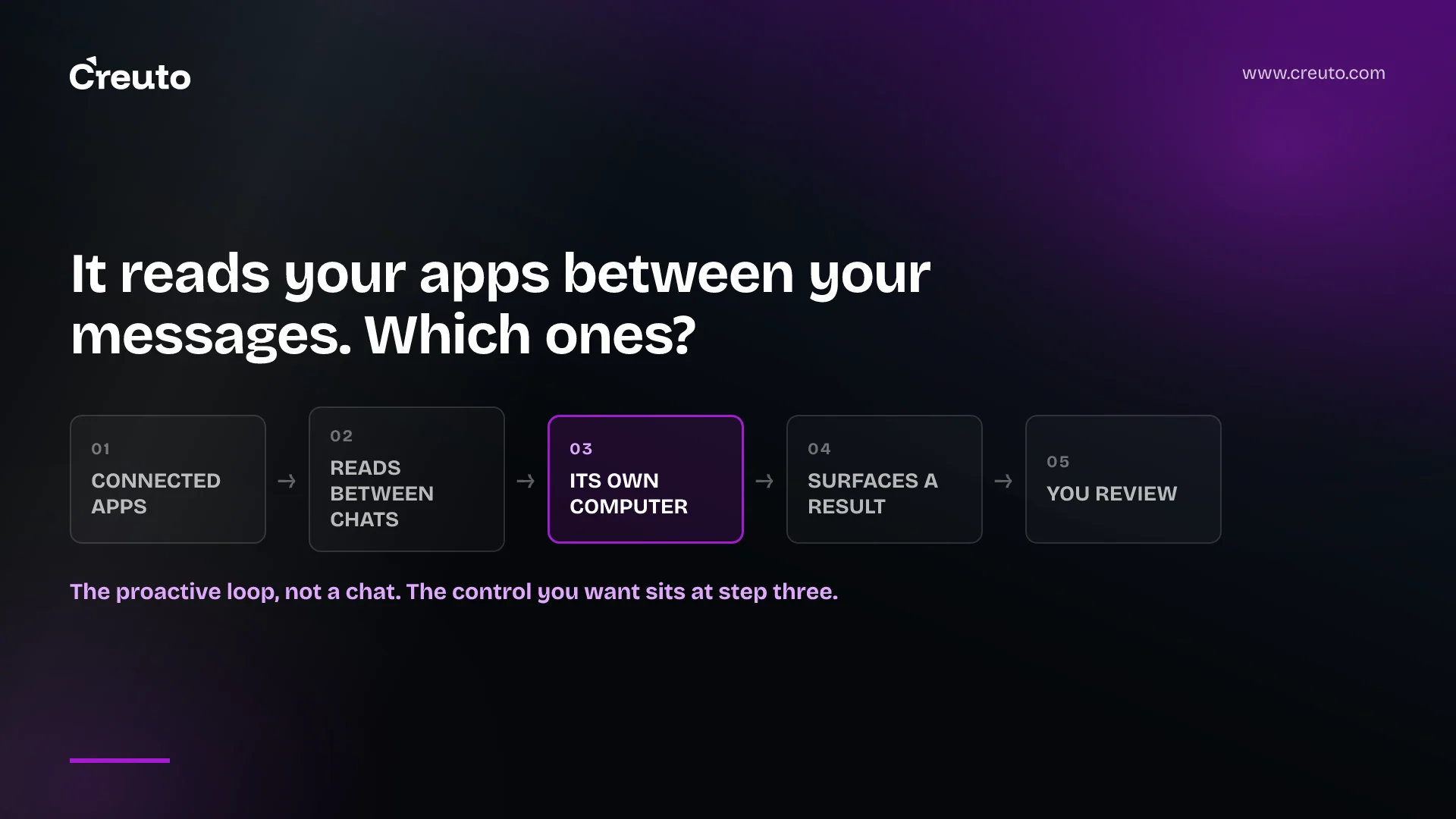
OpenAI Dots read your connected apps when you are not talking to them. That is the design, not a side effect: a dot does background research across the accounts you attached, keeps its own private notes on what it finds, and comes back with a suggestion you did not ask for. Before you let one near a shared inbox, decide which connectors it may hold.
What OpenAI publishes, as of 3 October 2026:
- Where it runs. Each dot has its own cloud computer and browser, with its own sessions, separate from your machine. You can open it, watch it, and select Take over to drive it yourself.
- What it reads unprompted. Proactive research is read-only. OpenAI states it "doesn't send messages, change connected apps, or control a browser or computer."
- Plans. Pro 100, Pro 200, Pro 500, Business Premium and Enterprise. On Enterprise, dots are off by default and a workspace administrator must turn them on.
- Usage. Conversations with your dot do not count toward ChatGPT usage limits. Tasks it starts or manages in Work or Codex count toward those products' limits as usual.
- Admin controls. They exist and are documented. The audit trail is the part to check.
The case for dots is better than the launch coverage made it
Most agent products remove typing. A dot removes a category of follow-up: the work of remembering that something is still open. OpenAI's own description is that a dot "works between conversations," tracks progress, decides what needs to happen next, and follows through as things change. It can decide when to pause and wake up again, so you do not have to put every check-in on a schedule.
That is a real difference. A scheduled job fires whether or not anything changed. A chat agent does nothing until you open it. The thing in between — noticing on Thursday that the headcount moved and the venue quote is now wrong — is the work that falls through, and the work nobody wants to raise a ticket for.
You buy that by giving an agent standing read access to the places where that context lives. Which is where the governance question starts.
What "proactive research" actually means for a shared inbox
OpenAI's wording is more precise than the coverage. In Tasks and memory, proactive research is background agents reading information the dot "has permission to read" and keeping private notes about useful findings. The example OpenAI gives is a dot flagging that a release decision conflicts with a draft you shared last week.
Two things follow for a business, and neither is obvious from the feature page. First, the unit of exposure is the connected account, not the request. A dot attached to a shared sales inbox is not reading the three threads you pointed at. It has whatever that mailbox can see, continuously, and it is reading across it to find things worth telling you. If that mailbox receives customer contracts, candidate CVs or anything under a data processing agreement, the question is no longer "did I ask it to look at that" — because it will look, by design.
Second, findings persist independently of the connection. OpenAI's admin guide states plainly that a dot can create saved memories including information from connected apps, and that "disconnecting an app does not delete information already obtained." Revoking a connector is not a rollback. Same for stopping work: the controls documentation says pausing a dot does not undo completed actions, and deleting the dot does not recall messages already delivered to other people.
This is the same failure mode we have written about before, where AI agent security controls get routed around — not defeated, just made irrelevant by a path nobody modelled. Here the path is memory outliving the permission that filled it.
What the published OpenAI Dots limits really are
Several widely repeated figures are not in OpenAI's documentation at all.
| Claim | Where it comes from | Status |
|---|---|---|
| Conversations with a dot do not count toward usage limits; Work and Codex tasks do | OpenAI docs | Published |
| Runs on GPT-6 Astra, own cloud computer and browser | OpenAI docs | Published |
| Pro 100/200/500, Business Premium, Enterprise; Enterprise off by default | OpenAI docs | Published |
| One dot per user today, teams of dots later | Engadget | Press only |
| Connects to more than 4,000 apps | Engadget | Press only |
| The first dot is free | Engadget | Press only |
Engadget reports that users get one primary dot at launch with teams of dots as the stated direction, more than 4,000 connectable apps, and a free first dot. OpenAI's documentation says none of those three things. It describes app access as supported plugins you install and authorise individually, with no catalogue count, and its access page gives no price.
The documentation also carries a restriction the coverage mostly dropped: on the Pro tiers, dots are for users over 18 outside the European Economic Area, the United Kingdom and Switzerland. Business Premium and Enterprise are rolling out worldwide. If your team is in Manchester or Munich on Pro, this is not available to you yet, whatever the launch posts said.
Admin controls are documented — the audit trail is the gap
We expected not to find admin documentation this early. It is there. OpenAI's dots admin guide lists four role-based permissions — Use dots, Add dots to Slack, Allow local computer access, Use custom rules for dots — plus a separate Cloud computer capabilities group covering Cloud browser use, Cloud network access, Cloud computer use and Use password manager. Connector restriction runs through Plugin controls, where an admin can allow read-only actions or an approved custom set per connection. One line is easy to miss: Enterprise model controls and defaults do not apply to dots.
So the controls exist. The weaker part is what you can reconstruct afterwards. The admin guide points investigations at the Compliance API, which covers "user messages and dots' replies" — and then tells you to confirm record coverage before relying on it for an audit. The Compliance API page is blunter still: for local computer access, the available sources "do not establish a complete record of every local command, file operation, screenshot, approval, or external action."
Read that against the takeover model. A dot's browser holds its own sign-ins, entered through a private form or by taking over and typing them yourself, and the computer keeps state between sessions. You can watch it live. What is not promised anywhere is a replayable record of what it clicked while you were not watching. Watching is a live control, not an audit log — the same distinction that matters when an agent runs in the cloud rather than on a machine you own, and the same one behind the approval design in the OpenAI computer use API.
OpenAI gives you the test for this, and it is a good one: run a representative task and compare the exported records with the actions actually performed. Do that before enabling, not after an incident.
What to decide before you enable it
Four decisions, in this order. None of them need a committee.
- Which connectors. Start read-only and narrow. OpenAI's own rollout guidance says to begin with read actions and, before enabling write actions, identify the plugin owner, review scopes, confirm data access and document a recovery path. A personal calendar is a different decision from the shared inbox.
- Which actions require a human. Custom rules give four settings per action — act without asking, act when you say so, ask before acting, or hand off to you. Set "hand off to you" for anything destructive and "ask before acting" for anything that reaches a customer. Note that an admin can disable custom rules entirely, in which case saved rules stop applying and only default rules remain.
- What you need in a log. Write down the three questions you would have to answer after a bad week — which record did it change, when, on whose authorisation — then check whether the exported records answer them. If they do not, the connector does not get write access.
- What happens at offboarding. Revoking dots access does not disconnect apps or sign out of websites, and saved memories survive a disconnected connector. Offboarding has to include reviewing saved memories and the dot's browser sessions, not just the workspace seat.
None of this is an argument against dots. It is an argument for the hour of work that turns a personal agent into something you can put in front of an auditor. If you are weighing this against building the same loop yourself on the API — where you own the log format — the trade-offs are the ones we set out in ChatGPT workspace agents or a custom build, and our AI engineering services team runs that comparison regularly.
The decision to make this week is narrower than it looks: pick one connector, read-only, on one person's dot, and run the audit-record comparison before anyone else gets access.
Frequently asked questions
An OpenAI dot is an always-on personal agent in ChatGPT, running on GPT-6 Astra, with its own cloud computer and browser. It works between conversations, researches across apps you have connected, and comes back to you with results or decisions that need your judgment.
Conversations with your dot do not count toward your ChatGPT usage limits, according to OpenAI's documentation. Tasks your dot starts or manages in ChatGPT Work or Codex do count toward those products' limits as usual, so delegated work is still metered.
Proactive research is read-only: OpenAI states it cannot send messages, change connected apps, or control a browser or computer. Other actions go through an automatic review against your instructions, custom rules and app permissions, which decides whether it proceeds, asks you, or hands the step over.
OpenAI lists dots for Pro 100, Pro 200, Pro 500, Business Premium and Enterprise. Enterprise has them off by default until a workspace administrator enables them. On the Pro tiers they are limited to users over 18 outside the EEA, the UK and Switzerland.
Yes. OpenAI's dots admin guide routes connector restriction through Plugin controls, where an admin can allow read-only actions or an approved custom set per connection. Separate workspace permissions cover dots access, Slack, local computer access, custom rules and cloud computer capabilities.
Only partly. OpenAI points admins at the Compliance API for user messages and dots' replies, and tells them to confirm record coverage before relying on it for an audit. For local computer access it states the sources do not establish a complete record of every action.
