OpenAI ChatKit: the chat UI is done, the server is yours
OpenAI ChatKit outlives Agent Builder's 30 November shutdown. What it gives you, how to run your own ChatKit server, and what you still build yourself.
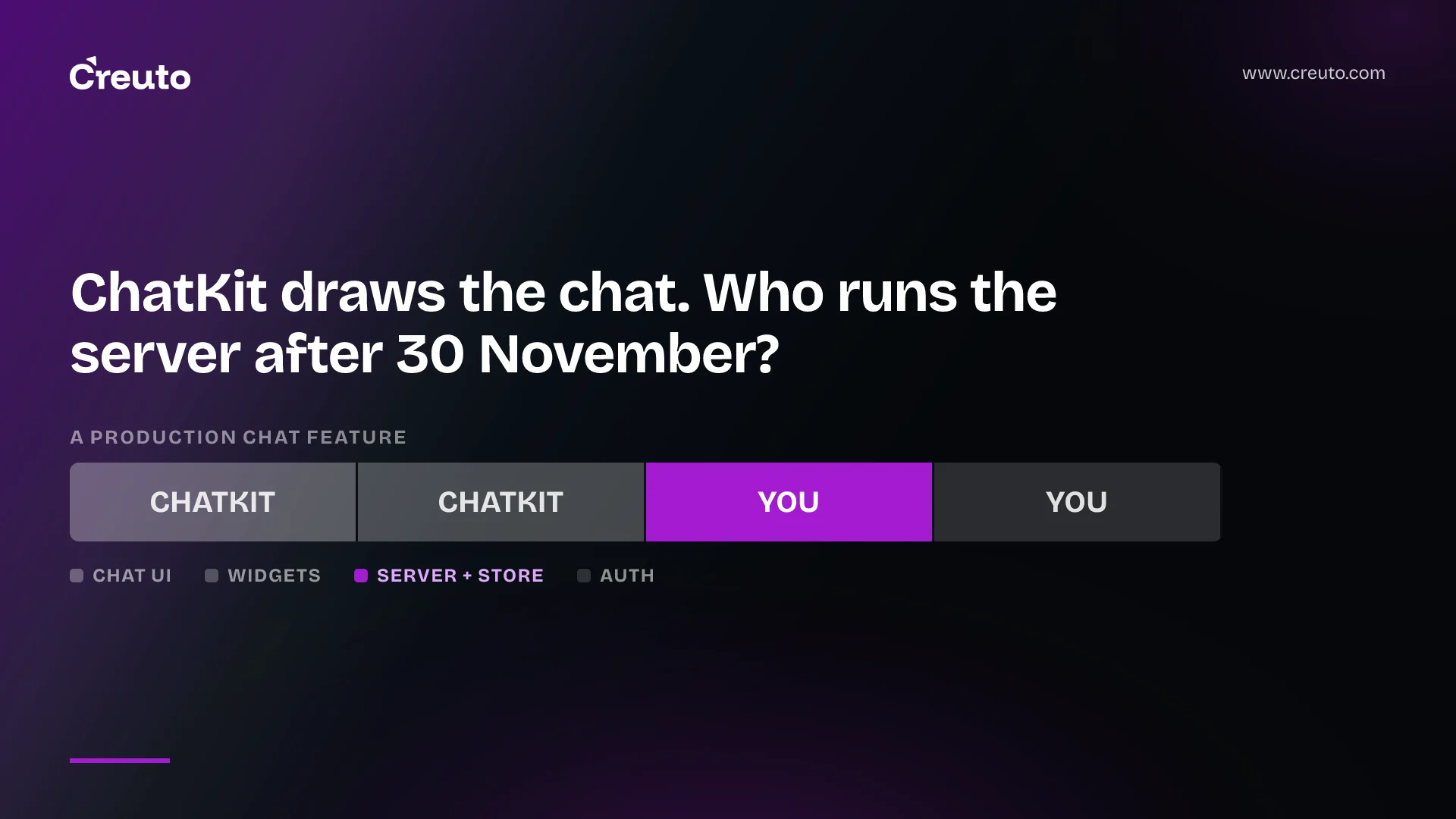
OpenAI ChatKit survives the Agent Builder shutdown, but the quickstart most tutorials show does not. The embed path that points ChatKit at a hosted Agent Builder workflow is now reserved for existing users during the transition window, and Agent Builder shuts down on 30 November 2026. New ChatKit apps run on a server you build.
By the end of this post you will know what ChatKit gives you out of the box, how the self-hosted integration connects to your own agent backend, which parts of a production chat feature you still build, and when a custom chat UI remains the better call. Facts are from OpenAI's ChatKit and deprecation docs as of 21 September 2026.
| Key fact | Detail |
|---|---|
| ChatKit launched | 6 October 2025, as an embeddable chat interface for agents |
| Agent Builder deprecation announced | 3 June 2026 |
| Agent Builder shutdown | 30 November 2026 |
| ChatKit status | Still available |
| Path for new apps | Advanced integration: your own ChatKit server, typically with the Agents SDK |
| Upload storage price | $0.10 per GB-day after 1 GB free per account per month |
What is OpenAI ChatKit?
OpenAI ChatKit is a chat front end for agents that you embed in your own product. OpenAI launched it on 6 October 2025 alongside Agent Builder, and describes it as providing embeddable UI widgets, customizable prompts, tool-invocation support, file attachments and chain-of-thought visualizations, so you can build an agent without rebuilding the chat interface. The web component loads from OpenAI's CDN, and React apps use the @openai/chatkit-react bindings.
The customization surface is wider than a color picker. The theming guide covers light and dark schemes, an accent color, density, corner radius and font family, plus a start screen with a greeting and starter prompts. Widgets add structured UI inside the conversation: the widget reference lists containers such as Card and ListView and components such as badges, boxes, buttons and forms, and actions let a button or form trigger server work without the user typing a message. The web component also emits lifecycle events such as chatkit.error, chatkit.response.start and chatkit.thread.change for your analytics and error handling.
Is ChatKit still supported after the Agent Builder shutdown?
Yes. OpenAI's deprecations page records that it notified developers on 3 June 2026 that Agent Builder is being deprecated, that it is scheduled to shut down on 30 November 2026, and that ChatKit remains available. What changes is where ChatKit gets its agent from.
The ChatKit guide now offers two paths. A custom server integration runs ChatKit on your own infrastructure with the ChatKit Python SDK and connects to any agentic service, including one built with the Agents SDK. An existing Agent Builder-hosted integration can keep running during the transition window. OpenAI's instruction for anything new is explicit: build on your own server-side agent implementation with the ChatKit SDKs and the Agents SDK. Because the hosted path creates sessions against an Agent Builder workflow ID, plan on it ending when Agent Builder does.
If you have a hosted workflow today, OpenAI's migration guide lets you export it as Agents SDK code in TypeScript or Python, with the warning that the export does not convert your workflow graph or guarantee every behavior transfers unchanged. Our Agent Builder deprecation guide walks through that export and what to test.
How to use OpenAI ChatKit with your own server
An advanced ChatKit integration means building a ChatKit server and adding widgets on top. OpenAI's advanced integration guide breaks the server into these parts:
- Install the server package with
pip install openai-chatkit. - Subclass
ChatKitServerand overriderespond, which streams events whenever a user message or client tool output arrives. The helperstream_agent_responseconnects it to an Agents SDK run. - Expose one HTTP endpoint that forwards requests to the server and returns a
text/event-streamresponse for streaming results. - Implement
chatkit.store.Storeto persist threads, messages and files in your database. OpenAI suggests storing models as JSON blobs so library updates do not force schema migrations. - Provide a
FileStoreif you accept uploads, using either direct uploads to your endpoint or two-phase uploads through a signed URL. - Pass a custom context object into
server.processto enforce permissions and carry user identity through the store.
Two smaller features matter in practice. Client tools, such as adding an item to a list in your own UI, must be registered both in the client options and on the agent. And long-running tools can stream progress to the chat with ProgressUpdateEvent, which ChatKit replaces with the next message when the tool finishes. OpenAI's own server example sets the agent's model to gpt-6-astra, but the server does not care which model or agent framework sits behind respond.
ChatKit with the Agents SDK
ChatKit and the Agents SDK are designed to pair: Runner.run_streamed produces the stream and stream_agent_response converts it into ChatKit events. Thread metadata, which the client never sees, is where OpenAI suggests keeping server-side state such as the previous Responses API run ID. If you are still choosing how much of the agent runtime to own, our post on the OpenAI Agents API and managed harnesses covers that decision.
What ChatKit does not build for you
ChatKit removes the chat interface from your backlog, not the chat feature. The hosted quickstart already carried one hard requirement: when creating a session you must pass a user parameter unique to each end user, and your server must authenticate your users first. On the self-hosted path, identity, storage and files are entirely yours.
| Part of a production chat feature | ChatKit provides | You build |
|---|---|---|
| Chat UI, streaming, threads view | Web component and React bindings | Placement and page integration |
| Look and feel | Theme, density, radius, font, start screen | Mapping to your design system |
| Rich responses | Widgets, forms and actions | Action handlers on your server |
| Agent logic | Server SDK and Agents SDK helpers | Instructions, tools, model choice |
| Auth and permissions | A context object to carry identity | User authentication and access rules |
| History and files | Store and FileStore interfaces | The database and object storage behind them |
Files have a cost if you use OpenAI's storage: the pricing page lists ChatKit file and image upload storage at $0.10 per GB-day after 1 GB free per account per month. On the self-hosted path, the widget guide says ChatKit expects uploads to be hosted by your backend before a message references them, so the storage bill is usually your own cloud's.
Should you build your own chat UI instead?
The case for building your own is strongest when chat is the product. A consumer app with a distinctive brand, a conversation interface that mixes chat with a canvas or map, or a native mobile screen will fight any embed, and theming options stop at the edges the component exposes. In our web app development work, those are the builds where a custom React interface over your own streaming endpoint earns its extra weeks.
ChatKit is the better choice when chat is a feature inside something else: an internal knowledge assistant, an HR onboarding helper, a support agent, a scheduling assistant. OpenAI lists exactly those use cases, and for them the value is in the agent and the data it can reach, not in hand-built message bubbles. Streaming, attachments, thread switching and tool-progress states are real engineering work, and ChatKit ships them.
This is the wrong choice if your backend team cannot run Python or implement the ChatKit server protocol themselves, since the server SDK OpenAI documents is Python. It is also the wrong choice if you expected a zero-backend embed: after 30 November that option is gone. For everyone else, the next decision is not whether to adopt ChatKit but who owns the server behind it, the store, and the auth that decides what each user's agent is allowed to see.
Frequently asked questions
OpenAI ChatKit is an embeddable chat interface for agents, launched on 6 October 2025. It provides UI widgets, customizable prompts, tool-invocation support, file attachments and chain-of-thought visualizations, so a team can add an agent chat to a web product without building the conversation interface, streaming states or thread management from scratch.
ChatKit is still supported after Agent Builder shuts down on 30 November 2026; OpenAI's deprecations page states that ChatKit remains available. Only the Agent Builder-hosted path is in a transition window. New ChatKit apps should use the advanced integration, with your own ChatKit server and an agent built on the Agents SDK or another service.
Using OpenAI ChatKit with the Agents SDK means installing the openai-chatkit Python package, subclassing ChatKitServer and overriding respond. Inside respond, run the agent with Runner.run_streamed and pass the result to stream_agent_response, which converts it into ChatKit events. You also implement a Store for threads and messages.
Building your own chat UI makes sense when chat is the core product, needs a distinctive brand, mixes chat with other interfaces, or runs as a native mobile screen. ChatKit is the better choice when chat is one feature inside a web product, such as a support agent or internal knowledge assistant, where the agent matters more than the interface.
ChatKit itself has no separate line on OpenAI's pricing page, but ChatKit file and image upload storage costs $0.10 per GB-day after 1 GB free per account per month. You still pay for the model tokens your agent uses, and on a self-hosted integration you pay for your own server, database and storage.
