OpenAI Batch API vs Flex: half price, different trade-offs
The OpenAI Batch API and Flex processing both halve token prices. One waits up to 24 hours, the other can return a 429. Which workloads fit each.
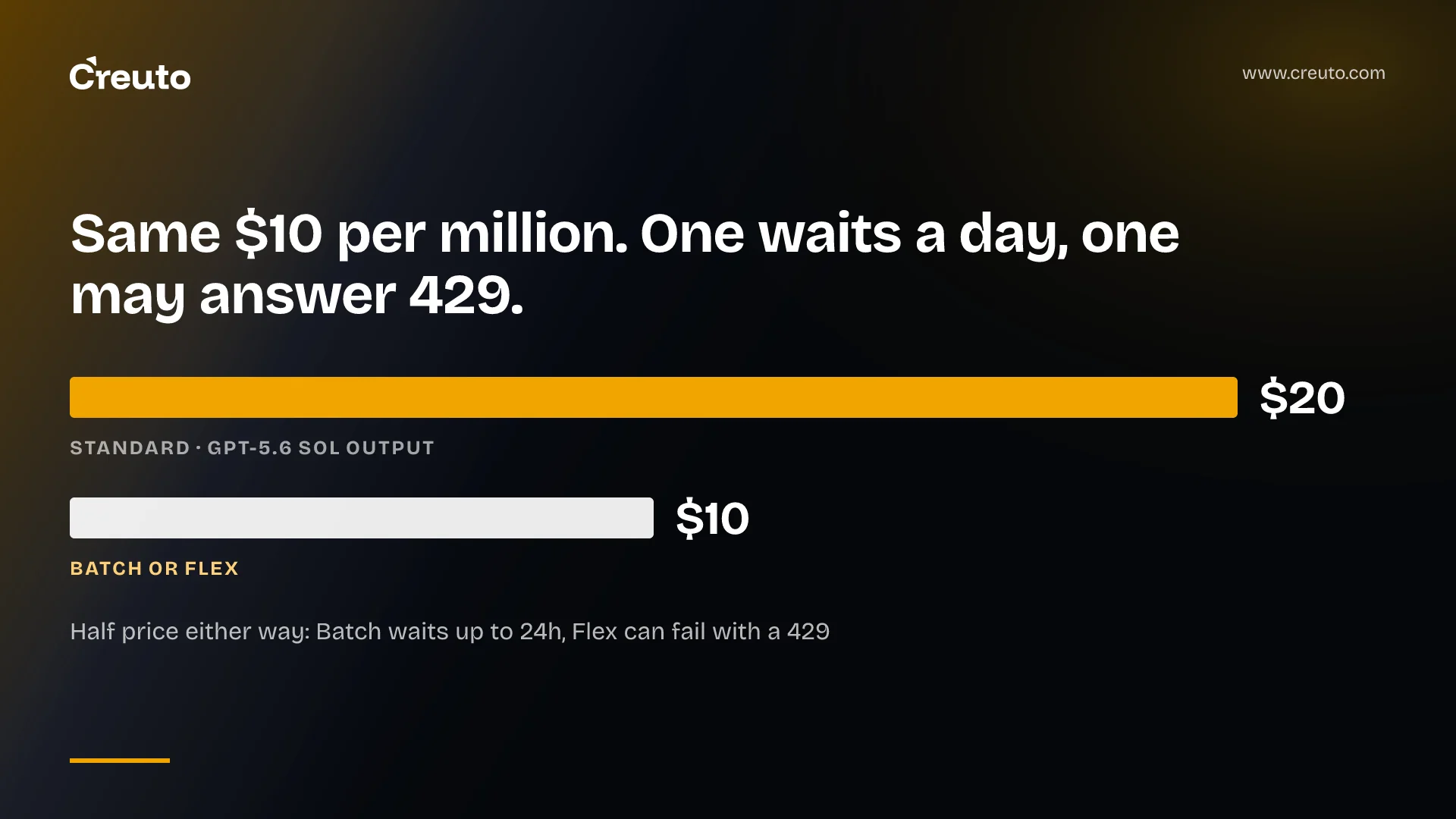
The OpenAI Batch API and Flex processing charge exactly the same rate: GPT-5.6 Sol drops from $4 input and $20 output per million tokens to $2 and $10 on both the Batch and Flex price tables. What you give up is different. With the OpenAI Batch API you hand over a file and wait up to 24 hours; with Flex you keep a normal synchronous call but accept slow responses and the occasional 429. This post shows which of your workloads fits which, how each one fails, and what the saving looks like on real list prices.
| Batch API | Flex processing | |
|---|---|---|
| Discount | 50% against synchronous APIs | Billed at Batch API rates |
| How you call it | Upload a JSONL file, create a batch, poll, download results | service_tier: "flex" on a normal request |
| When you get the answer | Within a 24-hour completion window, often sooner | In the same request, but slower than standard |
| Endpoints | Responses, Chat Completions, Embeddings, Completions, Moderations, Images, Videos | Responses and Chat Completions |
| Rate limits | Separate pool, not drawn from your per-model limits | Not stated in the Flex guide |
| Main failure | Batch expires; unfinished requests cancelled | 429 Resource Unavailable, not charged |
| Status | Available on most, not all, models | Beta, limited model list |
Prices and behaviour are as published on OpenAI's docs on 21 September 2026.
How does the OpenAI Batch API work?
The OpenAI Batch API is an asynchronous job queue. You write one request per line into a .jsonl file, each with a unique custom_id, upload it through the Files API with purpose batch, then create a batch against one endpoint. The completion window can only be set to 24h, and the guide promises each batch completes inside it, "often more quickly".
A batch moves through validating, in_progress, finalizing and completed. When it finishes you download an output file for the successes and an error file for the failures. Two details catch teams the first time: the output order may not match the input order, so you join results on custom_id, and the output file is deleted 30 days after the batch completes. Treat it as a download, not storage.
The limits are generous but real. A single batch can hold up to 50,000 requests in a file of up to 200 MB, each input file can only target one model, and you can create up to 2,000 batches an hour. Each model also has a cap on queued prompt tokens, and tokens from pending batch jobs count against that queue limit until the job completes.
What happens when a batch runs out of time
A batch that does not finish in 24 hours moves to expired. Unfinished requests are cancelled and written to the error file with the code batch_expired; completed requests are still returned and still billed. Your pipeline therefore needs a resubmit step keyed on custom_id, not a single "did the batch succeed" flag.
When should I use Flex processing?
Use Flex processing when the work is low priority but your code is built around a synchronous call and you do not want to rebuild it as a file-based job. OpenAI describes Flex as trading slower response times and occasional resource unavailability for lower cost, and suggests it for model evaluations, data enrichment and asynchronous workloads. The change is one parameter: set service_tier to flex on a Responses or Chat Completions request.
Flex is in beta, and the model list is shorter. The Flex price table covers GPT-6 Astra, the GPT-5.6, 5.5, 5.4 and GPT-5 families, o3 and o4-mini. It does not list gpt-4.1, gpt-4o or gpt-5.2-pro, which all have Batch prices. If your job still runs on an older model, Batch may be the only half-price option you have.
OpenAI flex processing resource unavailable errors
The Flex failure mode is a 429 Resource Unavailable error, and you are not charged when it happens. OpenAI suggests two responses: retry with exponential backoff if the job can wait, or retry the same request with service_tier set to auto (or removed) to fall back to standard processing at standard price. That second option is the useful one for anything with a soft deadline, and it is a decision you make per call in your own retry logic.
Timeouts are the second trap. The official SDKs default to a 10-minute timeout and automatically retry a 408 Request Timeout twice before throwing; OpenAI's own Flex examples raise the timeout to 15 minutes. If you switch a long-prompt job to Flex without changing the client timeout, expect timeouts that look like bugs.
Is the OpenAI Batch API cheaper than Flex?
No. On the published tables the per-token rates are identical for every model that appears in both. Flex's guide says as much: tokens are billed at Batch API rates, with additional discounts from prompt caching. The choice is about how the work flows, not about price.
| Model (short context, per 1M tokens) | Standard input / output | Batch or Flex input / output |
|---|---|---|
| gpt-6-astra | $10.00 / $50.00 | $5.00 / $25.00 |
| gpt-5.6-sol | $4.00 / $20.00 | $2.00 / $10.00 |
| gpt-5.6-terra | $2.00 / $12.00 | $1.00 / $6.00 |
| gpt-5.6-luna | $0.20 / $1.20 | $0.10 / $0.60 |
Source: OpenAI API pricing, standard, Batch and Flex tables. OpenAI notes that GPT-5.6 Sol's promotional pricing runs at least through 21 November 2026, so re-check before you budget beyond that.
A worked saving
Assume a nightly classification job of 100,000 requests on gpt-5.6-sol, each with 2,000 input tokens and 500 output tokens, all short context and uncached. That is 200 million input tokens and 50 million output tokens.
- Standard: 200 × $4.00 + 50 × $20.00 = $800 + $1,000 = $1,800 a night
- Batch or Flex: 200 × $2.00 + 50 × $10.00 = $400 + $500 = $900 a night
The assumptions are ours; the prices are OpenAI's. Note that 100,000 requests is two batches, because of the 50,000-request cap per batch. On Flex, the same job is 100,000 individual calls, each of which can return a 429 you have to handle.
OpenAI Batch API vs Flex processing: how we choose
The strongest argument for Flex is simplicity: no files, no polling, no result joining, and the same client code you already run. For a team with one evaluation script, that is a real saving in engineering time. The counter-argument is rate limits. Batch runs in its own pool and does not consume tokens from your standard per-model rate limits; the Flex guide makes no such promise, so a large Flex job may compete with your production traffic for headroom.
In the builds we run, the split usually falls like this:
- Batch for large, repeatable jobs with no user waiting: backfills, embedding a document store, nightly classification, evaluation suites, bulk image or video generation.
- Flex for background work that fits inside a request-response flow: enrichment triggered by an event, an agent step that can take minutes, a queue worker that already retries.
- Neither for anything a user is looking at. OpenAI steers latency-sensitive work to standard or Fast mode, and warns against running large batch jobs there.
Both discounts stack with caching. If your jobs share a long system prompt, read our note on prompt caching as a cost cut before you size the job, and our breakdown of LLM cost optimization across model tiers if the bigger lever is moving to a smaller model. The Batch file format also rewards the same streaming discipline we described in batch processing memory optimisation: build the JSONL as a stream, not in memory.
The practical next step is an audit, not a rewrite. List every OpenAI call your system makes, mark the ones where nobody is waiting, and check whether their model appears on the Flex table. Those that do can move with one parameter this week; the rest are candidates for a batch pipeline. If you want help drawing that line, our AI engineering team does this as part of production reviews.
Frequently asked questions
The OpenAI Batch API completes each batch within a 24-hour completion window, and OpenAI says jobs often finish sooner. The window can only be set to 24h. Requests still unfinished when the window closes are cancelled and written to the error file as batch_expired, while completed requests are returned and billed.
No. OpenAI bills Flex processing at Batch API rates, and the published tables show identical per-token prices for models listed in both, for example $2 input and $10 output per million tokens on GPT-5.6 Sol. The difference is workflow: Batch is file-based and asynchronous, Flex is a synchronous call.
A 429 Resource Unavailable error on Flex processing means OpenAI lacked capacity for the request, and you are not charged for it. OpenAI suggests retrying with exponential backoff, or retrying with service_tier set to auto so the request runs on standard processing at the standard price.
No. Batch API rate limits are a separate pool, so batch jobs do not consume tokens from your standard per-model limits. Batch has its own caps instead: 50,000 requests and 200 MB per batch, 2,000 batch creations per hour, and a per-model limit on queued prompt tokens.
OpenAI Flex processing is in beta with a limited model list. As of September 2026 the Flex price table covers GPT-6 Astra, the GPT-5.6, GPT-5.5, GPT-5.4 and GPT-5 families, o3 and o4-mini. Older models such as gpt-4.1 and gpt-4o have Batch prices but no Flex prices.
