OpenAI 429 error: slow_down is not the rate limit you think
An OpenAI 429 error with slow_down can hit even under your rate limit. How it differs from a 503 server_is_overloaded, and a retry policy that works.
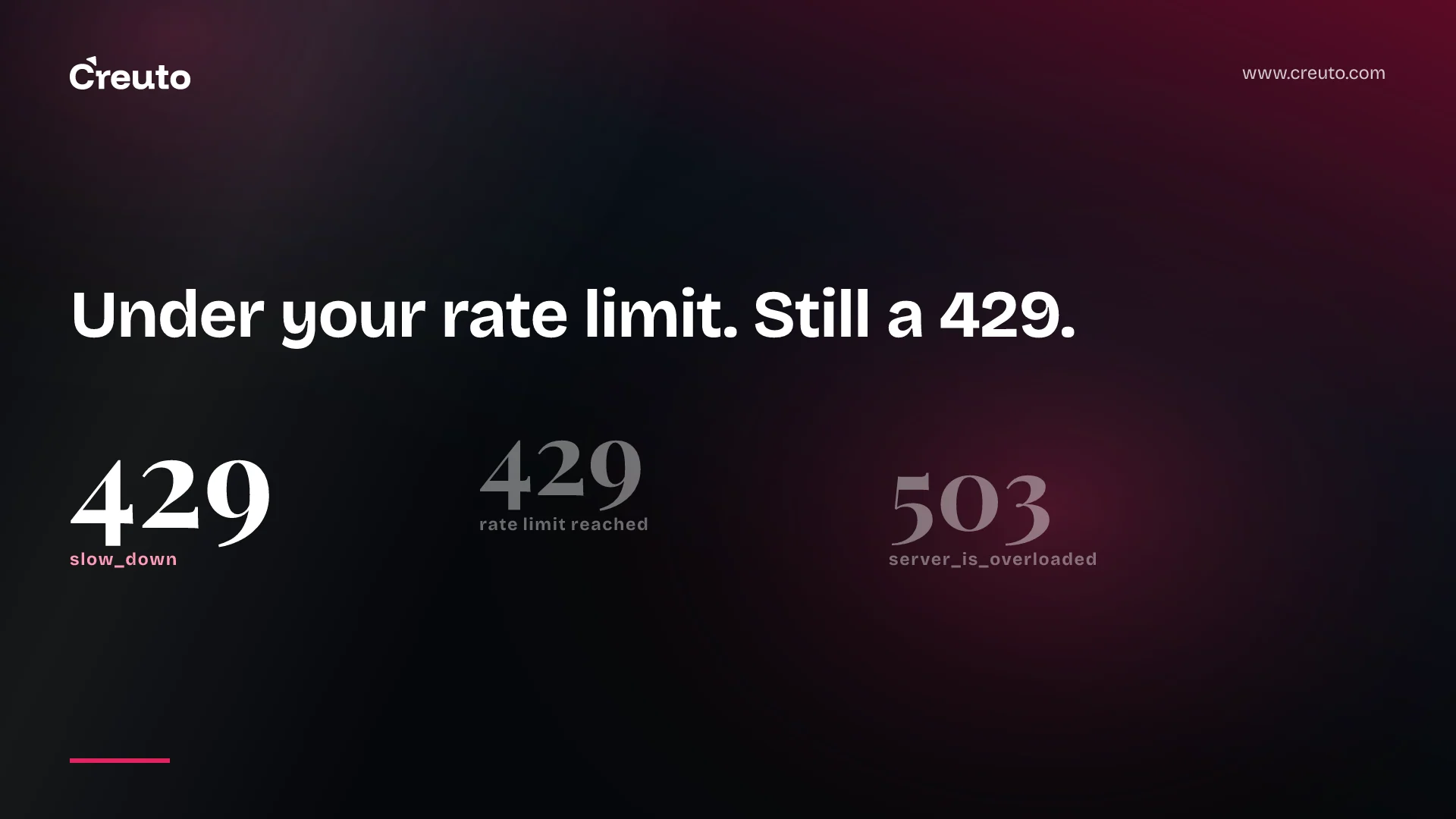
An OpenAI 429 error no longer means only "you hit your rate limit". Since 2 September 2026, a 429 with the code slow_down means your traffic increased too quickly, and it can occur even when you are within your requests-per-minute and tokens-per-minute limits. Model overload now arrives separately, as a 503 with server_is_overloaded. If your retry logic reads only the status code, it is treating three different problems as one.
By the end of this post you will know how to tell the errors apart, why ramping traffic is now its own failure mode, and what a retry policy that respects OpenAI's documented guidance looks like.
What changed on 2 September
OpenAI's changelog says the update lets applications "distinguish traffic that increases too quickly from temporary model overload". The three responses you now need to separate:
| HTTP status | Error type | Error code | Cause |
|---|---|---|---|
429 | rate_limit_error | slow_down | Request rate increased too quickly |
429 | Not listed | Not listed | "Rate limit reached for requests": too many requests or tokens in a short period |
503 | service_unavailable_error | server_is_overloaded | The requested model is temporarily overloaded |
The first and third rows come from the rate limits guide. The middle row is the classic rate limit error; the error codes table describes its cause and fix but does not print a type or code for it, so match on the other two codes explicitly and treat everything else by its status and message.
Handlers written before September need a second look. On endpoints that previously returned a 503 with slow_down for both conditions, rapid traffic increases now return 429 with slow_down, and model overload remains 503 but uses server_is_overloaded. Video requests rejected before a job is created used to return a 429 with rate_limit_exceeded; they now follow the new split.
Why am I getting a 429 from OpenAI under my rate limit?
Because slow_down measures acceleration, not volume. OpenAI's wording: it reflects how quickly traffic increased, not whether you exhausted those limits. A service that idles overnight and then fans out a backlog of jobs at 9am can be well inside its TPM ceiling and still get told to slow down.
OpenAI gives one concrete number. As a rule of thumb, once your traffic reaches 1 million input tokens per minute, increase it by no more than 50% every 15 minutes. The exact point at which the ramp limit applies varies by model and traffic conditions, so treat this as a guide rather than a contract.
It is worth doing the arithmetic, because it is slower than most launch plans assume. Starting from 1M input TPM and growing by the maximum 50% every 15 minutes:
| Minutes from start | Input TPM ceiling (1M × 1.5ⁿ) |
|---|---|
| 0 | 1,000,000 |
| 15 | 1,500,000 |
| 30 | 2,250,000 |
| 45 | 3,375,000 |
| 60 | 5,062,500 |
Going from 1M to 4M input tokens per minute takes about an hour under that rule. A batch job, a marketing push or a failover that shifts all traffic onto one model in a single minute is exactly the pattern this error targets.
What does slow_down mean in the OpenAI API?
The slow_down code means the service wants a smoother ramp. OpenAI's fix has three parts: follow Retry-After when it is present, reduce your request rate, then increase it gradually and keep the traffic pattern steady. Retrying the same burst at full speed is the wrong response.
The 503 server_is_overloaded is not your fault
A 503 with server_is_overloaded means the requested model does not have enough capacity to process your request at the moment. Nothing in your traffic shape caused it. Wait for Retry-After if it is present, increase the delay between retries if it is not, and check the status page if it persists.
In the Python, TypeScript and Ruby SDKs, 429s raise RateLimitError and 503s raise InternalServerError; Java uses RateLimitException and InternalServerException. If your throttling handler catches only one of those classes, it will miss half the new behaviour. OpenAI also warns that other errors share these statuses, so inspect error.code before choosing a recovery action.
Some 429s should never be retried at all. credit_balance_exhausted, organization_spend_limit_exceeded, project_spend_limit_exceeded and organization_usage_limit_exceeded all return 429, and retrying billing, spend or quota errors won't restore API access.
How to fix the OpenAI 429 error: a retry policy
Everything in the list below is from OpenAI's retry guidance unless we say it is ours:
- Classify first. Read the status and
error.code. Billing, spend and quota codes go to an alert, not a retry. - Honour Retry-After as a minimum. When the header is present and valid, wait at least that many seconds, then add a small random delay so clients do not retry in lockstep.
- Fall back to exponential backoff with jitter. When the header is missing or invalid, back off exponentially with random jitter.
- Cap attempts and total time. Limit both. A per-attempt timeout is not a deadline for the whole operation.
- Defer rather than hurry. If a valid server delay exceeds your maximum, stop and defer the request instead of retrying sooner.
- Do not nest retry loops. Official SDKs already retry eligible 429s and 503s. If you retry in your application, disable SDK retries or count them, so the layers do not multiply requests.
- Do not replay a consumed stream. These HTTP errors apply before streaming starts. An error after output has arrived comes as a stream event; do not automatically replay the request.
One detail catches teams out: unsuccessful requests contribute to your per-minute limit, so a tight retry loop spends quota while failing. OpenAI's own Python backoff examples also do not read Retry-After; the guide tells you to add that before using them.
Two additions are our engineering practice, not OpenAI guidance. First, put the ramp limit on the client side: a shared token bucket across workers that raises its own ceiling gradually after a cold start or deploy, so a restart does not look like a traffic spike. Second, give slow_down a longer cool-down than a classic 429, because the fix is a lower rate for a while, not just a pause. We apply the same thinking to inbound events in our post on webhook retry patterns.
When the retry policy is not enough
The honest counter-argument is that some traffic is inherently spiky, and no amount of jitter turns a Monday morning into a flat line. OpenAI's answer for enterprise pay-as-you-go traffic that routinely hits ramp limits is Scale Tier for eligible models, or Reserved Tier for GPT-5.6 and later. Even then, the guide says capacity tiers do not change how you handle a slow_down.
For work that does not need an immediate answer, the Batch API keeps it off your synchronous rate limits entirely. That is often cheaper than engineering around the burst, and it is one of the first levers we look at in AI agent development cost reviews.
Agents make this worse, because one user action can fan out into dozens of model calls. If you run a managed harness, check how it retries before you add your own layer; we compared the trade-offs in OpenAI Agents API: buy the harness, or keep yours?. As an OpenAI Select Partner, our AI engineering services team treats error classification as part of the first production review, not a clean-up task.
The practical next step: grep your codebase for where 429 and 503 are caught, and check three things. Does it read error.code? Does it honour Retry-After? And does anything retry billing errors? If any answer is wrong, that is this week's fix.
Frequently asked questions
An OpenAI 429 error with the code slow_down means your request rate increased too quickly, and OpenAI says it can occur even within your requests-per-minute and tokens-per-minute limits. It measures how fast traffic grew, not total volume. Follow Retry-After, reduce your rate and ramp up gradually.
The slow_down code arrives as a 429 rate_limit_error and means your traffic ramped up too quickly. The server_is_overloaded code arrives as a 503 service_unavailable_error and means the requested model temporarily lacks capacity. OpenAI introduced this split on 2 September 2026 so applications can handle the two causes differently.
OpenAI recommends waiting at least as long as the Retry-After header specifies, plus a small random delay, and falling back to exponential backoff with jitter when the header is missing. Limit both attempts and total retry time, avoid nesting SDK and application retries, and never retry billing, spend or quota errors.
OpenAI's rule of thumb is that once traffic reaches 1 million input tokens per minute, you should increase it by no more than 50% every 15 minutes. The exact threshold varies by model and traffic conditions, so treat this ramp guidance as a guide and keep traffic patterns steady.
No. The credit_balance_exhausted, organization_spend_limit_exceeded, project_spend_limit_exceeded and organization_usage_limit_exceeded errors all return HTTP 429, but OpenAI states that retrying billing, spend or quota errors will not restore API access. Add prepaid credits, raise the organisation or project spend limit, or request a higher approved usage limit before sending another request.
