Ollaya: running Jev-style decision models on your hardware
Ollaya runs open decision models locally on ONNX Runtime with TypeSafe's API shapes. What the compatibility really covers, and where a local model fits.
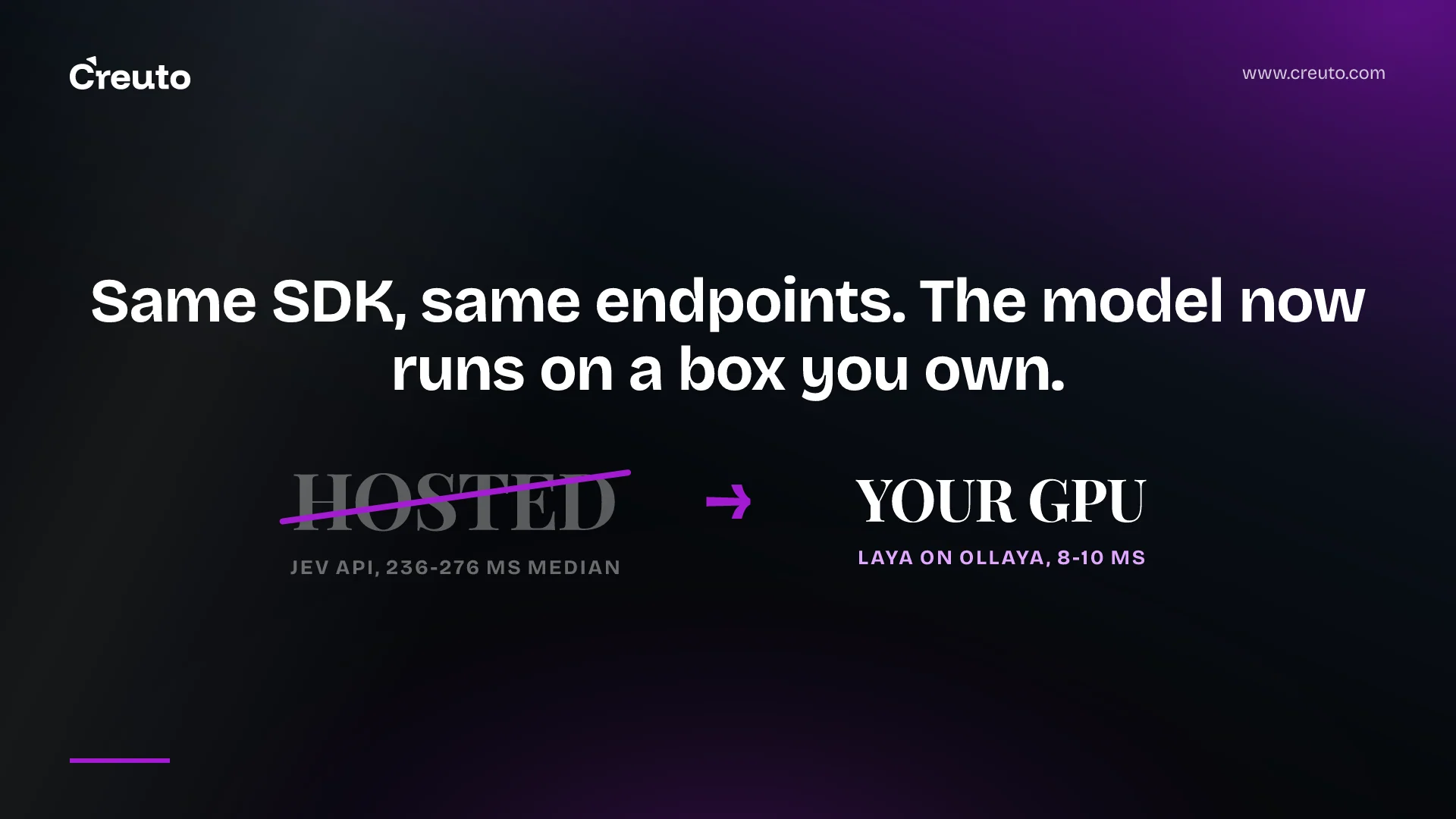
Ollaya runs open-weight decision models on your own machine and answers on the same endpoints the hosted product does. Point the official TypeSafe Python SDK at http://localhost:11435, change nothing else, and your existing code gets typed answers back from a model sitting on your GPU. That is the claim, and the wire-level part of it holds. The model-level part is where you need to read carefully.
If decision models are new to you, start with what Jev and TypeSafe's System One model actually are. This post is about what changes when the model stops being someone else's API.
What Ollaya is, precisely
Ollaya is an open-source runtime that downloads and serves open decision models locally on ONNX Runtime, on the CPU or an NVIDIA GPU. A decision model reads a state — a message, a ticket, a JSON object — plus a set of typed questions, and returns typed answers with probabilities in a single forward pass. It never generates text. There is no token-by-token decoding, which is why the latency profile looks nothing like an LLM's.
Installation is one binary and one command, ollaya run laya, with builds for macOS, Windows, Linux and Docker. The runtime is Apache-2.0. The project is in beta and states plainly that it is not affiliated with or endorsed by TypeSafe.
The API compatibility is the interesting part
Plenty of projects approximate a decision API by wrapping a chat model in a JSON schema. Ollaya does not do that. It serves POST /v1/systemone, an alias at /v1/decisions, and GET /v1/models, in TypeSafe's request and response shapes, and the documentation describes the surface as wire-identical to the schema and error handling of typesafe-sdk 0.7.1. Three environment variables move an existing client across:
export TYPESAFE_BASE_URL=http://localhost:11435
export TYPESAFE_API_KEY=local        # any non-empty value
export TYPESAFE_DEFAULT_MODEL=laya   # or the SDK sends "jev-latest"
The small details are where compatibility work usually fails, and they are covered. Responses carry an x-typesafe-request-id header, so response.request_id keeps working. Errors return TypeSafe's status codes with a string error, a machine-readable code and, on 422, the validation detail list the SDK expects. The SDK's 10-second timeout and retry are handled by letting a model load outlive the request that triggered it, so the retry finds the model warm rather than starting a second load.
The documented limits are worth checking against your payloads before you plan anything: at most 256 questions per request, 2 to 255 choices per choice question, 2 to 10 score levels, plus a per-model option budget of roughly 125 options for laya:en and 250 for laya:multilingual. Native fields such as keep_alive are ignored on /v1/* and only honoured on the native /api/decide endpoint.
What you actually gain
Three things, and they are not the ones usually advertised.
Your text stays where it already is. Support tickets, emails and user messages are frequently the most sensitive data a company holds, and routing them to a third-party API for a one-word classification is a disproportionate exposure. Ollaya's server listens on 127.0.0.1 by default. For teams under data-residency constraints — the same pressure we wrote about in OpenAI data residency for India and the UAE — a classifier that never leaves the VPC removes a whole category of review.
No per-decision bill. You run as many decisions as the hardware will take. Against hosted Jev, where pricing runs per million tokens, the crossover depends entirely on volume: a few thousand decisions a day will never justify a GPU, and a few million might pay for one in a month. Do that arithmetic with your own numbers before anything else.
Latency you control. The project measures a five-question request to Laya at 8 to 10 ms end to end through the HTTP API on an RTX 4090, against 236 to 276 ms for the hosted Jev API in two third-party benchmark repositories. Read that comparison the way the project itself frames it: the hosted figure includes the network, the setups differ, and it is an order-of-magnitude comparison rather than a like-for-like one. The honest version of the claim is that removing a network hop and token generation from a classification path takes it from hundreds of milliseconds to tens.
What you do not get, and the project says so
This is the section that should decide it for you, and the project's own documentation is more candid than most vendor pages.
Compatibility covers the API, not the model. Quality comes from the open models, and it differs from Jev's by task. The documentation gives numbers in both directions. The fine-tuned laya:typed-decisions checkpoint scores 0.766 on typed-decisions against 0.727 published for Jev 1.13 — but the base Laya checkpoints are near chance on the same task zero-shot, at 0.362. On choice questions with more than about twenty options, Ollaya reports 0.425 on Banking77 against 0.870 for Jev. If your routing problem has forty destinations, that gap is the whole story.
Accuracy varies enormously by model, and the fast ones are the weak ones. On the project's typed-decisions set of 400 states, scored as argmax against the majority label:
| Model | Params | Typed-decisions accuracy |
|---|---|---|
| kev:9b | 7.9B | 0.722 |
| kev:4b | 4.2B | 0.669 |
| decider:2b | 1.9B | 0.591 |
| nli | 396m–435m | 0.548 |
| gliclass | 439m | 0.477 |
| laya:en | 421M | 0.361 |
Laya is the model in every quickstart and the one behind the 8 ms figure. It is also, on this set, the least accurate of the family. The project is explicit that the largest models are the most accurate and the slowest, and its own advice is to measure on your own data before switching production traffic. That is the right instruction and we would not soften it.
Calibration is per model, not inherited. Each model ships its own calibration, and a Modelfile refits it on your labelled data. Nothing in the documentation claims that a local model's probabilities line up with Jev's, and you should not assume they do. Any threshold you tuned against a hosted model is a number about that model, not about the task — which is the point of confidence versus probability and when not to trust it. Re-derive your thresholds from labelled examples on whichever checkpoint you actually deploy.
The runtime's licence is not the models' licence. Ollaya is Apache-2.0. The models are separate artefacts with their own terms: the project lists laya, decider, kev, decision, qwen3guard, gliclass, von, winnow and nli:modernbert-large as Apache-2.0, and nli:deberta-v3-large as MIT. Weights come from their authors' Hugging Face repositories, pinned to a commit and checked against sha256; Ollaya hosts only the ONNX graph and never re-hosts the weights. That is a clean supply chain, but it means your legal review has to read one licence per model you ship, not one for the stack. This is the same trap we flagged in what you can and cannot self-host among the Jev clones.
The hardware footnotes matter more than the platform table
Ollaya ships a desktop app and a command line for macOS (Apple silicon, macOS 14+), Windows 10 and 11 x64, and Linux x86-64, plus a Docker image for servers. Every model runs on the CPU. The GPU story is narrower than the marketing line suggests, and the project documents it: NVIDIA only, CUDA 13, driver R580 or newer. On a Mac, only laya and nli run on the Apple GPU through MLX and everything else falls back to the CPU. AMD and Intel GPUs are CPU-only paths. Linux ARM64 is CPU-only, and the desktop app is not available there, on WSL 2 or in Docker.
In practice that means the millisecond figures are an NVIDIA-on-Linux story. If your plan is "run it on the team's MacBooks", you are getting the CPU numbers for anything larger than laya or nli, and the accurate models — kev:4b at 4.2B parameters, kev:9b at 7.9B — are exactly the ones that will feel it.
Where a local decision model actually fits
The shape that works is narrow and common. A high-volume, low-branching classification inside a system you already run: routing a support ticket to one of five queues, flagging a message for a guardrail, scoring urgency on a three-level scale, screening text before it reaches an expensive model. Small option sets, stable question definitions, enough traffic that per-call pricing is a line item you can see, and data you would rather not send anywhere.
The shape that does not work is equally clear. Wide taxonomies with dozens of options, where the reported gap against Jev is largest. Low volume, where a hosted API costs less than the time you spend on driver versions. Anything where you cannot produce a few hundred labelled examples, because without them you cannot verify the accuracy or refit the calibration, and you will be running an unmeasured classifier in production — which is worse than a slightly worse measured one.
Our honest read after going through the documentation: the compatibility work is real and unusually well specified, and it means the migration cost in code is close to zero. The migration cost in evidence is not. Budget for building a labelled set and running both the hosted and local model against it, because that is the artefact that tells you whether this is a swap or a downgrade. In the AI systems we build, that evaluation set outlives every model decision it was built for, and it is the piece teams most often skip. If you are weighing a hosted decision model against a local one, our AI engineering practice starts there — with your data, your option sets and your thresholds, before anything gets installed.
Frequently asked questions
Ollaya is an open-source runtime that downloads and serves open-weight decision models locally on ONNX Runtime, on a CPU or an NVIDIA GPU. It exposes TypeSafe's /v1/systemone and /v1/models endpoints, so existing decision-model client code works against a server on your own hardware.
You can run decision models locally with Ollaya, but not Jev itself, which is closed. Ollaya serves open-weight models such as laya, decider, nli, gliclass and kev through TypeSafe-compatible endpoints. The API is compatible; the models are different, so accuracy and calibration must be re-measured.
Yes. The project documents that the official TypeSafe Python SDK 0.7.1 works unchanged once you set TYPESAFE_BASE_URL to the local server, TYPESAFE_API_KEY to any non-empty value and TYPESAFE_DEFAULT_MODEL to an Ollaya model name such as laya. Request IDs and error shapes are preserved.
Not uniformly. Ollaya publishes results in both directions: a fine-tuned laya checkpoint scores 0.766 on typed-decisions against 0.727 published for Jev 1.13, while choice questions with more than about twenty options score 0.425 against Jev's 0.870. Measure on your own labelled data.
The Ollaya runtime is Apache-2.0. The models are separate artefacts carrying their own licences: the project lists most of them as Apache-2.0 and nli:deberta-v3-large as MIT. Weights are pulled from their authors' Hugging Face repositories, pinned to a commit and verified by sha256.
Every model runs on a CPU. GPU acceleration is NVIDIA only, requiring CUDA 13 and driver R580 or newer on Linux, Windows, WSL 2 or Docker. On Apple silicon, only laya and nli use the GPU through MLX; other models, plus AMD and Intel GPUs, run on the CPU.
Avoid it for wide taxonomies with dozens of options, where the reported accuracy gap is largest, and for low-volume workloads where a hosted API costs less than maintaining drivers. Also avoid it if you cannot produce a few hundred labelled examples to verify accuracy and refit calibration.
