Odoo 20 launches at Odoo Experience on 24 September: upgrade, wait, or build around it?
Odoo 20 launches at Odoo Experience on 24–26 September. What is confirmed, what is only expected, Odoo's upgrade rules for custom modules, and how to decide.
Odoo 20 launches publicly at Odoo Experience in Brussels, which runs from 24 to 26 September 2026. If your business runs on Odoo — or you are deciding whether to — the question is not just what is new. It is whether to upgrade soon, wait, or keep your most important processes outside Odoo altogether. This guide sets out what is confirmed, what is only expected, and how to make that decision before the keynote rather than after it.
A note on what is known: at the time of writing, Odoo has not published Odoo 20's release notes. Feature lists circulating online come from implementation partners' previews, and we label them that way below. The upgrade rules, however, are published by Odoo and do not depend on the new features.
When is Odoo 20 released?
Odoo Experience 2026 takes place from 24 to 26 September at Brussels Expo. As Macopedia's event guide explains, the opening keynote by founder Fabien Pinckaers is where Odoo 20 launches publicly; the organiser expects more than 45,000 attendees. Partner previews such as Ksolves' Odoo 20 overview expect the first stable patches to follow in the weeks after launch, which is typical of Odoo's release pattern.
What is new in Odoo 20 (expected)
Partner previews point in a consistent direction, though none of this is confirmed until Odoo publishes its release notes:
- AI embedded in business processes, moving from a chat assistant towards task-level agents in accounting, helpdesk, website and record management.
- A redesigned mobile experience.
- Accounting and payroll changes, including AI-assisted accounting checks.
- Point-of-sale and low-code improvements.
Treat these as signals, not specifications. We will update this post once the keynote and official release notes are out.
Odoo 20 upgrade: the rules that are already published
Odoo's own upgrade documentation sets out how versions and upgrades work, and these rules shape the decision more than any new feature:
- Each major version is supported for three years.
- Upgrades can become mandatory, depending on hosting type and version. For databases on a major version, Odoo states an upgrade is mandatory every two years; minor versions must upgrade a few weeks after the next release. Odoo notifies you in advance and, after the three-year support window, allows another two years to complete the upgrade.
- Custom modules block the upgrade. A database with custom modules cannot be upgraded until those modules have a version for the target release. Odoo recommends upgrading the custom code in parallel with requesting an upgraded test database.
- Breaking a customisation is the maintainer's problem. Odoo says that if a new version breaks a customisation, it is the responsibility of the custom module's maintainer to make it compatible.
- Test first. Odoo strongly recommends requesting an upgraded test database and testing it thoroughly before upgrading production.
In short: the more you have customised Odoo, the more every new version costs you — regardless of how good its features are.
Should I upgrade to Odoo 20?
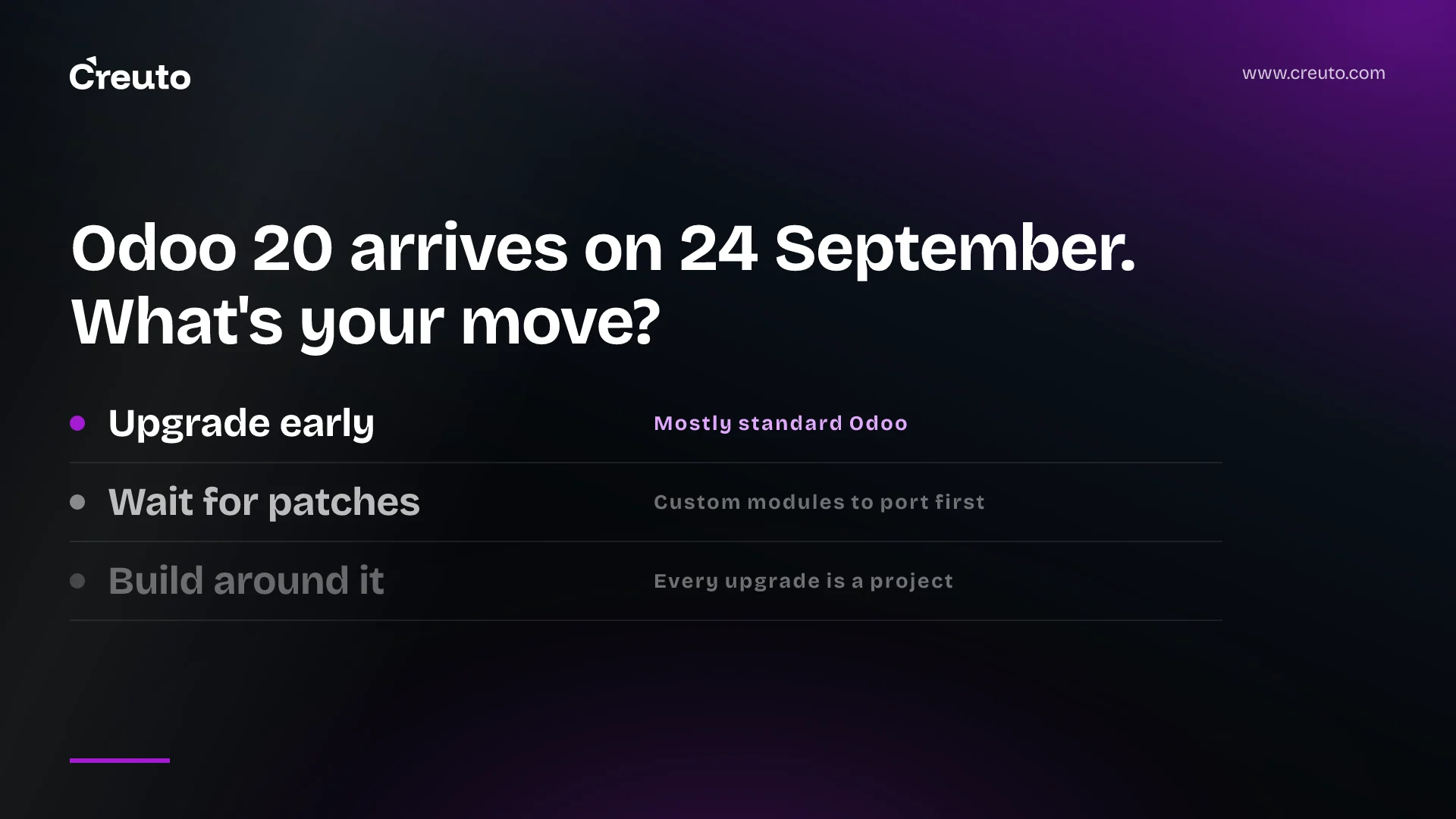
Upgrade early if
- you run mostly standard Odoo with few or no custom modules;
- a specific Odoo 20 feature replaces a custom module you currently maintain;
- you are on Odoo Online and would face a mandatory upgrade soon anyway.
Wait for the first patches if
- you have custom modules or Studio customisations that must be ported and tested;
- Odoo runs critical processes such as invoicing, payroll or manufacturing where a disruption is costly;
- you are in a peak trading period. Plan the upgrade for a quiet quarter, on a tested copy, with a rollback plan.
Build around Odoo if
- your custom modules have grown into the core of how you operate, and each upgrade is a project in itself;
- the process that differentiates your business does not fit Odoo's model without heavy modification.
In that case, a common pattern is to keep Odoo for standard functions — accounting, purchasing, inventory — and move the differentiating process into a custom application connected through APIs. Upgrades then touch far less custom code. We compared the costs of both paths in Odoo vs custom ERP.
How much does an Odoo upgrade cost?
It depends almost entirely on customisation. A standard database may upgrade with Odoo's own tooling and a few days of testing. A heavily customised one needs every custom module reviewed and ported, data checked and workflows retested, which is why partners quote upgrades very differently. Before accepting a quote, ask how many custom modules are involved and what the last upgrade of a similar database took.
How to prepare before the keynote
- Inventory your customisations: custom modules, Studio changes and third-party apps, with an owner for each.
- Check your version and hosting (Odoo Online, Odoo.sh or on-premise) and when an upgrade becomes mandatory for you.
- List the modules you wish you did not have to maintain. After the keynote, check which ones Odoo 20 makes unnecessary.
- Request a test upgrade once Odoo 20 is available, and budget time to test real workflows.
- Decide per process: standard in Odoo, customised in Odoo, or built alongside it.
Odoo's rapid release pace is a strength for standard processes and a cost for customised ones — the same trade-off we see across ERP projects, including the custom ERP we built for large-scale industries. If you want an independent view on your Odoo upgrade — or on which processes belong outside Odoo — our custom ERP development team can review your setup after the Odoo 20 announcement.
Frequently asked questions
Odoo 20 launches publicly at the opening keynote of Odoo Experience 2026, held from 24 to 26 September 2026 at Brussels Expo. Partner previews expect the first stable patches to follow in the weeks after launch.
Odoo had not published Odoo 20 release notes before its launch. Partner previews expect AI embedded into processes such as accounting and helpdesk, a redesigned mobile experience, accounting and payroll changes and point-of-sale improvements, but these are unconfirmed until release.
Upgrade early if you run mostly standard Odoo. Wait for the first patches and test thoroughly if you have custom modules or critical processes. If custom modules make every upgrade a project, consider moving differentiating processes into a connected custom application.
Yes, but Odoo states that a database with custom modules cannot be upgraded until those modules are available for the target version, and that fixing customisations broken by a new version is the module maintainer's responsibility.
According to Odoo's documentation, each major version is supported for three years. Upgrades can become mandatory depending on hosting and version, with advance notice and a further two-year window to complete the upgrade after support ends.
