npm package source map leak: audit what your build ships
An npm package source map leak put 512,000 lines of TypeScript into a published release. The release gate that catches it before your users do.
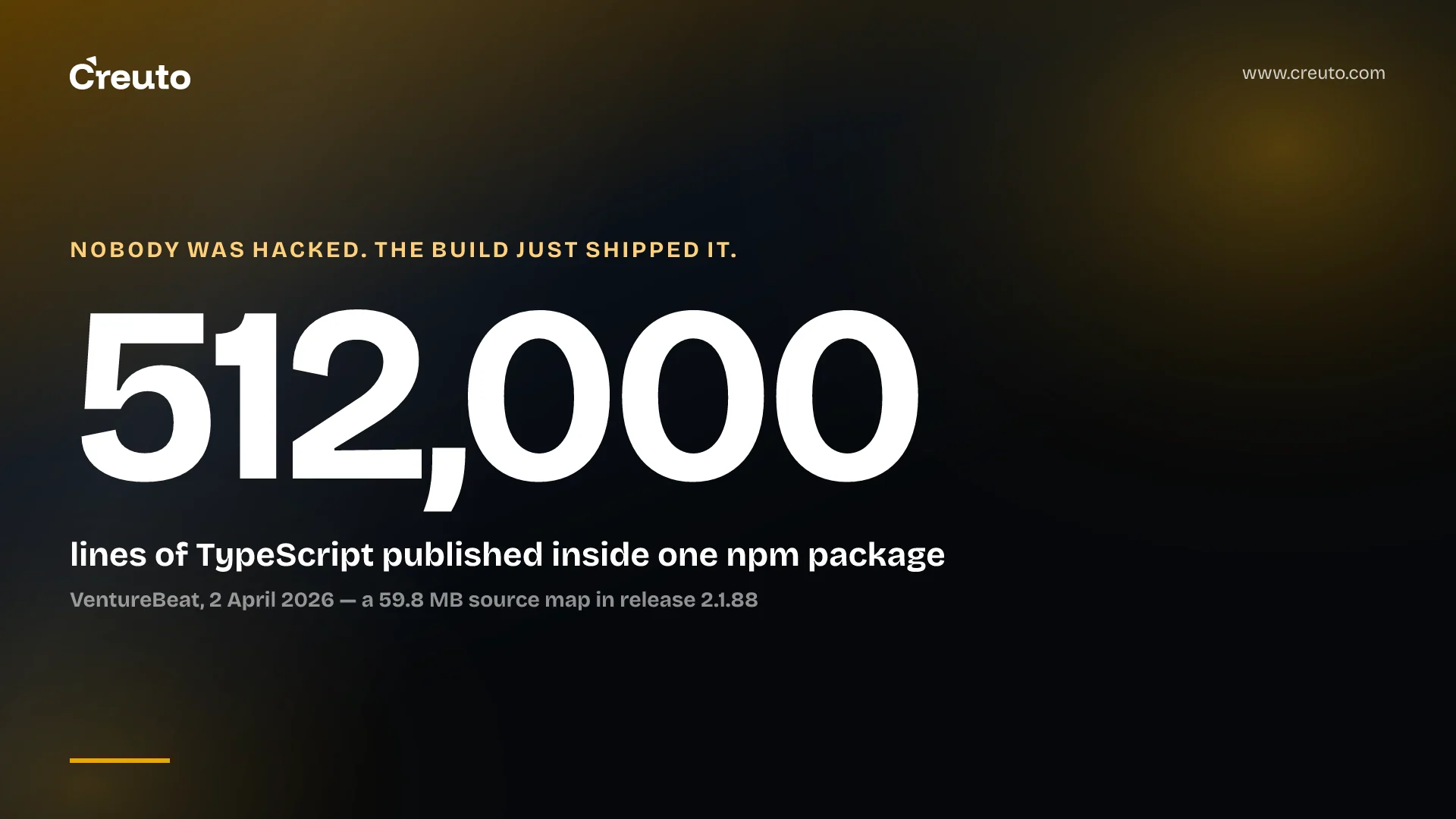
The largest source disclosure of 2026 so far was not a breach. In March, an npm package source map leak put a 59.8 MB debug file inside a published release of @anthropic-ai/claude-code, and with it roughly 512,000 lines of unobfuscated TypeScript across 1,906 files — according to VentureBeat's account of the incident. Nobody was attacked. The build simply shipped what it was told to ship.
That is the part worth your attention. Every control in a normal security programme — dependency scanning, secret detection, code review, penetration testing — inspects the repository, the dependencies or the running service. Almost nothing inspects the tarball, the image or the bundle you are about to hand to the public, which is the one artefact your users actually receive.
What the npm package source map leak actually exposed
The figures below come from reporting, not from the vendor, and the vendor's own public statements were limited, so each is attributed to the outlet that established it.
- VentureBeat reports a 59.8 MB source map inside version 2.1.88 of the package, exposing roughly 512,000 lines of unobfuscated TypeScript across 1,906 files, discovered on 31 March 2026 by the security researcher Chaofan Shou.
- The same report counts 44 unreleased feature flags in the exposed code, along with the product's full permission model and its bash security validators.
- Backslash Security's analysis describes the same 512,000-line codebase and reports that the leak was noticed roughly twenty minutes after publication, and that copies had been forked thousands of times before anything could be withdrawn.
- VentureBeat also reports a separate exposure five days earlier, in which a content management misconfiguration served close to 3,000 unpublished internal assets, and records no confirmed customer data breach from either event.
Two incidents, days apart, at a company with a serious security function. Neither involved an intruder. One was a packaging default and the other a configuration default, and both were discovered by someone looking at what the public endpoint returned.
A source map is not a hint about your source; it is your source. The .map file carries a sourcesContent array holding the original files verbatim so a debugger can show them. Minification is reversible by design once the map is present, which is why a map shipped alongside a bundle is a publication decision, not a build detail.
The default that did the damage
npm's packaging behaviour is documented and unsurprising, which is exactly why it catches people. Per the package.json documentation, omitting the files field "will make it default to ["*"], which means it will include all files". The opt-out list is short and fixed: .git, .npmrc, node_modules and the lockfiles are always excluded and cannot be re-included. Everything else in the directory at publish time is a candidate.
So the question a release gate has to answer is not "did we add a file we should not have" but "what is in this directory now, that was not here when someone last looked". A build step that writes a new artefact beside your output — a map, a cache, a profiling dump, a test fixture, a copied .env.example that is no longer an example — changes the answer without changing a line of source.
The circulating explanation for this particular case is that the project's bundler emits source maps by default. That explanation is worth checking before you repeat it: Bun's bundler documentation gives "none" as the default for its sourcemap option — "Default. No sourcemap is generated." We have not found a primary statement establishing the root cause, so our position is that the mechanism remains unconfirmed; what is established is that the file was present in the published package and that nothing in the release path objected. For the purpose of your own pipeline that is the more useful fact anyway, because it holds whichever build flag was responsible.
What to assert about an artefact before it leaves CI
A release gate is a test whose subject is the artefact. The npm case takes one command. The npm docs describe --dry-run as indicating "that you don't want npm to make any changes and that it should only report what it would have done", and npm pack --dry-run prints the full file list and the unpacked size without producing a tarball.
npm pack --dry-run --json | jq -r '.[0].files[].path' | sort > /tmp/shipped.txt
diff /tmp/shipped.txt .release-manifest.txt
Commit .release-manifest.txt and the gate becomes a reviewable diff instead of a judgement call. A new file in the package is now a pull request comment rather than a discovery made by a stranger. Three assertions cover most of the risk:
- The file list matches a committed manifest. Anything added or removed fails the build until someone updates the manifest deliberately.
- The unpacked size is inside a budget. A 59.8 MB addition is visible as a size regression long before anybody reads a file list, and a size budget costs one line.
- No path matches a deny pattern.
*.map,.env*,*.pem,.git*,**/__tests__/**and anything under a fixtures directory. Deny patterns catch the case the manifest cannot: a file whose name you did not anticipate.
Run the gate against the artefact, not the working tree. npm pack in CI after the real build, with the real environment, is the only version of the question that counts — which is the same reason we put the packaging step inside CI rather than on a developer machine on the platforms we build and maintain.
Why .npmignore and the files field disagree more often than teams expect
These two mechanisms are not two spellings of the same idea, and the documented precedence surprises people in both directions.
- A root-level
.npmignoredoes not override thefilesfield, but an.npmignorein a subdirectory does override it for that directory. A package with both is being governed by two rules at once. - If there is no
.npmignore, npm falls back to.gitignore. This is why a team that gitignoresdist/and then adds an.npmignorefor an unrelated reason can accidentally start publishing their build directory — the fallback stopped applying the moment the file appeared. - Files named in
mainandbin, pluspackage.json, the README and the licence, ship regardless of what either file says.
The practical rule is to use files as an allow-list and delete .npmignore entirely. An allow-list fails closed: a new artefact in your output directory is excluded by default and someone has to ask for it. A deny-list fails open, which is how a file nobody has thought about since 2023 ends up on a CDN.
Container images and front-end bundles have the same shape
The npm registry is just the example with the clearest tooling. The pattern — a build that copies more than you meant, published to somewhere anonymous — repeats everywhere.
Container images. COPY . . with an absent or stale .dockerignore brings the .git directory, local .env files and every credential anyone has ever committed into a layer, and deleting them in a later RUN does not remove them from the earlier layer. The equivalent assertions are a .dockerignore reviewed as seriously as the Dockerfile, a multi-stage build so the published stage starts from nothing, and a gate that exports the final image and greps it. Registries are also where artefacts are distributed rather than built, which is why an artefact store is worth treating as production infrastructure — the reasoning we set out on the Artifactory vulnerability chain applies to your own registry too.
Front-end bundles. Most frameworks already made this decision for you, in the safe direction. Next.js documents that source maps are "enabled by default during development" while "during production builds, they are disabled to prevent you leaking your source on the client, unless you specifically opt-in with the configuration flag" — the productionBrowserSourceMaps reference is explicit about why. The gate is to check the deployed origin rather than the config: request a .js.map URL from production and see whether it returns 200. Configuration says what you intended; the response says what you shipped.
Everything else your build emits. Mobile app bundles, Lambda zips, Helm charts and published SDKs all answer the same question, and the same inversion applies in the other direction: an AI coding tool that uploaded an entire Git history was a packaging decision too, made by a tool rather than a person. The artefact is the boundary, whoever assembled it.
When shipping source maps is the right call
The strongest argument against all of this is that source maps are useful and most code is not secret. It is a good argument. Without maps, a production error is a stack trace against minified identifiers, and the team that cannot read its own crash reports pays for that every week. For an open-source library the source is public by definition, and for many products the source holds nothing an attacker could not infer from the API.
Ship them deliberately, then. Three arrangements are legitimate:
- Upload maps to your error monitor and do not serve them. The map goes to the monitoring vendor at build time and the bundle carries no
sourceMappingURLpointing anywhere public. This is the common default in mature pipelines. - Serve maps behind authentication, so your engineers get readable traces in a debugger and anonymous requests do not.
- Publish them openly where the source is already public, or where the benefit to the people integrating with you outweighs a disclosure you have actually assessed.
What makes a map a problem is never the map. It is the gap between what a team believes it publishes and what it publishes. The permission model and the unreleased feature flags in the March incident were damaging because they described behaviour the product had not announced — and a published package is a good place to discover that your security model was documented only in code someone assumed was private.
The check that is worth adding this week
Run npm pack --dry-run against your most-used internal package and read the list. Pull your production container image, export its filesystem and search it for .env and .git. Request a source map URL from your own front end and look at the status code. Most teams find nothing, and the exercise still pays, because it tells you which of your artefacts nobody has ever looked at.
Then write down the three assertions and make a build fail on them. This is one of the cheapest controls available in the custom software we build for clients, and the only one on this list that catches the mistake nobody has made yet. A dependency audit tells you about other people's code; a release gate tells you about yours. The supply chain runs through your own publish step as much as through anyone else's — the registry-side attacks we have written about start where your artefact ends, and the two problems share one fix: know what is in the thing you are about to publish.
Frequently asked questions
A source map is a security risk only when it is published without that being a decision. The file carries the original source verbatim in its sourcesContent array, so publishing one publishes your code. Shipping maps to an error monitor, or behind authentication, keeps the debugging benefit without the disclosure.
Everything in the package directory. npm's documentation states that omitting the files field makes it default to ["*"], which includes all files. Only .git, .npmrc, node_modules and lockfiles are always excluded, so any artefact your build writes beside your output is a candidate for publication.
Run npm pack --dry-run, which the npm docs describe as reporting what the command would have done without making changes. It prints the full file list and the unpacked size. Adding --json lets a CI job diff that list against a committed release manifest.
The files field is an allow-list and .npmignore is a deny-list. A root-level .npmignore does not override files, but one in a subdirectory does override it there, and if .npmignore is absent npm falls back to .gitignore. Using files alone avoids the interaction entirely.
Maintain a .dockerignore with the same care as the Dockerfile, use a multi-stage build so the published stage copies only build output, and add a CI check that exports the final image filesystem and searches it for .env and .git. Deleting files in a later layer does not remove them.
