macos-14 runner retirement: fix your iOS CI before 2 Nov
macos-14 runner retirement: eight October brownouts fail iOS jobs outright. The label swap for each image, and why macos-14-large is Intel.
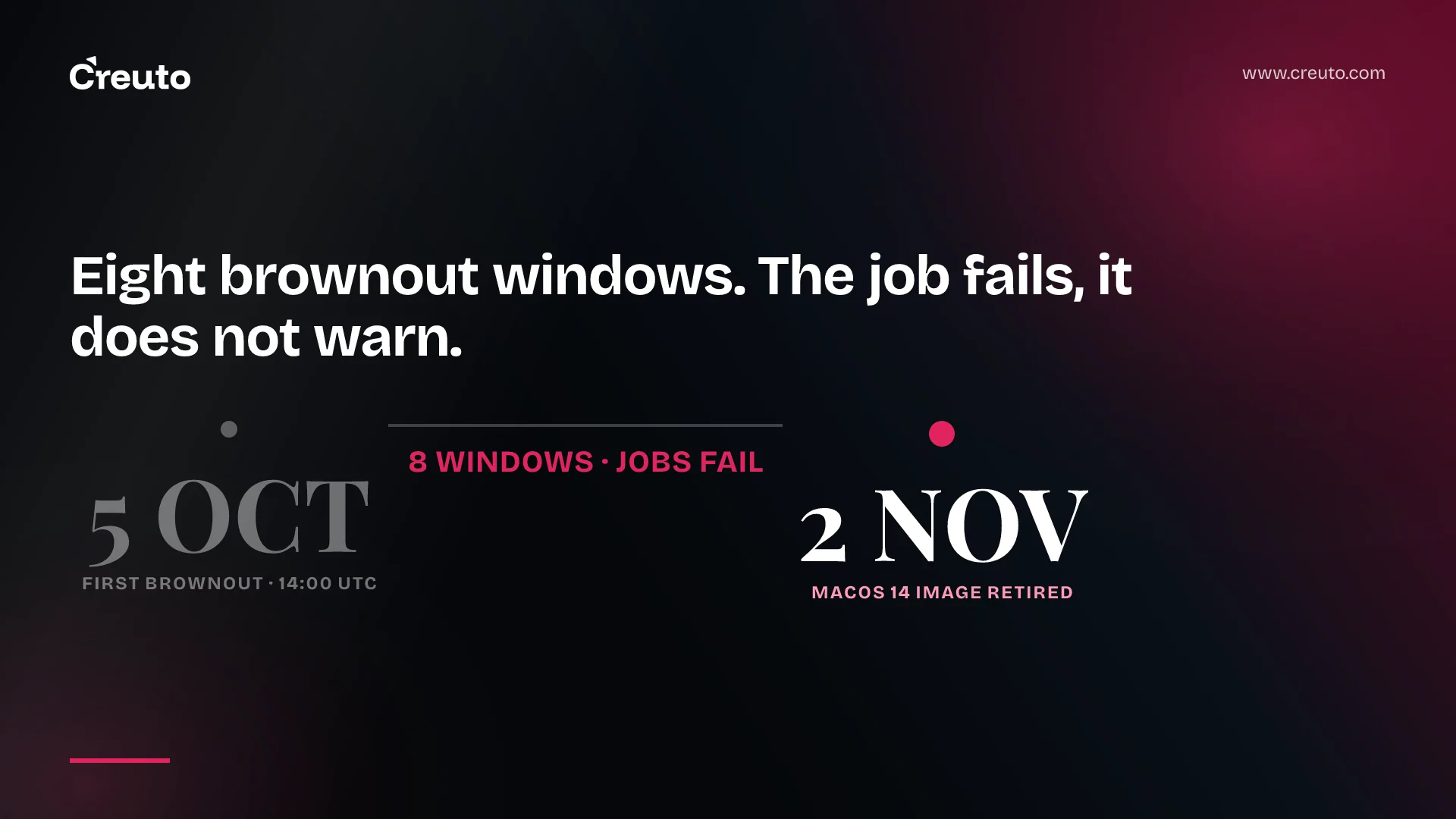
The macos-14 runner retirement lands on 2 November 2026, but your iOS build will break well before that. GitHub is running eight brownout windows in October, each from 14:00 UTC to 00:00 UTC the next day, and during them jobs on the macOS 14 labels fail outright rather than warn.
If your pipeline just went red with nothing in the diff to explain it, check the clock first. Below are the exact windows, the replacement for each of the three retiring labels, and the one swap that silently changes your CPU architecture — because macos-14-large is Intel while the other two are arm64, and GitHub's own migration list offers arm64 targets only.
The macos-14 runner retirement schedule, from GitHub's changelog
GitHub's changelog entry of 1 October 2026 lists eight windows, not four. Every one of them runs 14:00 UTC to 00:00 UTC the following day, and the wording is unambiguous: "jobs using macOS 14 will temporarily fail".
| Brownout starts (UTC) | Ends (UTC) |
|---|---|
| 5 Oct, 14:00 | 6 Oct, 00:00 |
| 12 Oct, 14:00 | 13 Oct, 00:00 |
| 16 Oct, 14:00 | 17 Oct, 00:00 |
| 19 Oct, 14:00 | 20 Oct, 00:00 |
| 23 Oct, 14:00 | 24 Oct, 00:00 |
| 26 Oct, 14:00 | 27 Oct, 00:00 |
| 29 Oct, 14:00 | 30 Oct, 00:00 |
| 30 Oct, 14:00 | 31 Oct, 00:00 |
A ten-hour window from 14:00 UTC covers the European afternoon, the US morning and the Indian evening. That is deliberate. Outside the windows there is a quieter problem: GitHub says it "may reduce macOS 14 runner capacity, which could result in longer queue times" for jobs still using these labels. A build that is merely slow in late October is the same warning in a politer form.
The fix: what to change in your workflow file
Three labels retire: macos-14, macos-14-large and macos-14-xlarge. The replacement that keeps your build on the same CPU architecture is not the same for all three.
| Retiring label | Architecture | Same-architecture replacement |
|---|---|---|
macos-14 | arm64, 3 CPU / 7 GB | macos-15 (or macos-26) |
macos-14-large | Intel x64, 12 CPU / 30 GB | macos-15-large (or macos-26-large) |
macos-14-xlarge | arm64 M2, 5 CPU / 14 GB | macos-15-xlarge (or macos-26-xlarge) |
Those sizes come from GitHub's tables for larger runners and standard runners. The actions/runner-images README already marks both macOS 14 images deprecated; macOS 15 and macOS 26 are GA in both architectures.
In a workflow file the change is one line per job:
jobs:
  ios:
    runs-on: macos-15        # was: macos-14
Do that and you are out of the brownouts. The rest of this post is the two ways that one line goes wrong.
Is macos-14-large arm or Intel? It is Intel, and that is the trap
macos-14-large runs on Intel processors. macos-14 and macos-14-xlarge run on Apple silicon. GitHub's larger-runner documentation states it plainly: the Large runner uses Intel processors while the XLarge variant operates on arm64 (M2) Apple silicon. The -large suffix is the Intel marker, not a size marker — macos-latest-large is the macOS 26 Intel image, and macos-latest on its own is arm64.
Now read GitHub's migration advice again. The changelog tells you to "update your workflow files to use one of the following macOS arm64 labels" and lists four: macos-latest, macos-15, macos-latest-xlarge and macos-15-xlarge. Every one is arm64. A team that swaps macos-14-large for macos-latest has followed the official instruction and silently changed the CPU architecture under their build.
That rarely fails loudly at the swap. It fails downstream, and it presents in three recognisable ways.
- Hardcoded Homebrew paths stop resolving. Homebrew's prefix is
/usr/localon Intel and/opt/homebrewon Apple silicon, as its support-tier documentation sets out. Any script, Podfile or environment variable carrying/usr/local/opt/...resolves to nothing. You get "file not found" on a dependency that is installed. - Bottles change underneath you. Homebrew ships a separate prebuilt bottle per macOS version and architecture — the bottle DSL tags them
arm64_tahoe,tahoe,sequoiaand so on. Where no bottle matches your tag, Homebrew compiles from source: a thirty-second install becomes a ten-minute one, or fails on a toolchain the runner does not have. - Prebuilt native binaries are the wrong slice. Anything shipping a compiled artefact — a native Node module, a vendored
.aor.framework, a CocoaPods binary distribution — resolves to the x86_64 slice it was cached for. The symptom is a linker error naming an undefined symbol "for architecture arm64", not anything about runners.
If you genuinely need x86_64, the honest target is macos-15-large, or the standard-size macos-15-intel. Treat it as a stay of execution, not a destination: GitHub's announcement of the Intel macOS 15 image says it runs until August 2027 and is the last x86_64 image from Actions, after which the architecture is unsupported. Homebrew has already got there — it classes Intel x86_64 macOS as Tier 3, where "CI coverage is unavailable; bottles will rarely be built or published". Staying Intel is not the cheap option, it is a deferred bill.
macos-latest is not a safe default here
macos-latest currently resolves to macOS 26. Moving macos-14 to it is a two-major-version jump; moving to macos-15 is one. The difference is not cosmetic, and the clearest evidence is in the published image manifests.
| macos-14 (arm64) | macos-15 (arm64) | macos-26 (arm64) | |
|---|---|---|---|
| Default Xcode | 15.4 | 16.4 | 26.6 |
| Xcode 16.x available | 16.1, 16.2 | 16.0 – 16.4 | none |
| iOS 18 SDK | 18.1, 18.2 | 18.0 – 18.5 | none |
| Node.js | 22.23.2 | 22.23.2 | 24.20.0 |
| Ruby | 3.3.12 | 3.3.12 | 3.4.10 |
Those rows are from the image READMEs in actions/runner-images for macOS 15 and macOS 26, and they decide the question for most mobile teams. If your workflow pins an Xcode with xcode-select or maxim-lobanov/setup-xcode, anything in the 16 series exists on macos-15 and does not exist on macos-26. If your UI test matrix names an iOS 18 simulator, the same applies: macOS 26 carries iOS 26 runtimes only. macos-15 is the image that spans both worlds, which is exactly what you want while you are also changing OS.
The Ruby jump from 3.3 to 3.4 is the one that catches React Native and Expo pipelines, because fastlane and CocoaPods run on it. A Gemfile.lock resolved against 3.3 will want to rebuild, and native gem extensions are where that goes slowly or badly. Node 22 to 24 has the same shape.
The case for macos-latest is real and worth stating properly: you never have to do this migration again, you get Apple's current toolchain the day GitHub ships it, and you avoid the slow accumulation of pinned-and-forgotten labels that produced this fire drill in the first place. That argument is strongest for a small repo with few native dependencies and no simulator versions named in its tests.
For a production mobile pipeline we take the other side. Pin the OS. macos-latest means GitHub decides, without consulting you, when your build environment gains two major versions of Xcode — and it will do that on a Tuesday, in a release branch, with an App Store deadline behind it. The counter-argument deserves its weight: pinning means you own the upgrade, and a pinned label that nobody revisits is how teams end up reading a retirement changelog at 14:00 UTC. Pinning only works if the upgrade is a scheduled piece of work rather than an interrupt. Put a calendar entry on it. That discipline is a large part of what DevOps and cloud engineering work actually consists of.
How to test the migration before a brownout forces it
There are brownout windows left before 2 November, so you have the chance to do this deliberately. We run React Native app development pipelines on GitHub-hosted macOS runners, and this is the sequence we use for a runner image change.
- Branch and swap one label. Change
macos-14tomacos-15in one job and run it outside a brownout window, so a failure means something. - Print the toolchain first. Add a step running
sw_vers,uname -m,xcodebuild -version,brew --prefix,ruby -vandnode -v, and compare it against the same step on the old label.uname -mreturningarm64where you expectedx86_64is the architecture trap, caught in one line. - Diff the dependency resolution, not just the result. Run
brew list --versionsandpod installwith the lockfile intact and look at what changed. A green build that quietly rebuilt eleven bottles from source is a build that will time out later. - Run the full test matrix, including simulators. This is where an iOS 18 runtime that no longer exists surfaces, and it will not surface in a compile-only job.
- Re-sign and archive once. Signing and notarisation touch the parts of the toolchain that move most across an OS jump, and a certificate problem reads like a build problem — a failure mode we covered in Developer ID certificate expiration and .pkg installers.
- Merge, then grep. Run
grep -rn "macos-14" .github/across every repository, including reusable workflows and composite actions. The label you miss is always in a release workflow that runs once a quarter.
If the audit shows macOS runners are a recurring tax rather than a one-off, that is a separate decision worth making on its own terms — both Expo SDK 58 and iOS 27 and the question of how to build an iOS app without a Mac change the shape of it. But not this month. This month, change the label, check uname -m, and get your release branch out of the 14:00 UTC window.
Frequently asked questions
The macOS 14 runner image is retired on 2 November 2026. Before that, GitHub runs eight brownout windows during October, each from 14:00 UTC to 00:00 UTC the following day, and jobs using the macOS 14 labels fail during them.
A GitHub Actions brownout is a scheduled window in which a deprecated runner image is made unavailable so that workflows still using it fail visibly. It is a deliberate warning, not an outage, and the job fails rather than falling back to another image.
The macos-14-large label is Intel x64 with 12 CPUs and 30 GB of RAM, while macos-14 and macos-14-xlarge are arm64 Apple silicon. The -large suffix marks the Intel image, so macos-latest-large is Intel and macos-latest on its own is arm64.
Choose macos-15 if your workflow pins an Xcode 16 release or names an iOS 18 simulator, because the macOS 26 image that macos-latest resolves to carries neither. Use macos-latest only when nothing in the pipeline depends on a specific toolchain version.
Replace macos-14-xlarge with macos-15-xlarge to stay one macOS version ahead, or macos-latest-xlarge to move to macOS 26. Both are arm64 M2 runners with 5 CPUs and 14 GB of RAM, so the architecture and the machine size are unchanged.
GitHub says the macOS 15 Intel image is the last x86_64 image from Actions and is available until August 2027, after which the x86_64 architecture is not supported. Intel macOS builds therefore need an arm64 plan on a roughly one-year horizon.
