Jev API key and first call: 10-minute tutorial
Get a Jev API key, make your first call to /v1/systemone with cURL, read the typed answer, then use the Python or JavaScript SDK. Plus first-run errors.
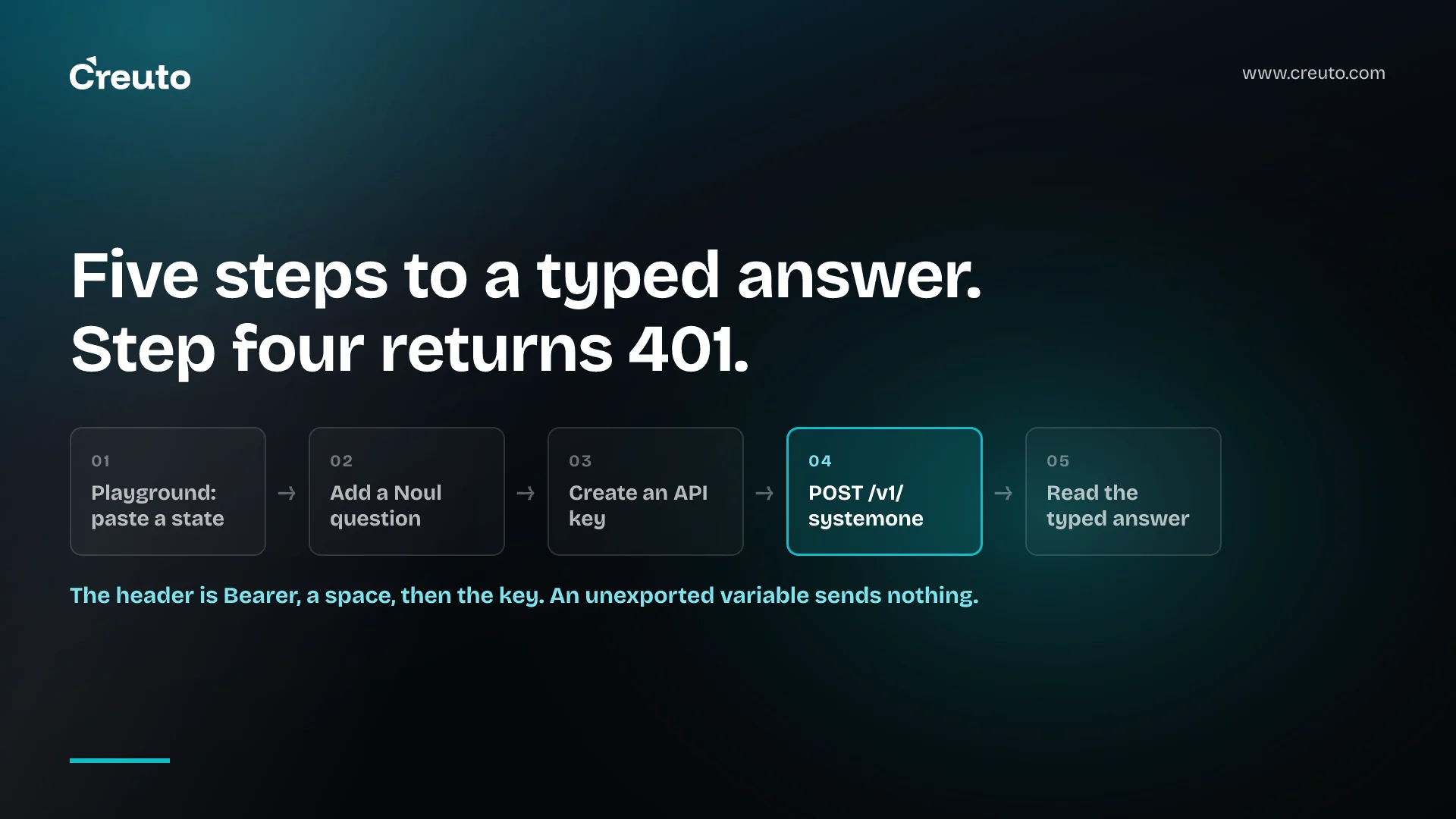
The fastest way through this Jev tutorial is to skip the code entirely for the first two minutes. TypeSafe's Playground runs the same model as the API, so you can paste a sentence, type a question, and see a typed answer before you have written a line. Then the cURL call below is the same request with a Bearer token on it. Total time, if nothing goes wrong: under ten minutes.
Everything here comes from TypeSafe's own quick start and API reference, so every command and every response shape is the documented one rather than something we reconstructed. If you want the background on what the model actually is first, read when a decision model beats an LLM and come back.
Step 1: try it in the Playground before you write code
Open console.typesafe.ai/playground and log in. Paste any text as the state. TypeSafe's own sample is a support message:
Hi, I've been trying to connect my Stripe account for 3 days and the
integration keeps failing. I'm losing sales. Please help ASAP.
Then add a question. A Noul is the simplest one to start with, because the answer is a single number between 0 and 1:
{
  "urgency": {
    "type": "noul",
    "instructions": "Does this message express urgency?"
  }
}
The key urgency is yours. You will get the answer back under the same key. Add a second and a third question and they all run against the same state in one go.
Step 2: get an API key
Keys live at console.typesafe.ai/keys. Create one and put it in your environment rather than in the file you are about to write:
export TYPESAFE_API_KEY="your-key-here"Both official SDKs read TYPESAFE_API_KEY from the environment by default, so doing this now saves you a step later. The same key discipline you would apply to any other provider applies here — expiry, rotation and who can read the variable are worth settling before the key ends up in three services.
Step 3: the cURL call that every Jev tutorial starts with
One endpoint handles everything: POST https://api.typesafe.ai/v1/systemone. Here is TypeSafe's documented cURL example, unchanged:
curl -X POST https://api.typesafe.ai/v1/systemone \
  -H "Authorization: Bearer $TYPESAFE_API_KEY" \
  -H "Content-Type: application/json" \
  -d @- <<'EOF'
  {
    "state": "Hi, I've been trying to connect my Stripe account for 3 days and the integration keeps failing. I'm losing sales. Please help ASAP.",
    "model": "jev-latest",
    "questions": {
      "urgency": {
        "type": "noul",
        "instructions": "Does this message express urgency?"
      }
    }
  }
EOF
Three fields go up, and all three are required: state is the content you want judged, model selects which model answers, and questions is a map of question IDs to question objects. jev-latest is an alias — as of September 2026 it resolves to jev-1.13.0, and the response tells you which version actually answered.
Step 4: read the typed answer
Now ask three questions at once instead of one, which is what a real integration looks like. The documented request mixes all three question types against the same state:
{
  "state": "Hi, I've been trying to connect my Stripe account for 3 days and the integration keeps failing. I'm losing sales. Please help ASAP.",
  "model": "jev-latest",
  "questions": {
    "department": {
      "type": "choice",
      "instructions": "Which team should handle this",
      "criteria": {
        "billing": "Payment or subscription issues",
        "technical": "Bugs or integration problems",
        "sales": "Pricing or account questions"
      }
    },
    "frustration": {
      "type": "score",
      "instructions": "How frustrated the customer appears",
      "criteria": [
        "Calm, just stating facts",
        "Frustrated but civil",
        "Very angry, strong language"
      ]
    },
    "is_urgent": {
      "type": "noul",
      "instructions": "The message conveys urgency or time-sensitivity"
    }
  }
}
And the response, exactly as the quick start documents it:
{
  "model": "jev-1.13.0",
  "answers": {
    "department": {
      "type": "choice",
      "choice": "technical",
      "confidence": 0.78,
      "probabilities": { "technical": 0.85, "sales": 0.0, "billing": 0.15 }
    },
    "frustration": {
      "type": "score",
      "score": 1.0,
      "confidence": 1.0,
      "legend": {
        "0": "Calm, just stating facts",
        "1": "Frustrated but civil",
        "2": "Very angry, strong language"
      },
      "probabilities": { "0": 0.0, "1": 1.0, "2": 0.0 }
    },
    "is_urgent": { "type": "noul", "noul": 1.0 }
  },
  "usage": { "input_tokens": 392, "output_tokens": 65 }
}
Read it key by key. answers.department.choice is the string "technical", and probabilities shows 0.15 still sitting on billing. answers.frustration.score is 1.0, which maps through legend to "Frustrated but civil". answers.is_urgent.noul is 1.0, the probability that the statement is true. Nothing needs parsing out of a sentence, because no sentence was written.
Notice what that one call cost: 392 input tokens for three questions. Only input tokens are metered, so the second and third questions were nearly free. This is why TypeSafe's docs tell you to send every question your code might need in one request rather than making three.
Step 5: the same call from an SDK
The Python SDK needs Python 3.10 or newer. The client reads TYPESAFE_API_KEY from the environment and calls jev-latest by default:
pip install typesafe-sdkfrom typesafe_sdk import Choice, Noul, Score, TypeSafeClient
client = TypeSafeClient()
ticket = "Hi, I've been trying to connect my Stripe account for 3 days and the integration keeps failing. I'm losing sales. Please help ASAP."
response = client.system_one(
state=ticket,
questions={
"department": Choice(
instructions="Which team should handle this",
criteria={
"billing": "Payment or subscription issues",
"technical": "Bugs or integration problems",
"sales": "Pricing or account questions",
},
),
"frustration": Score(
instructions="How frustrated the customer appears",
criteria=[
"Calm, just stating facts",
"Frustrated but civil",
"Very angry, strong language",
],
),
"is_urgent": Noul(
instructions="The message conveys urgency or time-sensitivity",
),
},
)
print(response.answers["department"].choice) # "technical"
print(response.answers["frustration"].score) # 1.0
print(response.answers["is_urgent"].noul) # 1.0The JavaScript SDK needs Node.js 20 or newer and follows the same shape, with answer types inferred from the questions you pass:
npm install @typesafe-ai/sdkimport { choice, TypeSafeClient } from "@typesafe-ai/sdk";
const client = new TypeSafeClient();
const response = await client.systemOne({
state: { document: "I was charged twice. Please fix this ASAP." },
questions: {
category: choice("What is this ticket about?", {
billing: null,
technical: null,
other: null,
}),
},
});
console.log(response.answers.category.choice);Both packages retry on rate limits with backoff by default, which is one practical reason to use an SDK rather than raw HTTP for anything past a first experiment.
Errors you will hit on the first run
TypeSafe documents four status codes on the evaluation endpoint. Three of them will show up in your first hour.
| Status | What it means | What to check |
|---|---|---|
401 Unauthorized | Missing or invalid API key | The Authorization header. The value is Bearer, a space, then the key. |
422 Unprocessable Entity | The request body failed validation | The response body names the offending field. Usually a missing criteria on a Choice or Score. |
429 Too Many Requests | Over the rate limit | Back off and retry after a delay rather than immediately. |
529 Overloaded | TypeSafe is temporarily overloaded | Same treatment as a 429: exponential backoff. |
The 401 is the one that catches people, because an unquoted $TYPESAFE_API_KEY in a shell that never got the export produces a header reading Authorization: Bearer with nothing after it — a valid-looking request with an empty key. Echo the variable before you blame the endpoint.
The 422 usually means a question is the wrong shape rather than the wrong wording. A Choice needs criteria as a map of options, a Score needs criteria as an ordered array of at least two level descriptions, and only a Noul can go without criteria at all.
Rate limits as of September 2026 are 250,000 tokens per second and 1,200 requests per minute, and TypeSafe warns on the same page that these are adjusting dynamically while it works through demand. Treat a 429 as normal traffic shaping rather than a bug, the same way you would treat a 429 from any other model provider.
What to do with this once it runs
You now have a request that returns a number your code can branch on. The next decision is the one that actually matters: what happens at 0.78 confidence, and what happens at 0.42. TypeSafe's examples thread that through their sample code — route automatically above a threshold, send the middle band to a person — and the thresholds live in your code, not in the model.
The honest limit of a quick start like this is that it proves the call works, not that the answers are good on your data. Before any of this reaches production, build a small set of real examples with known answers and check the model against them. That evaluation step is the part teams skip, and it is the part that decides whether the integration survives contact with real traffic. When we wire a model like this into an existing product, the work is mostly in the integration and the thresholds rather than the call itself; our AI engineering team treats the evaluation set as the first deliverable, not the last.
Frequently asked questions
Start in TypeSafe's Playground at console.typesafe.ai/playground, where you paste text as the state and add a question without writing code. Once the answer looks right, create an API key and send the same request to the API with cURL or one of the SDKs.
Jev API keys are created at console.typesafe.ai/keys. Set the key as the environment variable TYPESAFE_API_KEY, because both the Python and JavaScript SDKs read that variable by default, and pass it as a Bearer token if you are calling the HTTP API directly.
Every Jev call goes to POST https://api.typesafe.ai/v1/systemone with an Authorization Bearer header and a JSON body. The body has three required fields: state, the content being judged; model, usually jev-latest; and questions, a map of question IDs to question objects.
A 401 Unauthorized means the API key is missing or invalid, so check the Authorization header first. The most common cause is an environment variable that was never exported, which produces a header with the word Bearer and no key after it.
Yes, and TypeSafe's documentation recommends it. Every question in a request is evaluated against the same state in parallel, so adding questions barely changes the response time, and only input tokens are billed. The quick start example mixes Choice, Score and Noul in one call.
TypeSafe publishes a Python SDK, which needs Python 3.10 or newer and installs with pip install typesafe-sdk, and a JavaScript SDK, which needs Node.js 20 or newer and installs with npm install @typesafe-ai/sdk. Both retry on rate limits with backoff by default.
