GitHub AI Scan metrics: a rate without a denominator
GitHub AI Scan metrics report a remediation rate, but AI Scan findings cannot be dismissed at all. What the dashboard measures, and what to track instead.
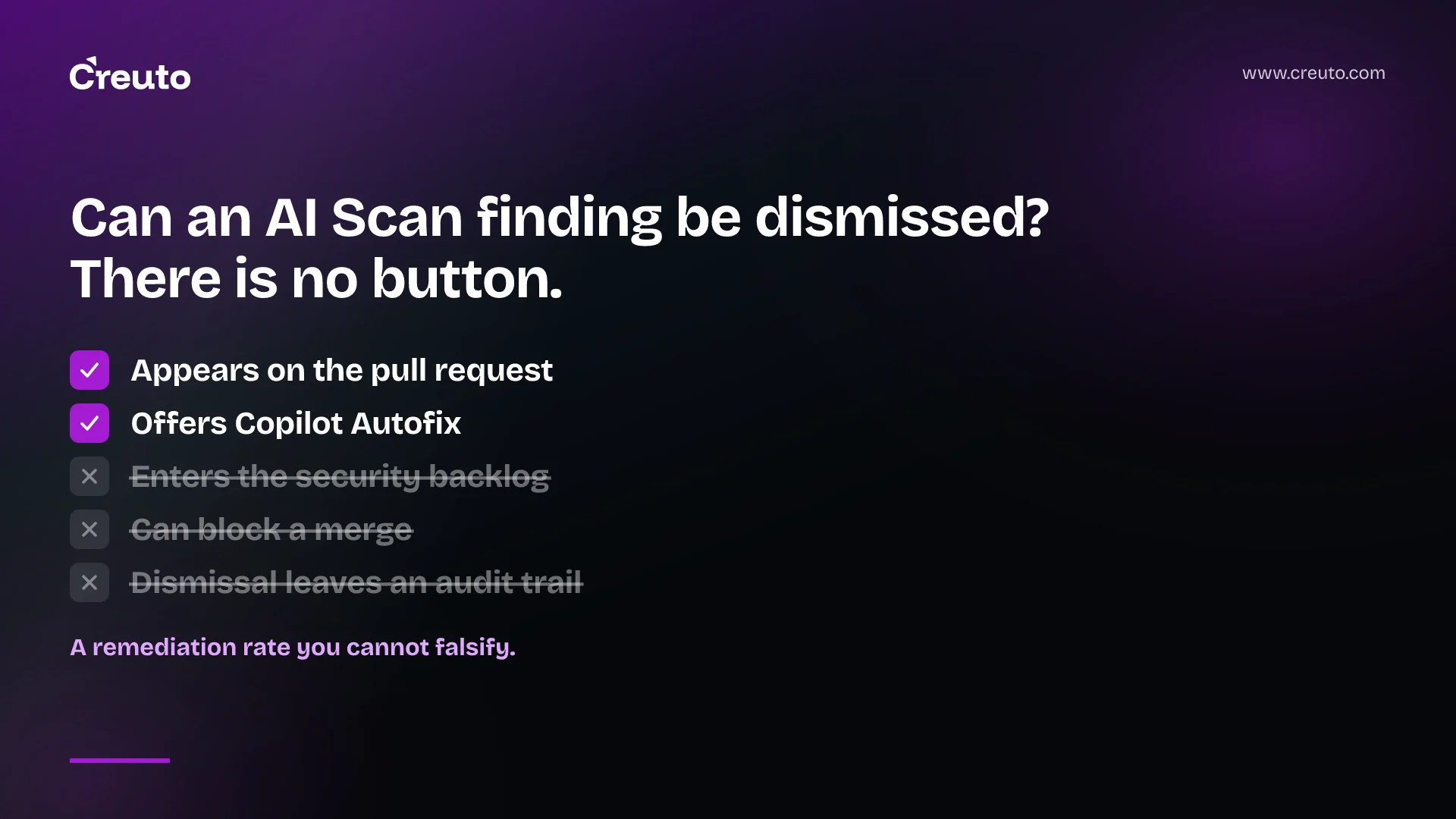
GitHub AI Scan metrics arrived in security overview on 13 October 2026, reporting findings generated, findings resolved, a remediation rate, period trends and how often developers accepted autofix. On the same day GitHub shipped audit logging for dismissed findings. Those two look like one measurement story. They are not — and the difference decides whether the remediation rate on your dashboard means anything.
The audit events cover GitHub Code Quality findings. AI Scan findings cannot be dismissed at all. There is no dismiss action, no backlog, and no audit trail, which means an ignored finding and a finding nobody ever read produce the same number.
What AI Scan is, and what it deliberately is not
AI Scan is a public preview feature that brings AI-based security detection to pull requests for languages and frameworks CodeQL does not cover — PHP, Shell and Bash, Terraform HCL, Dockerfiles, JSP and Blazor. It detects string injection, weak cryptography, broken access control, sensitive data exposure, security misconfiguration, authentication failures, data integrity failures, SSRF and supply chain risks.
The constraints are the design, not omissions:
- Pull requests only. There are no full repository scans. Findings appear on the Conversation and Files changed tabs with an "AI" label.
- No backlog. Findings do not appear in the repository's security view. They live and die with the pull request.
- Advisory. They do not block merges, and cannot yet be used in rulesets to enforce merge requirements.
- No dismissal. The documented feedback mechanism is a thumbs up or thumbs down for reporting inaccurate results. That is sentiment, not a decision record.
- It skips the pull requests you might care about most. AI Scan does not run on forked pull requests or on Dependabot pull requests.
Most findings carry a suggested remediation through Copilot Autofix, the same mechanism CodeQL alerts use, though not all do. Since 16 September it no longer requires CodeQL default setup to be enabled, so it stands alone.
What it costs to turn on
During the preview, AI Scan requires both a GitHub Advanced Security licence and a GitHub Copilot licence, and usage consumes AI credits under usage-based billing. Enterprises must allow it, organisations then enable it, and repository administrators can opt out. It is not available on GitHub Enterprise Server.
Two paid licences plus metered credits, for advisory comments that cannot gate a merge, is a real budget conversation rather than a toggle.
Why the GitHub AI Scan metrics remediation rate is hard to read
Here is the measurement problem in one sentence: a remediation rate is a ratio, and you only control the numerator.
When an AI Scan finding appears on a pull request, a developer can fix it, accept the autofix, or do nothing and merge. The first two increment "resolved". The third produces no event — no dismissal, no justification, no actor, no timestamp. So a 40% remediation rate is consistent with several very different worlds:
| What happened | What the dashboard shows |
|---|---|
| Developers fixed the real issues and correctly ignored false positives | 40% remediation |
| Developers never noticed the comments | 40% remediation |
| Findings were mostly noise and the team learned to scroll past | 40% remediation |
| Three reviewers fixed everything; everyone else ignored everything | 40% remediation |
Those demand opposite responses — tune the scanner, change the review process, train the team, or do nothing — and the metric cannot distinguish them. The autofix acceptance rate helps a little, because a low acceptance rate alongside a low remediation rate suggests the suggestions themselves are poor. But acceptance is still a numerator.
Contrast that with the thing GitHub shipped the same day. For Code Quality findings, repo.code_quality_findings_dismissed and repo.code_quality_findings_reopened record who made the request, when, the repository and rule, and the IDs and count of affected findings. Those events are generally available on Team and Enterprise Cloud, retrievable through the audit log API on Enterprise Cloud. That is a real denominator: a dismissal is a recorded decision with an owner.
The lesson is not that AI Scan metrics are useless. It is that they measure a different thing than they appear to — adoption and engagement, not security posture. We have made this argument about scanners before in the context of alert fatigue and what to automate: the number that matters is never how many findings a tool produced.
Code Quality is a different product, and it is no longer free
Worth separating clearly, because the shared "findings" vocabulary invites confusion. GitHub Code Quality went generally available on 20 July 2026 as a purchasable product at $10 per active committer per month on enabled repositories, plus usage-based consumption for its AI capabilities. It has a backlog, a Dismissed tab, and bulk dismiss or reopen from the rule page — all the machinery AI Scan lacks.
If you are reading GitHub's documentation on this, be careful which page you trust: the "Improving the quality of your repository's code" tutorial still describes Code Quality as being in public preview, which contradicts the July general availability announcement. The changelog is the more current source.
There is also an open question that would change the picture. A GitHub community thread in April 2026 said dismissal for AI findings was planned — "we'll be adding dismissal to AI findings soon" — and we have found nothing confirming it shipped. If and when it does, the AI Scan remediation rate becomes a genuinely interpretable metric. Until then, treat its absence as the defining limitation.
What to measure instead, this quarter
If you want to know whether AI-generated security findings are improving your code, the metrics worth building are not in the dashboard:
- Coverage before rate. Which repositories have AI Scan enabled, and which of your languages does it actually support? A flattering remediation rate across three Terraform repositories tells you nothing about the PHP service nobody enabled it on. The security overview coverage view reports enablement, and that is the number to read first.
- Finding density per pull request. Findings divided by pull requests touching qualifying code. Rising density with a flat remediation rate is the signature of a scanner becoming noise, and it is the leading indicator that developers have started scrolling past.
- Recurrence of the same rule. The same rule firing repeatedly in the same repository is the strongest available signal that findings are being ignored rather than judged — and it is derivable without any dismissal event, which is precisely why it is useful here.
- Time to merge, before and after. If enabling AI Scan materially lengthens review, you are paying in cycle time for advisory comments. Measure it against your existing baseline rather than guessing, the way we described for finding where a pull request really waits.
- Audit the dismissals you do have. For Code Quality, pull the two audit events and look at the distribution by actor and rule. A rule dismissed thirty times by one person is either a bad rule or a bad habit, and both are worth a conversation.
The uncomfortable conclusion is that the honest version of this dashboard is smaller than the one GitHub ships. Findings generated and autofix accepted are real, measured things. Remediation rate, in a system where declining to act leaves no trace, is a number you should quote with a caveat attached — and never in a board pack without one.
None of this is an argument against turning AI Scan on. Coverage for PHP, Terraform and Dockerfiles where CodeQL offers none is genuinely valuable, and the preview is the right time to find out whether its findings are any good on your codebase. It is an argument for being specific about what you are claiming when you report on it, which is the same discipline that separates automated review that earns trust from automation that merely runs. If you are standing up this kind of measurement across a real estate of repositories, that is the QA and automation work we do.
Frequently asked questions
GitHub AI Scan metrics are security overview views for organisation and enterprise administrators showing how AI Scan performs on pull requests: findings generated, which repositories produced them, findings resolved, a remediation rate, period-over-period trends, and how often developers applied autofix suggestions.
No. GitHub's documentation describes no dismiss action for AI Scan findings, only a thumbs up or thumbs down feedback mechanism for reporting inaccurate results. Findings exist only on the pull request, never enter the repository security backlog, and leave no record when a developer declines to act.
AI Scan complements CodeQL by covering languages and frameworks CodeQL does not, including PHP, Shell and Bash, Terraform HCL, Dockerfiles, JSP and Blazor. Unlike CodeQL alerts, AI Scan findings appear only on pull requests, are advisory, and cannot block a merge or appear as backlog alerts.
AI Scan metrics are in public preview for customers with GitHub Code Security or GitHub Advanced Security on github.com, including GitHub Enterprise Cloud. GitHub Enterprise Server is not supported. AI Scan itself additionally requires a GitHub Copilot licence and consumes AI credits during the preview.
It measures the share of findings that were resolved, which in practice reflects engagement rather than security posture. Because declining to act on a finding produces no event, a moderate remediation rate is equally consistent with good judgement about false positives and with developers never reading the comments.
Yes, for GitHub Code Quality findings. Two generally available audit events, repo.code_quality_findings_dismissed and repo.code_quality_findings_reopened, record the actor, timestamp, repository, rule, and the IDs and count of affected findings on Team and Enterprise Cloud, with API retrieval on Enterprise Cloud.
No. AI Scan runs on pull request creation and each new commit where there are qualifying changes, but it does not run on forked pull requests or on Dependabot pull requests. It performs no full repository scans, so coverage is limited to code changed in eligible pull requests.
