Expo SDK 58 and iOS 27: what changes for React Native apps
Expo SDK 58 is built for iOS 27, which forces the scene life cycle and resizable iPhone apps. What breaks in React Native apps and how to upgrade safely.
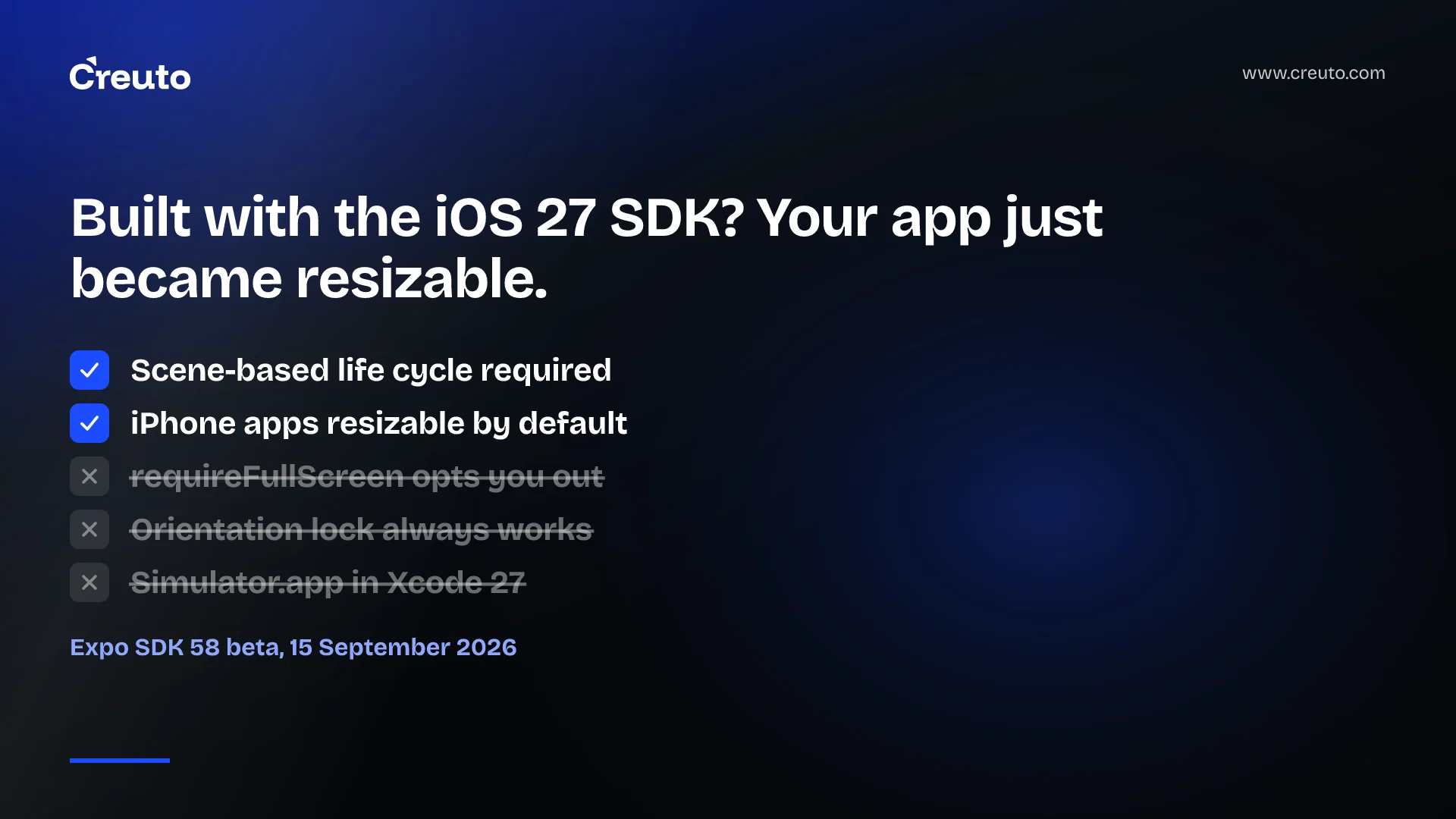
Expo SDK 58 is in beta, and it is built for iOS 27. That matters even if you are not in a hurry to upgrade, because iOS 27 changes two things underneath every React Native app built with its SDK: apps must use the UIKit scene-based life cycle, and iPhone apps become resizable. Full-screen-only settings no longer opt you out. Here is what changes, what Expo handles for you, and how to plan the upgrade.
iOS 27 is out, and App Store builds are open
iOS 27 launched on 14 September 2026. Apple opened App Store submissions for apps built with the iOS 27 SDK using the Xcode 27 release candidate, as 9to5Mac reported, and says uploads will require the latest-generation SDKs from April 2027. So you have months, not days — but the behaviour changes arrive the moment you build with the new SDK.
What is new in Expo SDK 58
Expo released the SDK 58 beta on 15 September. The highlights:
- React Native 0.88 release candidate. Expo will move to the stable release when React Native 0.88 ships.
- Scene-based life cycle. Expo apps now use it so they launch correctly on iOS 27.
- Device Hub support. Xcode 27 replaces Simulator.app with Device Hub; Expo CLI detects it and boots simulators through it.
- App Intents. A new
expo-app-intentspackage exposes actions to Siri, Shortcuts, Spotlight and Apple Intelligence. - Expo UI. Native iOS navigation components, new Jetpack Compose components and fixes for hosted React Native views.
- Android widgets in
expo-widgets, and Live Activities improvements on iOS. - EAS Observe integrations for production performance and error monitoring.
- An experimental agent CLI designed for coding agents working on Expo apps.
iOS 27 React Native changes that can break your app
1. The scene-based life cycle
iOS 27 requires the UIKit scene-based life cycle. Expo notes this changes how app-delegate callbacks are delivered. If your app — or a native library it uses — relies on app-delegate methods for deep links, push notification handling, URL opening or start-up work, those paths need testing, and possibly migration, following Expo's scene life cycle guide.
2. Resizable iPhone apps
Apps built with the iOS 27 SDK become resizable on iPhone automatically. Expo says requireFullScreen no longer opts an app out of resizing, and ScreenOrientation.lockAsync may have no effect while the app is resizable. Layouts that assumed a fixed screen size or a locked portrait orientation may break.
3. New tooling
Device Hub replaces Simulator.app in Xcode 27. Expo's EAS Build images with Xcode 27 are "coming soon" at the time of the beta; the current image ships Xcode 26.6. Cloud builds for iOS 27 need to wait for that image, or be done locally.
Why is my app resizable on iOS 27?
Because Apple made resizing the default for apps built with the iOS 27 SDK, and the old opt-out no longer applies. This is the same direction Apple has taken with larger and folding devices — see our note on foldable iPhone app development. Expo says it will ship improvements for the iPhone Duo as soon as its SDK is available.
How to upgrade an Expo app for iOS 27
- Wait for stable unless you need iOS 27 features now. Expo says you can ship with the beta for iOS 27 support; most production apps should upgrade on the stable release.
- Audit native code and libraries that hook into the app delegate: deep linking, push, analytics, payment SDKs.
- Test resizing. Check every screen at different sizes; replace fixed dimensions and orientation assumptions with responsive layouts.
- Test launch paths: cold start, deep link, push notification tap and universal link.
- Plan your build pipeline around EAS Xcode 27 image availability.
- Keep over-the-air updates in mind. JavaScript fixes can ship quickly, but native changes need a store release; our guide to React Native OTA updates explains the limits.
The opportunity: Siri and Apple Intelligence
Not everything in iOS 27 is a chore. The new expo-app-intents package lets Expo apps expose actions to Siri, Shortcuts, Spotlight and Apple Intelligence. Expo's example is an onboarding checklist app: ask Siri to complete a task, Siri lists the app's tasks, the user picks one, and the intent runs in the app's JavaScript without bringing the app to the foreground. For apps with frequent, simple actions — reorder, book again, check status — this is a genuinely new way for customers to use them.
When will Expo SDK 58 be stable?
Expo ties the stable release to React Native 0.88's stable release and runs office hours during the beta for teams helping to test. The App Store and Google Play versions of Expo Go will update to SDK 58 shortly after the stable release.
The Android side
Many teams will do this upgrade alongside Google Play's target API requirement, which now demands Android 16 for new apps and updates. Planning both together saves a release cycle.
We build and maintain React Native and Expo apps for clients across retail, services and consumer products. If you want your app tested and upgraded for iOS 27 without surprises on launch day, our React Native app development team can run the audit and the upgrade.
Frequently asked questions
Expo SDK 58, in beta since 15 September 2026, is built for iOS 27 and includes React Native 0.88 RC, the UIKit scene-based life cycle, Xcode 27 Device Hub support, App Intents for Siri and Apple Intelligence, new Expo UI components and Android widgets.
Apps built with the iOS 27 SDK must use the UIKit scene-based life cycle and become resizable on iPhone. Code relying on app-delegate callbacks, fixed screen sizes or orientation locks needs testing and possibly changes.
Apple made iPhone apps built with the iOS 27 SDK resizable by default. According to Expo, requireFullScreen no longer opts an app out, and ScreenOrientation.lockAsync may have no effect while the app is resizable.
Expo will release SDK 58 stable after React Native 0.88 reaches its stable release. The beta uses React Native 0.88's release candidate, and Expo Go in the app stores updates shortly after the stable SDK ships.
