Expedite App Store review: what Apple actually accepts
Apple reviews 90% of submissions in under 24 hours. When you can expedite App Store review, exactly what to send, and what to do when you do not qualify.
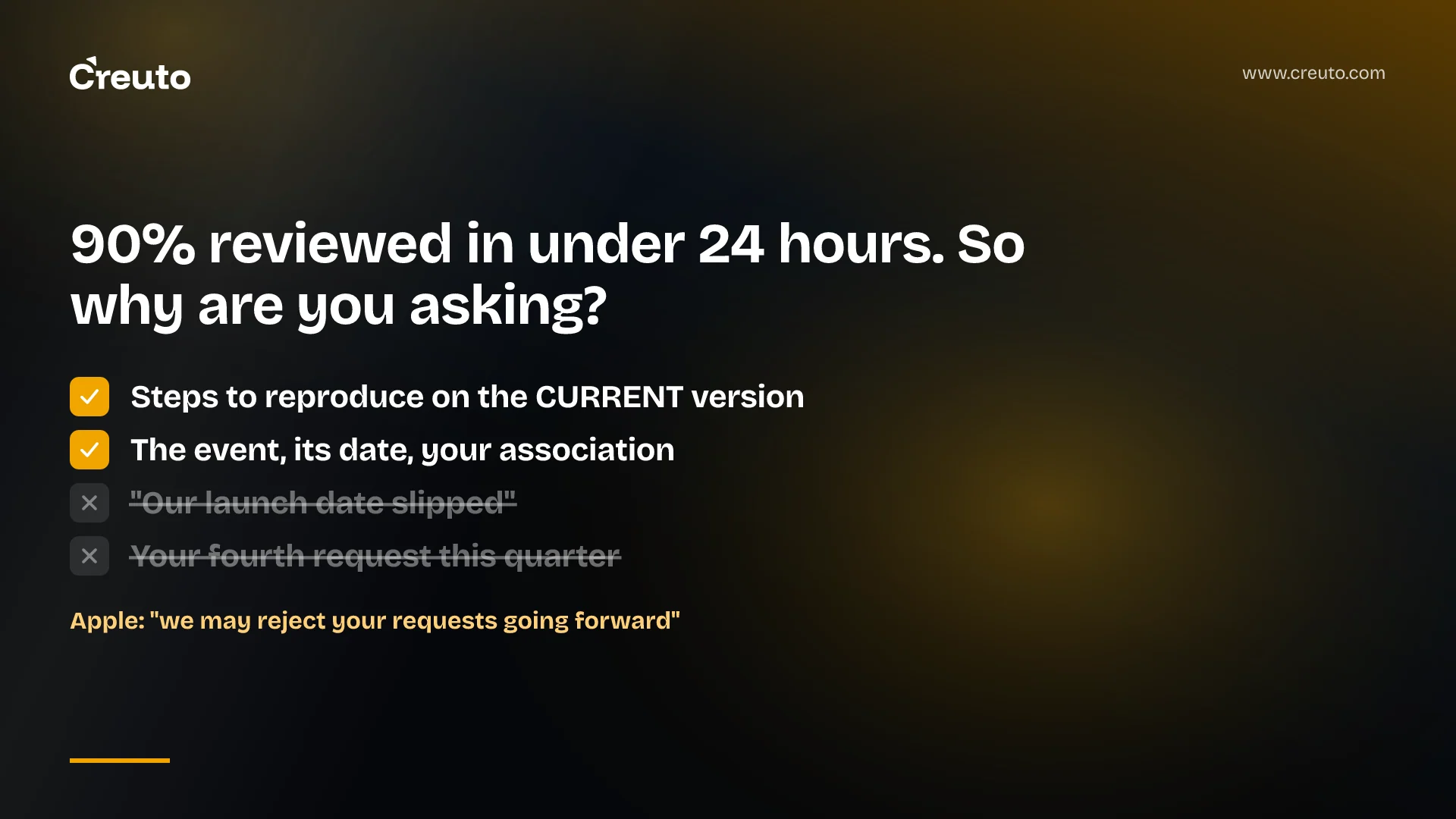
Before you ask Apple to expedite App Store review, look at the number you are trying to beat. Apple states that on average, 90% of submissions are reviewed in less than 24 hours. Expedited review is not a faster lane you can opt into on a bad day — it is a narrow exception, and spending it badly costs you the next one.
What Apple publishes, as of September 2026:
- Expedited review exists for extenuating circumstances — a critical bug in a live app, or a release timed to an event you are directly associated with.
- A bug request must include the steps to reproduce the bug on the current version of your app.
- An event request must name the event, the date of the event, and your app's association with it.
- Overuse has a stated penalty: Apple may reject your expedite requests going forward.
What Apple accepts as grounds to expedite App Store review
The wording on Apple's App Review page rewards a literal reading. You can request expedited review if you face "extenuating circumstances, such as fixing a critical bug in your app or releasing your app to coincide with an event you're directly associated with". Two phrases carry the whole policy.
Extenuating excludes ordinary release pressure. A sprint that overran, a marketing email already scheduled, a board demo on Thursday — none of those are circumstances Apple named, and none of them are a critical bug.
Directly associated excludes the conference you are merely attending. Apple's example is an app released to coincide with an event, not an app shown at one. If your company is not an organiser, a named partner or the subject of the event, the association is hard to state in a sentence — which is a useful test in itself.
Apple expedited review criteria at a glance
| Situation | Within Apple's stated grounds? | What the request must carry |
|---|---|---|
| Crash or data-loss bug in the version now on the App Store | Yes — critical bug fix | Steps to reproduce the bug on the current version |
| App must be live for an event you organise or headline | Yes — event-related app | The event, its date, your app's association with it |
| Launch date slipped and the campaign is already booked | Not a circumstance Apple names | — |
| Cosmetic or copy fix, however embarrassing | Not a critical bug | — |
What to send for a critical bug fix
Apple is specific about the one thing the request has to contain: when submitting an expedited review to fix a critical bug, include the steps to reproduce the bug on the current version of your app. Note the phrase current version — the reviewer needs to reproduce the failure in the build users already have, not in the build you are asking them to approve.
Write the steps the way you would write them for a QA engineer who has never opened your app: the exact screen, the exact tap order, the account state, the device and OS version, and what happens instead of what should happen. If the failure needs a particular account, that account belongs in the App Review Information section of App Store Connect — Apple warns that if you don't include this information, the app review process may be delayed and your app may not pass review.
Say what the bug costs users, in one line. "Sign-in fails for every user on iOS 27.2" is a critical bug. "Analytics events are dropped" is a problem you should fix in the normal queue.
What to send for an event-related release
Apple's first recommendation is not the expedite form. For apps associated with an event, Apple recommends you plan and schedule the release of your app in App Store Connect, and only asks you to request expedited review if the app is still in review and the event is close. Scheduling costs nothing and removes the need for the request entirely.
If you do need to ask, Apple wants three things in the request: the event, the date of the event, and your app's association with the event. Give the event its real name, a date rather than "next week", and a sentence that makes the association checkable — a URL where your company appears on the event's own site is worth more than an adjective.
One scheduling detail catches teams out. The App Review Guidelines note that if your release date is set for the future, the app will not appear on the App Store until that date, and that it can take up to 24 hours for your app to appear on all selected storefronts. An approval at 9am on launch day is not a listing at 9am on launch day.
Where the expedited review request lives in App Store Connect
The request is not a button inside your app's version page. Apple links it from the App Review page under "Expedited reviews", and the link points at the developer contact form at developer.apple.com/contact/app-store/?topic=expedite. That form requires you to sign in with an Apple Developer account, so we cannot show you its fields and neither can anyone who has not been signed in — treat any article that describes the form in detail with suspicion about how recently it was checked.
What you can prepare before you get there is the text itself: the reproduction steps or the event details, the app name and version, and a contact who will answer. Apple's App Review page also asks you to make sure your contact information is complete and up to date, which is the kind of field that goes stale when the person who set up the account has left.
Ask too often and Apple stops granting the requests
This is the part most write-ups omit. The App Review Guidelines, last updated 8 June 2026, put it directly: "Please respect your fellow developers by seeking expedited review only when you truly need it. If we find you're abusing this system, we may reject your requests going forward."
The same section adds a second, quieter cost. If your app is repeatedly rejected for the same guideline violation or you've attempted to manipulate the review process, review of your app will take longer to complete. An expedite request is therefore a budget, not a tool — and the budget belongs to whoever is holding the genuine outage next quarter, not to this week's slipped deadline.
Our practice when the release does not qualify
This section is ours, not Apple's. In the mobile work we do, most "we need this out today" moments are release-management failures rather than review-speed failures, and the fixes are structural.
Ship every version with phased release on. Apple's phased release rolls a version update out over seven days, to 1% of users on day one, then 2%, 5%, 10%, 20%, 50% and 100%. You can pause it for a total of 30 days with no limit on the number of pauses. A bug that reaches 1% of your users is a support ticket; the same bug at 100% is the reason you are filling in an expedite form.
Keep a hotfix branch that is always submittable. The slow part of an emergency release is rarely Apple. It is finding a branch that contains the fix and nothing else, getting it signed, and getting screenshots and metadata that have not drifted. Teams that rehearse this path get a build uploaded in an hour; teams that do not spend the day Apple would have spent reviewing.
Use the bug-fix offer when it appears. If you submit a bug fix update and App Review finds additional issues, Apple lets you resolve those issues in your next submission, as long as there are no legal or safety concerns — you reply to the offer message in App Store Connect and ask for the current submission to be approved. That unblocks a fix without any expedite request at all.
Do not stack submissions. Apple allows one app version submission under review per platform at a time, and notes that submissions may not be reviewed in the order you submit them. Queueing a metadata experiment behind an urgent build buys you nothing and complicates the conversation.
If you are building the release process rather than firefighting one, that work sits with your iOS app development and mobile app development practice, not with Apple. We have written separately about the iOS 27 App Store requirements for age ratings and SDKs, which is the other half of the same question: what has to be true before you submit at all. For teams without a Mac in the loop, the constraints on building an iOS app without a Mac change how fast a hotfix can even be produced.
The decision to make today is not whether to expedite. It is whether, on the next release, a critical bug would reach 1% of your users or all of them — because that is what determines whether you ever have to ask.
Frequently asked questions
Apple states that on average, 90% of submissions are reviewed in less than 24 hours. That is an average across all submissions, not a guarantee for yours: Apple also says a complex app, or one presenting new issues, may require greater scrutiny and take longer to complete.
Yes, but only for extenuating circumstances. Apple names two: fixing a critical bug in your live app, and releasing an app to coincide with an event you are directly associated with. Ordinary deadline pressure is not on that list, and a request outside it is unlikely to be granted.
The request is not inside your app's version page. Apple links it from the App Review page under Expedited reviews, which opens the developer contact form with the expedite topic selected. The form requires you to sign in with your Apple Developer account before you can submit anything.
Apple asks for the steps to reproduce the bug on the current version of your app — the build already on the App Store, not the build awaiting approval. Include the device and OS version, any account state needed, and put demo credentials in the App Review Information section.
The App Review Guidelines say Apple may reject your requests going forward if it finds you are abusing the system. There is a related penalty elsewhere in the same section: apps repeatedly rejected for the same guideline violation take longer to review, not less time.
Schedule the release date in App Store Connect, which Apple recommends for event-related apps, and ship with phased release enabled so a bad build reaches 1% of users on day one rather than everyone. Keeping a submittable hotfix branch removes most of the urgency before it starts.
