.NET 8 end of support on 10 November: upgrade to .NET 10 or move on?
.NET 8 end of support is 10 November 2026, the same day as .NET 9. Why to skip .NET 9, how to move to .NET 10, and when changing stack makes sense.
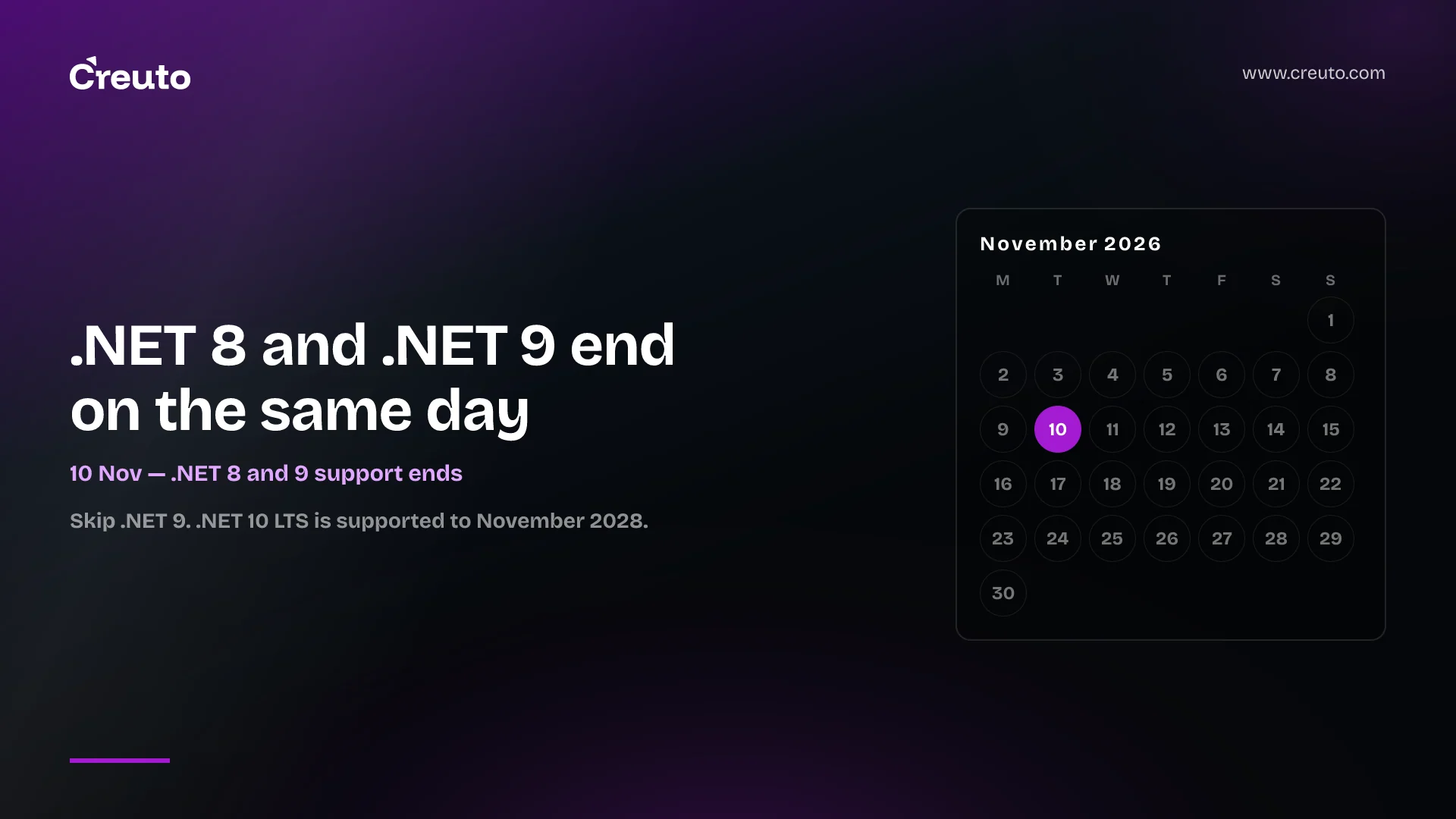
.NET 8 end of support arrives on 10 November 2026, and .NET 9 ends on the same day. After that, Microsoft stops shipping security fixes for either. For most teams the right move is a direct upgrade to .NET 10. But an unavoidable upgrade is also the cheapest moment to ask a bigger question: is this application still on the right stack at all? This guide covers both — the upgrade path, and when it is worth moving part of a system to something else instead.
What Microsoft announced
According to the .NET Blog:
- .NET 8 is a Long Term Support release, supported for 36 months from November 2023, ending 10 November 2026.
- .NET 9 is a Standard Term Support release. Microsoft extended STS support to 24 months, which puts its end date on the same day.
- After 10 November, there are no servicing updates, security fixes or technical support for either version. There may be one final update that day if a critical issue is known.
- .NET 10 is the current LTS release, supported until November 2028.
- Visual Studio 2022 will mark .NET 8 and 9 components as out of support in a future servicing update.
The official .NET support policy sets out the LTS and STS rules, and InfoWorld has covered the shared end date.
Should you upgrade to .NET 9 or .NET 10?
Go straight to .NET 10. Moving to .NET 9 now means doing migration work for a version that loses support on exactly the same day as .NET 8. .NET 10 gives you two years of support to November 2028.
How to migrate a .NET 8 app to .NET 10
For most applications the core change is small: set the target framework to net10.0 in the project file and update development and hosting environments. The work is in everything around it:
- Inventory. List every application, service and scheduled job on .NET 8 or 9, including the ones nobody has touched in a year.
- Dependencies. Check NuGet packages and third-party libraries for .NET 10 support; outdated packages are the usual blocker.
- Breaking changes. Review ASP.NET Core, Entity Framework Core and runtime breaking changes for the versions you are jumping.
- Hosting. Update container base images, App Service or VM runtimes, and CI build agents.
- Test. Run automated tests, then a staged rollout. Where test coverage is thin, add characterization tests first.
Seven weeks is enough for a small estate if you start now. A platform with many services needs a plan this week.
What happens after .NET 8 end of support?
The application keeps running. What stops is Microsoft's patching: new vulnerabilities in the runtime or ASP.NET Core will stay open. For internet-facing systems or anything handling payments or personal data, that is a risk auditors and customers increasingly ask about — the same issue we described for unsupported e-commerce platforms.
Upgrade or move to another stack?
.NET is a mature, fast and actively developed platform, and for most .NET applications upgrading is clearly the right answer. But an end-of-support deadline is also a natural point to review whether a system still fits your team and roadmap. Moving some or all of it elsewhere can make sense when:
- Your team has moved on. If most of your engineers now work in TypeScript, Node.js, Python or Go, and .NET skills are concentrated in one or two people, the long-term cost of the stack is the hiring risk.
- The front end and back end are split across languages. Teams building web and mobile apps in TypeScript sometimes consolidate on one language to share code, types and people.
- The system needs rebuilding anyway. If the application is due a significant redesign, choosing the stack is part of that project, not a separate one.
- It is really .NET Framework underneath. Older .NET Framework applications (such as WebForms or WCF) cannot be upgraded by changing a version number; they need a port either way, so compare the options properly. Note that .NET Framework has its own support lifecycle, separate from this deadline.
Moving is not the right answer when the application is stable, well tested and your team is productive in C#. A rewrite for fashion's sake adds risk without adding value.
A sensible middle path
Upgrade to .NET 10 now to stay supported, then modernise selectively: extract new features or high-change modules into services in whichever stack suits them, behind stable APIs. That is the incremental approach we recommend in how to modernise legacy systems, and it lets you change stack gradually without a risky big-bang rewrite — the trade-off we explored in GitHub and Bun's agent-assisted rewrites.
What to do this week
- List all .NET 8 and 9 applications and owners.
- Rank them by exposure: internet-facing and data-sensitive first.
- Decide per application: upgrade to .NET 10 now, or upgrade and plan a longer modernisation.
- Book the work before November's release freezes.
Our legacy application modernisation team can upgrade your .NET estate to .NET 10 before the deadline, and give you an honest view on where a different stack would serve you better — and where it would not.
Frequently asked questions
.NET 8 support ends on 10 November 2026. Microsoft will then stop providing servicing updates, security fixes and technical support. .NET 9 reaches end of support on the same day.
Upgrade directly to .NET 10. .NET 9 loses support on 10 November 2026, the same day as .NET 8, while .NET 10 is a Long Term Support release supported until November 2028.
Applications on .NET 8 keep running after 10 November 2026, but Microsoft no longer patches new security vulnerabilities or provides support, which increases risk for internet-facing or data-sensitive systems.
Most .NET applications should simply upgrade to .NET 10. Moving part of a system to another stack makes sense when your team's skills have shifted, the system needs a redesign anyway, or it runs on older .NET Framework that must be ported regardless.
