Cloudflare Workers spend limit: a cap that pauses production
A Cloudflare Workers spend limit can reject new invocations at the cap. See what it blocks, what slips past it, and when alert-only mode is safer.
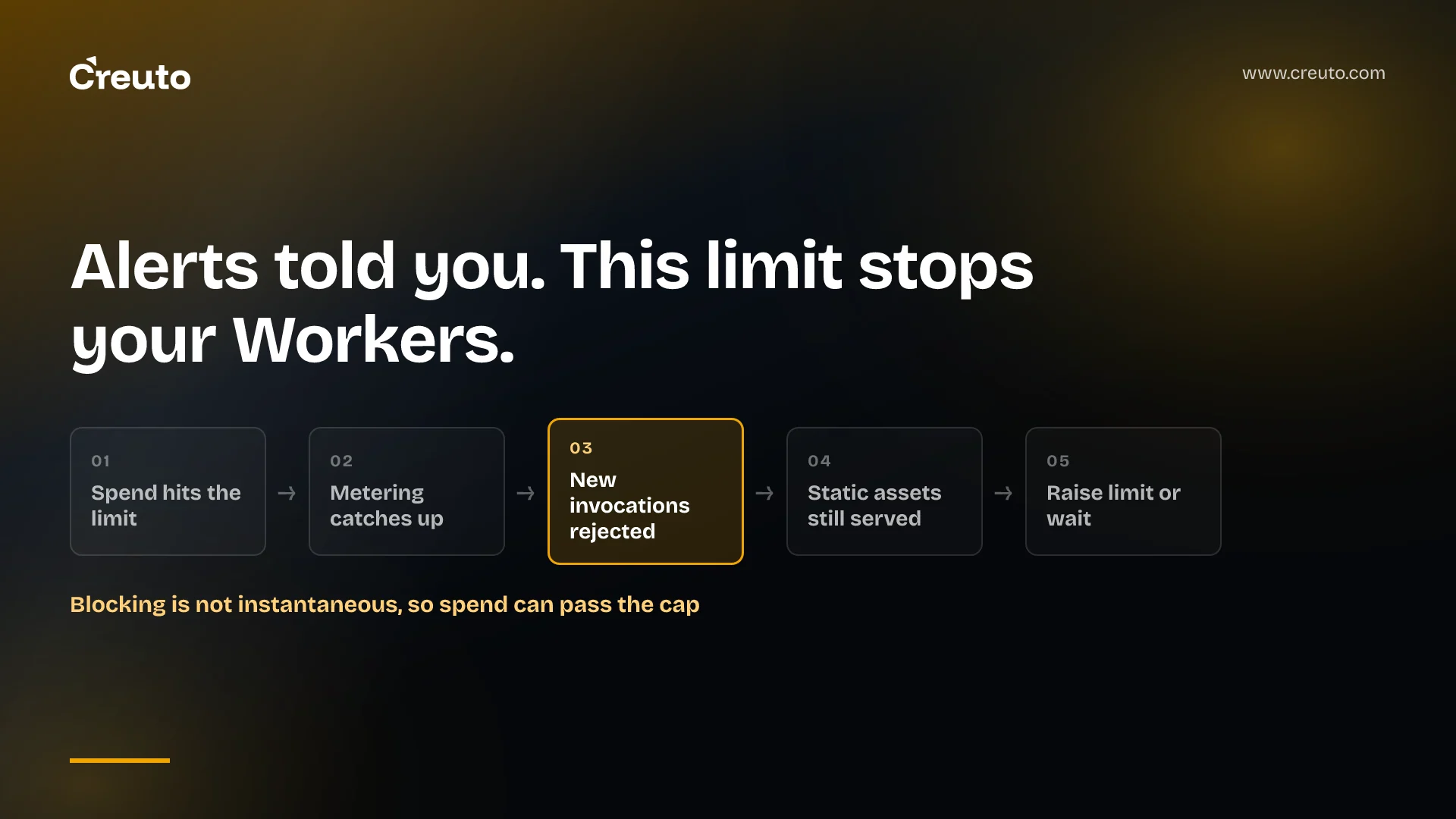
A Cloudflare Workers spend limit, launched in beta on 13 November 2026, does what budget alerts never did: when the cap is reached, new invocations are rejected until you raise the limit or the billing period ends. That turns a billing setting into a production decision. This post covers what the limit blocks, what slips past it, and when alert-only is the safer mode.
One caveat first. We haven't run this on a production account, so everything below rests on Cloudflare's launch post, changelog entry, spend management guide and API reference as they stood on 15 November 2026.
| Question | What Cloudflare says |
|---|---|
| Products covered | Workers and Durable Objects, with other products "coming soon" (changelog) |
| Availability | Beta, for pay-as-you-go customers (launch post) |
| Modes | Email alerts only, or alerts plus a blocking limit (turn off Block usage for alert-only) |
| At the limit | New invocations rejected; static assets keep being served |
| Spend visibility | Near real time, "under 10 minutes" |
| Price of the controls | The changelog entry states none |
What a Cloudflare Workers spend limit blocks and what keeps running
Cloudflare's launch post is direct about enforcement: "Once a cap is enforced, new invocations of that product are rejected." Only customer-code invocations that incur costs are paused. For Workers, that includes Cron Trigger and Queue consumer invocations. Static assets continue to be served, which fits the Workers pricing page: requests to static assets are free and unlimited.
The scope is the part to read twice. According to the guide, Workers and Durable Objects each get their own product-wide limit, and a Workers limit does not include Durable Objects, Workers AI, Workers KV, R2 or other products. A limit cannot target an individual Worker, Durable Object namespace or billing metric, and it can interrupt every application on the account that uses the affected product.
What counts toward the number: requests and CPU time, not the plan fee
For Workers, the guide says the limit counts requests and CPU time after included usage is deducted. The Workers Paid subscription fee and other products are excluded. For Durable Objects it counts requests, duration, SQLite rows read and written, and key-value storage read, write and delete operations, but not stored data.
The published rates put that in perspective. On the Workers Standard plan, the pricing page lists 10 million requests and 30 million CPU milliseconds included each month, then $0.30 per additional million requests and $0.02 per additional million CPU milliseconds. Subrequests, WebSocket messages, duration and egress are not billed. By our arithmetic, $50 of request overage alone is about 167 million requests beyond the allowance, before any CPU charges. A limit set at that level is a guard against a runaway loop, not a budget for normal growth.
How to set a spending limit from the dashboard or the cf CLI
In the dashboard, go to Billing, then Spend limits, choose a limit, a notification email and alert thresholds for Workers or Durable Objects. Cloudflare's example is a $10 Workers limit with email alerts at $5 and $9.
From the cf CLI, the changelog documents one command, with the amount in US cents:
cf billing spend-policies create \
  --name workers-cap \
  --product-id workers \
  --enabled true \
  --threshold-cents 5000 \
  --action usage_block
The API reference adds two constraints worth knowing. The action is either notification or usage_block, and each account can have only one enabled usage_block policy per product; a second returns a 409. Notification policies are unlimited.
Alert-only or blocking: choose per account, because the limit is account-wide
The case for blocking is strong. Cloudflare's own framing is that "informing is not the same as controlling," and an email on a Saturday does nothing to a retry loop. A blocking limit is the only Workers control that stops spend without a human awake.
The case against is equally concrete. Once the cap is enforced, new invocations are rejected for every application on the account that uses that product. A staging bug and a customer-facing API share one switch, and with one blocking policy per product there is no per-Worker carve-out in the documents. The following is our judgment, not Cloudflare's guidance:
| Account type | Suggested mode | Why |
|---|---|---|
| Experiments, internal tools, preview traffic | Blocking limit | A pause costs little; a runaway loop costs real money |
| Customer-facing traffic | Alert-only, plus a runbook | A pause is an outage for every user of that product |
| Mixed account | Split the account, or stay alert-only | No per-Worker scope, so one workload's bug can pause the rest |
A limit doesn't replace the basics in our look at nine Cloudflare Workers production failures. Where the line between guardrail and outage sits is a DevOps and cloud engineering question as much as a billing one.
A Cloudflare spend limit can be exceeded, and Cloudflare says so
The guide states plainly that "A limit does not guarantee a maximum invoice amount." It adds: "Blocking is not instantaneous." and "Metering delays, operations already in progress, and enforcement failures can allow spend to exceed a limit." Some charges also continue during a pause.
The lag is built into the design. The launch post describes two metering stages, roughly one-minute windows merged into roughly five-minute windows, with caps pushed to nodes that refresh periodically. Cloudflare hopes to shorten the gap between measurement and enforcement to under a minute, but today the dashboard figure is under 10 minutes. Set the limit below the amount that hurts, not at it.
Two more details affect operations. Email alerts go out at 80% and 100% of the threshold, and if spend jumps past both between evaluations you may get only the 100% alert. And the billing cycle starts when the paid subscription begins, not on the calendar month: Cloudflare's example is a subscription starting 10 October, which generally runs to 10 November.
How the new limit differs from budget alerts and AI Gateway spend limits
Cloudflare now has three overlapping controls, and only two of them stop anything.
| Control | At the threshold | Scope |
|---|---|---|
| Budget alerts (April 2026) | Email when projected monthly spend reaches the threshold; informational only | Account-level spend; Enterprise contract accounts not supported |
| Spend Management (13 November 2026) | Email, or pause the product | Workers and Durable Objects, each product-wide |
| AI Gateway spend limits (June 2026) | Blocks requests; the docs describe a 429 response | By model, provider or custom metadata, up to 20 rules per gateway |
Budget alerts are now on by default for eligible pay-as-you-go accounts, with a $10 account-level threshold, according to the July 2026 changelog entry. That alert "does not cap your usage or impact your account in any way."
If your spend risk is model usage rather than invocations, AI Gateway is the relevant control, and its docs call cost tracking a best-effort estimate. Our post on AI spend monitoring and model overuse covers the wider problem.
On plans, be careful. The launch post names pay-as-you-go customers and nothing else, and neither the changelog nor the guide states Enterprise eligibility or free-plan behaviour. The budget alerts entries do exclude Enterprise contract accounts, so confirm eligibility with Cloudflare before building a process on the limit.
Put a cost guardrail in place before the first runaway, not after
The decision to make this week is small. For each Cloudflare account, decide whether a pause is acceptable, set the limit below the spend that would hurt, and send alerts to a mailbox someone watches. Then rehearse the way back: raise the limit above current spend, turn it off or remove it, and allow a few minutes for the change to apply. Turning a limit off and on again does not reset the period's spend.
If you are weighing where cost guardrails and failure behaviour belong across your cloud and edge workloads, our DevOps and cloud engineering team can review the setup with you before a cap turns into an incident.
Frequently asked questions
Yes. Cloudflare launched Spend Management in beta on 13 November 2026 for Workers and Durable Objects, available to pay-as-you-go customers. You can set email alerts only, or turn on Block usage so new invocations are rejected once the limit is reached. Cloudflare says other products will follow soon.
When a Cloudflare spend limit with Block usage is enforced, new invocations of that product are rejected. Cron Trigger and Queue consumer invocations pause too, but static assets keep being served. Usage resumes if you raise the limit above current spend, turn it off, remove it, or wait for the next billing period.
Yes. Cloudflare's guide says blocking is not instantaneous and that metering delays, operations already in progress and enforcement failures can allow spend to exceed a limit. It also states that a limit does not guarantee a maximum invoice amount, so set the limit below the figure you cannot afford.
Cloudflare's launch post says the beta is available to pay-as-you-go customers and names no other plan. Neither the changelog entry nor the guide states Enterprise eligibility. The earlier budget alerts do exclude Enterprise contract accounts, so confirm with Cloudflare before you rely on a spend limit there.
No. Cloudflare's guide says a limit cannot target an individual Worker, Durable Object namespace or billing metric. Workers and Durable Objects each get a product-wide limit across the account, so a blocking limit can interrupt every application on the account that uses that product.