Chrome local network access: the opt-out outlived Chrome 156
Chrome local network access: chromestatus says the opt-out ended in 156, but Chrome 156's source keeps it to M163. Here is how to fix the app before then.
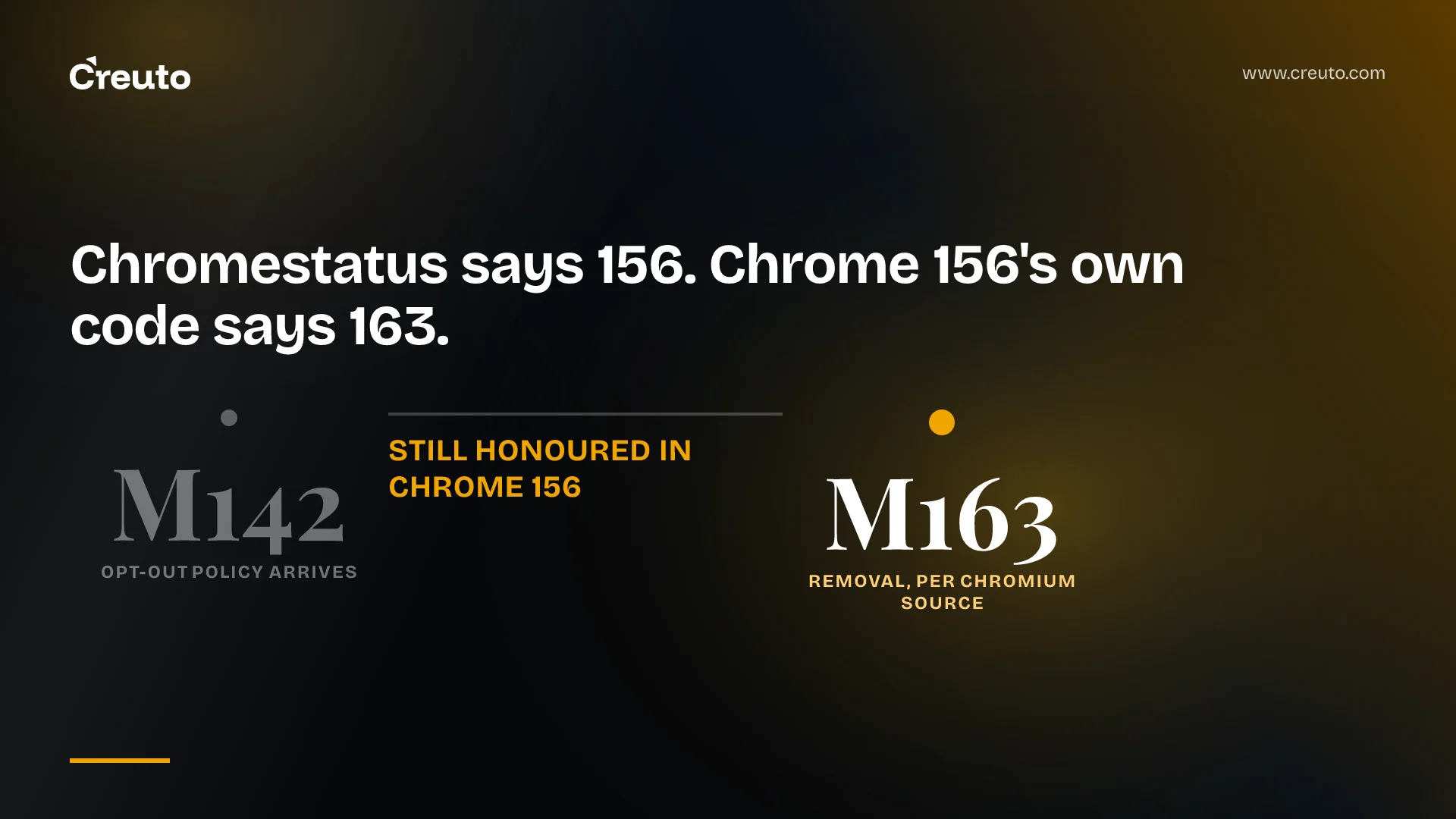
Chrome local network access still has its enterprise escape hatch in Chrome 156. Chrome Platform Status says the LocalNetworkAccessRestrictionsTemporaryOptOut policy is removed in Chrome 156. The source code tagged for the shipping Chrome 156 build still reads that policy, and its definition now says it "will be removed after M163". By the end of this post you will know which date to plan against, and what to change in the app so that the date stops mattering.
The short version: if your web app reaches localhost agents, printers, IoT gateways or intranet IPs from a public HTTPS page, the opt-out buys you time, not a fix. The fix is a permission flow, the right hostnames or targetAddressSpace, iframe delegation, and an allowlist for managed fleets.
Chrome local network access: what changed, version by version
Local Network Access (LNA) gates requests from websites to a user's local network behind a permission prompt. It replaced an earlier effort, Private Network Access, which relied on CORS preflights that the target device had to opt in to, according to Chrome's June 2025 announcement. Here is the rollout as Google's own sources describe it.
| Chrome version | Stable date | What changed |
|---|---|---|
| 142 | 28 Oct 2025 | Permission prompt for requests from public sites to local or loopback addresses (chromestatus) |
| 145 | — | The single local-network-access permission split into local-network and loopback-network |
| 146 | — | New policies: LocalNetworkAccessIpAddressSpaceOverrides and LocalNetworkAccessPermissionsPolicyDefaultEnabled |
| 147 | 7 Apr 2026 | Restrictions extended to WebSocket and WebTransport |
| 156 | 20 Oct 2026 | Opt-out removal according to chromestatus; still present in the shipped source |
"Local" covers RFC 1918 private IPv4 such as 192.168.0.0/16, link-local 169.254.0.0/16, IPv6 unique local fc00::/7 and link-local fe80::/10. "Loopback" is 127.0.0.0/8 and ::1/128, per the Chrome for Developers post. The permission can only be requested from a secure context.
Four dates for one opt-out policy
Search for when the opt-out disappears and you get four answers, three of them from Google. Google's developer guide, last updated 18 May 2026, says the policy "will be removed after M152". An InterWorks admin guide says Chrome 153 removes it. Chromestatus, last edited 15 July 2026, says 156, and that is the date Sentry's browser-updates radar picked up.
The code disagrees with all three. In the 156.0.8078.49 tag, the policy definition still lists chrome.*:142- with no end version and says it will go after M163. The browser client in the same tag checks the managed pref and returns kWarnInsteadOfBlock when it is set. The Chrome Enterprise policy list carries the same M163 wording, and Microsoft's Edge documentation says the opt-out "will be removed after Microsoft Edge version 163".
We read source and documentation; we have not run a managed Chrome 156 fleet against it. Google's written date has gone from M152 to M156 to M163 across documents edited since May, so treat M163 as the latest date Google has written down, not a promise. If your helpdesk is telling people "it broke in 156, set the GPO", the GPO still works today. That is exactly why nobody fixes the app.
Does Chrome local network access block WebSockets?
Yes, from Chrome 147. Google's adaptation guide lists subresource requests, fetch() and subframe navigation from Chrome 142, then WebSockets and WebTransport from 147. WebRTC is not covered yet. Google has no current plans to cover main-frame navigations or extensions with host permissions, and Android WebView is excluded; WebView apps fall under Android's own local network permission instead.
WebSockets carry one trap that fetch() does not. The WICG spec notes that WebSockets have no equivalent of RequestInit, "so there is no place to put in a targetAddressSpace option to bypass mixed content checks for ws:// urls". A dashboard on HTTPS that opens ws:// to a public hostname resolving to a LAN address has no flag to set. Use a private IP literal or a .local name, or put TLS on the device.
How to fix Chrome blocking requests to localhost and LAN devices
These are the changes that make the opt-out irrelevant, in the order we would make them.
- Serve the page over HTTPS. The permission needs a secure context. The origin trial that let HTTP pages request it was only available through Chrome 146. If you only talk to localhost, this is easy: loopback counts as potentially trustworthy, so it is not mixed content.
- Use hostnames Chrome can classify before DNS. Private IP literals and
.localnames are exempt from mixed content blocking once permission is granted. A public domain that resolves to a local IP is not, according to Chrome's examples. - Tag the fetch when you cannot change the hostname. Add
targetAddressSpace. If the resolved address is not in the space you named, the spec says the request fails, so this cannot be abused to skip mixed content in general. - Ask at a moment the user understands. Query state with
navigator.permissions.query({ name: "loopback-network" })or"local-network", explain why in your UI, then trigger the prompt with afetch()to localhost or a local IP literal. Google says that trigger works in Chrome 144 or higher. - Delegate to iframes. Cross-origin frames need the permissions policy flag on every level of nesting.
- Request from the page first if workers do the talking. Service and Shared Workers can use the permission only once the origin holds it from a main window.
fetch targetAddressSpace local in Chrome
This is Chrome's own example from the developer blog:
fetch("http://example.com/ping", {
  targetAddressSpace: "local",
});
The spec's IDL is enum IPAddressSpace { "public", "local", "loopback" }. Google's guide also shows targetAddressSpace: 'loopback' for a domain resolving to 127.0.0.1, though the current spec draft only defines a step for "local".
Chrome local network access iframe permission policy
From Google's guide, delegating to the embedded origin and any origin it navigates to:
<iframe src="domainB.example" allow="local-network domainB.example domainC.example"></iframe>Swap in loopback-network for requests to the user's own machine. If you must support Chrome before 145 as well, the guide allows allow="local-network-access; local-network; loopback-network" and warns that mixing the old and new names any other way is not supported. Both features default to an allowlist of 'self' in the spec, so same-origin frames need nothing.
How to allow Chrome local network access for all users
For managed fleets, the long-term answer is an allowlist, not the opt-out. The Chrome Enterprise policy list describes these:
| Policy | Supported from | Use it for |
|---|---|---|
| LocalNetworkAccessAllowedForUrls / BlockedForUrls | Chrome 139 desktop, 140 Android | Legacy allow and block lists covering both local and loopback |
| LocalNetworkAllowedForUrls / LocalNetworkBlockedForUrls | 146 | Requests to LAN devices only |
| LoopbackNetworkAllowedForUrls / LoopbackNetworkBlockedForUrls | 146 | Requests to the local machine only |
| LocalNetworkAccessPermissionsPolicyDefaultEnabled | 146 | Iframes you cannot edit |
| LocalNetworkAccessIpAddressSpaceOverrides | 146 | Remapping ranges, such as 100.64.0.0/10=public |
Two details catch admins. The allowlists apply to the top-level origin, so an app inside an iframe still needs the permissions policy flag, or the subframe policy above. Second, Google's guide gives a real case for the overrides policy: some zero-trust network access products route public traffic over the CG-NAT block 100.64.0.0/10, which makes ordinary public sites trigger the prompt.
Chrome local network access not working in tests or behind a gateway
Local development rarely shows the prompt, because the guide says local-to-local and local-to-loopback requests are not yet restricted. That sits awkwardly with chromestatus, which describes intranet-to-loopback requests as covered, so test both paths on the Chrome version your users run. To force or suppress the prompt in automated runs, Chrome takes --ip-address-space-overrides=10.0.1.108:0=public, where port 0 means every port. Folding that into your browser test matrix is ordinary QA and automation work, and cheaper than finding out from support tickets.
The architectural question matters more than the flags. On an IoT operations platform like Binimise, our smart city platform, whether LNA applies depends on the route the data takes: a dashboard that reads device state through a public API never makes a local network request, while one that calls a gateway's LAN address directly does. If you track Chrome's release notes as closely as we did for out-of-order HTML streaming in Chrome 150, add this route audit to the list.
Outside Chrome, chromestatus records Firefox as shipping its own version, no signal from Safari, and Brave shipping a localhost permission. Any cross-browser plan built on "Chrome only" assumptions has a short shelf life.
What to do before M163 arrives
Find out whether your organisation has LocalNetworkAccessRestrictionsTemporaryOptOut set. If it does, Chrome is currently printing DevTools warnings for requests it would otherwise block, which gives you a ready-made list of what will break. Fix those calls with the steps above, move managed users to the allowlist policies, and then switch the opt-out off on a test group to prove it before Google picks a final date. If you would rather have someone else do the audit, that is the kind of web app development work we take on.
Frequently asked questions
Not in the shipped code. Chromestatus says LocalNetworkAccessRestrictionsTemporaryOptOut is removed in Chrome 156, but the Chrome 156.0.8078.49 source still reads the policy, and its definition says it will be removed after M163. Google's earlier guide said M152, so plan to stop relying on it soon.
Chrome asks because, since Chrome 142, a public website must get permission before it sends requests to private IP addresses or to localhost. The prompt protects routers and local services from cross-site request forgery and stops sites from quietly fingerprinting the devices on your home or office network.
Chrome local network access has covered WebSocket and WebTransport connections since Chrome 147. WebSockets cannot set targetAddressSpace, so a ws:// connection from an HTTPS page to a public hostname that resolves to a LAN address stays blocked as mixed content unless you use an IP literal, a .local name or TLS.
Administrators can allow Chrome local network access for chosen sites with the LocalNetworkAllowedForUrls and LoopbackNetworkAllowedForUrls policies from Chrome 146, or the older LocalNetworkAccessAllowedForUrls policy. These apply to the top-level origin, so embedded apps also need the iframe permissions policy flag or LocalNetworkAccessPermissionsPolicyDefaultEnabled.
An HTTPS page can reach an HTTP device on the LAN if the URL uses a private IP literal or a .local hostname, or if the fetch call sets targetAddressSpace to local. A public domain that merely resolves to a local address is still blocked unless the request is tagged this way.