Backup restore testing: the backup you never restored
Backups fail silently: the job succeeds and captures nothing useful. Backup restore testing is the only way to know your data can actually come back.
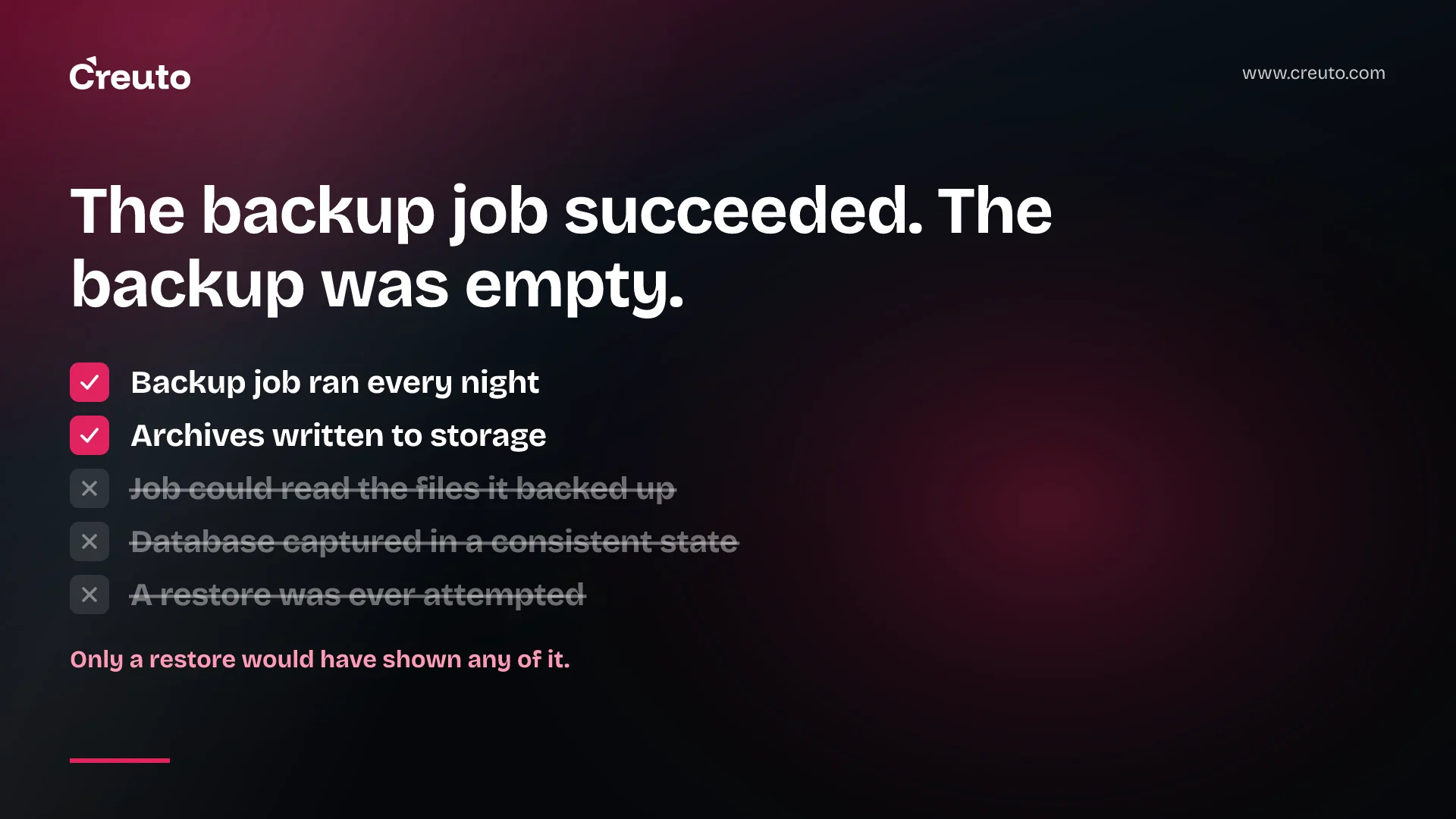
Almost every business has backups. Far fewer have ever restored one. The difference is the whole point, because backups do not fail when they are taken. They fail when you need them, in ways the backup job never reported. Backup restore testing is the only practice that turns a backup from something you believe you have into something you know you have.
A recent practitioner write-up by Aleksandar Filipovski makes the case through the specific ways backups quietly go wrong, and the failures are worth taking seriously precisely because they are so ordinary.
Backups fail silently
A backup job that errors is the good case: someone gets an alert. The dangerous case is a job that completes successfully every night and captures something useless.
The job that could not read what it was backing up. One failure in the write-up involves a scheduled backup running as a non-root user in a Docker environment, unable to read files owned by root inside containers. The job ran. It produced archives. The archives did not contain the data that mattered. Nothing about the schedule or the storage bill would reveal that.
The snapshot taken mid-write. Another concerns databases that hold data in memory and flush it to disk periodically. Copying the files while the database is mid-flush can capture an inconsistent state, and the backup restores to corrupt data. The files are all there; they just do not describe a database that ever existed.
The drive that was the only copy. The write-up also opens with the most common failure of all, in personal form: family photographs held on a single external drive, reformatted for another purpose and lost. Businesses do the equivalent constantly — one backup location, which turns out to be the same place as the thing it protects.
All three have the same shape. The backup process reported success. Only a restore would have shown otherwise.
The rules that exist for a reason
3-2-1. Keep three copies of the data, on two different types of media, with one copy offsite. Each part defends against something different: extra copies against loss of any one, different media against a failure mode shared by identical storage, offsite against the building, the cloud account or the region.
For a modern business, "offsite" increasingly means a different account and different credentials, not just a different location. A backup that lives in the same cloud account, reachable with the same keys as production, will be deleted by the same ransomware or the same mistaken script that deletes production.
Grandfather-father-son retention. Rather than keeping uniform daily snapshots for ever, keep frequent recent snapshots, fewer weekly ones and sparse monthly ones. It keeps storage costs sensible while preserving the ability to go back far enough to recover from a problem noticed late — corruption that crept in three weeks ago is not fixed by last night's backup.
Use established tools. The write-up recommends proven tools such as Restic or Borg over home-grown scripts, because they handle encryption, deduplication and integrity checks that custom scripts usually get wrong or skip.
Backup restore testing is the non-negotiable part
The write-up recommends verifying restores on a regular schedule — every six months at minimum. For a business system, we would argue for more often on the data that matters most, but the principle is the same: a restore test is scheduled work with an owner, not something that happens when disaster strikes.
A useful restore test is more than confirming that a file downloads.
- Restore to a separate, isolated environment, never over production.
- Bring the application up against the restored data. A database that restores but the application cannot use is a failed test.
- Check the data is recent and complete. Look for the latest records you expect. Compare row counts or checksums against production.
- Time it. How long a restore takes is your real recovery time, and it is often far longer than anyone assumed — especially from cold storage or across a slow link.
- Write down every manual step you had to improvise. Each one is a step that will not happen correctly at three in the morning during an incident.
- Record the result, including failures, so the next test can confirm they were fixed.
Automate the test once it works
The first restore test should be done by hand, because its job is to discover everything nobody wrote down. After that, most of it can be automated. A scheduled job restores the latest backup into a disposable environment, starts the application or at least the database, runs a handful of queries that check for recent records and expected row counts, reports how long it took, and tears the environment down.
Once that exists, backup health stops being something you believe and becomes something you measure. An alert fires when the restore fails, when the newest record is older than it should be, or when restore time creeps past what the business agreed. That last signal is easy to miss: data grows, and a restore that took forty minutes last year can take four hours this year without any single change anyone would notice.
Assume someone will try to delete the backups
Deliberate attacks increasingly target backups first, because an organisation that can restore does not need to pay. That changes what a good backup location looks like. It should not be deletable with the credentials production uses. Where your storage supports it, retention locks or immutable storage prevent backups being removed before their retention period ends, even by an administrator. And access to the backup account should be rare, logged and separate from day-to-day operations.
The same protection helps against the far more common threat, which is a mistake. A cleanup script with the wrong path, or an infrastructure change that recreates a bucket, does exactly what ransomware would do to backups kept in the same place.
Recovery time and recovery point are business decisions
Two numbers turn backups from an infrastructure task into a business conversation. The recovery point is how much data you can afford to lose, measured in time since the last good backup. The recovery time is how long the business can be without the system while it is restored.
Most businesses have never agreed either number. They are implied by whatever the backup schedule happens to be. A nightly backup means accepting up to a day of lost orders, invoices or bookings; a restore that takes eight hours means a lost working day. Those might be acceptable. They should be decisions made by the people who own the risk, not accidents of configuration.
Restore testing is what makes the numbers real. Until you have timed a restore, your recovery time is a guess.
Databases need database-aware backups
The mid-flush corruption case points to a broader rule. Copying the files under a running database is rarely the right backup. Use the database's own tooling — logical dumps, native snapshot mechanisms, or continuous archiving that supports point-in-time recovery — so the backup describes a consistent state.
Managed database services usually provide this, and it is worth confirming what they actually retain, for how long, and whether you have ever restored from it. The same questions apply to the object storage holding user uploads, which is often backed up nowhere because it feels inherently durable. Durable storage protects against disk failure. It does not protect against someone deleting the bucket.
Configuration deserves the same treatment as data. Restoring a database is not much use if nobody can rebuild the servers, secrets, DNS and application settings around it. Infrastructure described in code, kept in a repository that is itself backed up outside the main account, turns that part of recovery from memory into a repeatable procedure.
Where to start this week
Pick your single most important system — usually the database behind orders, invoices or customer records — and restore last night's backup into an isolated environment. Bring the application up. Time it. Note what went wrong.
That one exercise answers more about your real resilience than any architecture diagram, and it is the most valuable half-day in infrastructure management. The same thinking runs through our writing on testing failure before it happens: the configuration says what should happen, and only a real test tells you what does. If your cloud setup has never been checked for whether backups sit outside production's blast radius, that is squarely DevOps and cloud engineering work worth doing before it is needed.
Frequently asked questions
Because the backup job can complete successfully while capturing the wrong thing. Examples include a job running as a user unable to read root-owned container files, and database files copied mid-flush that restore to corrupt data. Only a restore reveals the problem.
Keep three copies of your data, on two different types of storage media, with one copy offsite. For cloud systems, offsite should also mean a separate account and credentials, so the same incident cannot delete production and backups together.
At least every six months, and more often for the most critical data. Treat restore testing as scheduled work with an owner, restore into an isolated environment, bring the application up against the data, and time the whole process.
A rotation that keeps frequent recent backups, fewer weekly backups and sparse monthly ones. It controls storage cost while still allowing recovery from problems discovered weeks later, such as gradual data corruption missed by recent backups.
Use database-aware methods such as logical dumps, native snapshots or continuous archiving with point-in-time recovery, rather than copying files under a running database, which can capture an inconsistent state that restores as corrupt data.
The recovery point objective is how much data, measured in time, a business can afford to lose. The recovery time objective is how long it can be without the system during a restore. Both should be agreed by the business and confirmed by timed restore tests.
