Arabic RTL app development: the work translation misses
Arabic RTL app development is a layout and bidi problem before a language one. What the specs say about mirroring, numerals, fonts and testing.
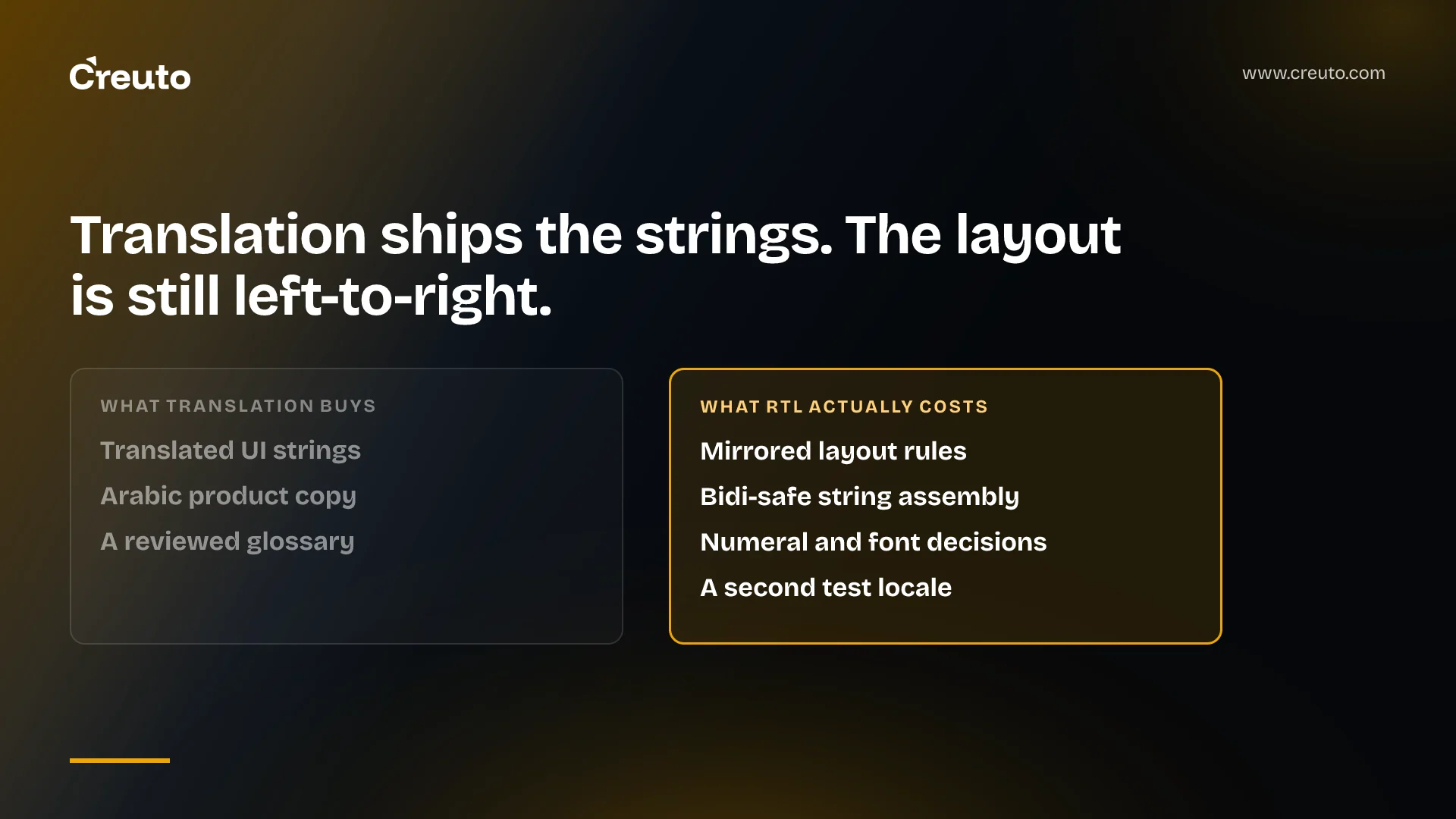
Arabic RTL app development is a layout, input and string-assembly problem before it is a language one. A translation budget buys you Arabic strings. It does not buy mirrored navigation, bidirectional-safe string assembly, a numeral decision, a font that covers the character set, or a second test locale. Those are code, and they are cheap only if you decide them early.
Start with the thing most teams assume wrongly before writing a line of CSS: Arabic does not imply Arabic-Indic digits. In CLDR 48.2.3, the Unicode locale data every major platform draws on, the default numbering system for ar and ar-AE is latn — Western digits — with arab listed only as the "native" system. For ar-EG and ar-SA the default is arab. The same Arabic translation renders different digits depending on which Arabic locale your user picked, and that is the locale data behaving correctly.
What the dir attribute and CSS logical properties buy, and what they do not
The cheap half of right to left design is a CSS discipline you adopt once. The CSS Logical Properties and Values module makes the point in its own introduction: lists, headings and paragraphs "are typically left-aligned in English; but actually they are start-aligned, because in Arabic the same constructs are right-aligned". Logical properties let you say that directly.
blockquote {
  text-align: start;          /* left in latin, right in arabic */
  margin-inline-start: 0;     /* margin-left in latin, margin-right in arabic */
  border-inline-start: 5px solid gray;
  padding-inline-start: 5px;
}
Set dir on the document root, write inline-start and inline-end instead of left and right, and the whole inline axis flips for free. No runtime cost, no second stylesheet.
The strongest version of the opposing case is that this makes RTL a find-and-replace, so it can wait until a client asks for Arabic. Two things defeat that. The same spec is explicit that documents need physical properties too — drop shadows must stay consistent across a page, so their offsets must not flip — and classifying every offset across a finished codebase means re-reading every component. More importantly, the CSS is the part that flips cleanly. Everything below does not.
The HTML spec calls dir="auto" "very crude" and a "last resort"
When you do not know a string's direction at build time — a user review, a product name, a search query — the obvious reach is dir="auto". The HTML Standard is unusually blunt about it:
The heuristic used by the Auto state is very crude (it just looks at the first character with a strong directionality, in a manner analogous to the Paragraph Level determination in the bidirectional algorithm). Authors are urged to only use this value as a last resort when the direction of the text is truly unknown and no better server-side heuristic can be applied.
First strong character means exactly that. An Arabic review opening with an English brand name is laid out left-to-right in its entirety, punctuation and all. If you stored the language alongside the text, set dir explicitly and the heuristic never runs. A language tag on user-generated content is one column at the start and a backfill later.
The same spec also says what not to do: authors "are encouraged to use the dir attribute, the bdo element, and the bdi element, rather than maintaining the bidirectional-algorithm formatting characters manually", because those characters "interact poorly with CSS".
Why mixed-direction strings break, and which ones
The reordering is done by the Unicode bidirectional algorithm, specified in Unicode Standard Annex #9 (Unicode 18.0.0, revision 52, dated 1 September 2026). Every character has an implicit bidirectional type: left-to-right and right-to-left are strong types, "the bidirectional types associated with most numbers are called weak types", and everything else is neutral. Neutral and weak characters take direction from their surroundings, which is why breakage always happens at the seams.
The W3C's internationalisation group has the useful inventory of those seams. Opposite-direction phrases, it notes, commonly include "URLs, quotations, titles of books, articles or plays, formatted numbers (e.g. phone numbers and MAC addresses), street and email addresses, and various names, such as brand names, acronyms, part numbers, site names, place names, file names (and paths)". Something will go wrong when such a phrase, inserted without wrapping:
- begins or ends with neutral characters
- begins with a number
- is followed by a number
- is followed by another, logically separate, opposite-direction phrase
- contains nested phrases whose base direction is opposite to its own
That is a list of templates, not a list of translations. Android's localisation guide works a case: drop the English address "15 Bay Street, Laurel, CA" into a Hebrew message with no direction hint and "the house number appears to the right of the address, not to the left as intended", making it "look more like a strange postal code". Swap in a price with a trailing currency code, a URL inside a review, or an English SKU inside an Arabic sentence and you get the same defect.
The fix is per-insertion, not global: tightly wrap each inserted phrase and set dir on the wrapper, or use <bdi> where there is no element to hang it on. On Android, pass the value through BidiFormatter before interpolation. Done in the template, it costs a wrapper. Done later, it means auditing every string that takes a runtime argument.
The start/end trap that passes review and breaks in Arabic
Android's platform support is a manifest flag and a rename. Declare android:supportsRtl="true" on <application>, target API level 17 or higher, and convert the physical attributes to relative ones: gravity="left" to gravity="start", paddingRight to paddingEnd, layout_toLeftOf to layout_toStartOf, and so on through the table Google publishes.
The trap is in the resolution table underneath it. Targeting API 17 or higher, when a view defines both pairs, "start and end are used, overriding left and right". When it defines only the physical pair, the physical pair is used. Targeting API 16 or lower inverts the first case: left and right win and start and end are ignored.
So in a half-converted layout, which attribute governs a view depends on which pair someone happened to add to it. In English that is invisible, because start resolves to left and the two render identically. The screens you converted mirror; the screens you missed keep their physical padding. Review passes, because the reviewer is reading English. The leftover paddingLeft values are also dead now: editing them changes nothing on screen, and the next engineer loses an afternoon to that. One more line from the same guide belongs in the estimate rather than in QA — "several framework elements, such as ViewPager, don't support the RTL text direction".
Does iOS handle RTL automatically?
Partly, and the part it does not handle is the part that matters. Auto Layout constraints are expressed in leading and trailing edges rather than left and right, so a layout built on them mirrors without changes. What iOS cannot infer is intent. Apple's docs for UIView.semanticContentAttribute exists for that, and SwiftUI exposes the same information through the layoutDirection environment value:
Some views should not flip when switching between left-to-right and right-to-left layouts. For example, the view is part of the playback controls or represents physical directions (up, down, left, right) that don't change.
Either way, somebody walks the view hierarchy and decides, per view, whether it describes reading order or physical reality.
What should not mirror
Mirroring everything is as wrong as mirroring nothing. Microsoft's globalisation guidance states it plainly: "not all images and icons should be mirrored. For example, common icons such as the fast-forward and rewind icons in media players, use the same orientation in both LTR and RTL layouts." Transport controls map to tape, not to text; a compass arrow and a chart's time axis describe the world, not the sentence. Formatted numbers are the other category, routinely filed as the same bug: a phone number stays a left-to-right run inside Arabic text, and the risk is not that it mirrors but that the algorithm reorders the neutral characters around it.
Eastern Arabic numerals are a product decision, not a correctness one
There is no right answer here, which is why it needs an owner. Both digit sets are correct Arabic, and CLDR records what each locale expects by default:
| Locale | Default numbering system | Digits a user sees |
|---|---|---|
ar, ar-AE, ar-MA | latn | 0 1 2 3 |
ar-EG, ar-SA | arab | ٠ ١ ٢ ٣ |
The sets are not interchangeable at the algorithm level either. In the Unicode Character Database, U+0030 to U+0039 carry Bidi_Class EN, European_Number, while U+0660 to U+0669 carry AN, Arabic_Number. Different classes reorder differently next to neutral characters such as a slash or a colon, so a date or a ratio can order differently depending only on which digits you emitted. Pick per locale from CLDR, never hard-code either set into a formatting helper, and give the choice an owner before invoice totals, OTP screens and analytics events each decide it separately.
Fonts: coverage, and what fallback does quietly
Font fallback is per character, not per element. CSS Fonts Module Level 4 describes a user agent iterating "through the list of family names until it matches an available font that contains a glyph for the character to be rendered". Nothing fails. If your brand face has no Arabic coverage, the Arabic glyphs quietly come from somewhere else on the device, and the page ends up set in two typefaces nobody chose.
That is worse than a branding problem, because fallback faces do not share metrics. The spec notes that "fallback fonts might not share the same aspect value as the desired font family and will thus be less readable" — the reason font-size-adjust exists. Line heights computed against a Latin face clip Arabic ascenders and diacritics. Confirming that your family covers Arabic, including Arabic-Indic digits if you plan to use them, takes an afternoon at the start. Replacing a licensed typeface after launch does not.
Testing right to left layouts without an Arabic speaker
A mirrored-layout bug exists only when the layout direction is right-to-left. It is therefore invisible to every test, screenshot and manual pass you run in English — not unlikely to be caught, structurally incapable of being caught. The locale is the test input, and if it is never set, the code path never runs.
Pseudo-localisation is the answer, and the highest-leverage item on this list. Android ships two pseudolocales: English (XA), which adds accents and expands text to expose layout breakage, and AR (XB), which "sets the text direction of the original left-to-right messages to the right-to-left direction". Google's own framing is the line to quote at a sceptical stakeholder: "Pseudolocales can help you make an RTL version of your app, even if you don't write or speak any RTL languages." Enable them with pseudoLocalesEnabled in the app's build configuration.
What they surface is specific: hardcoded strings, which show up unaccented; layout breakage from text expansion; string concatenation, appearing as one message split across brackets; bidirectional text problems; and RTL problems "such as elements not being mirrored". Add AR (XB) as a second screenshot locale in CI on day one and the defects arrive in a diff instead of a client review. Our QA and automation work treats layout direction the way it treats screen size: a dimension the suite iterates, not a checklist item.
One Arabic-language obligation, and who it does not bind
This is a reading of the published rules rather than legal advice, and it is narrower than the "everything must be in Arabic" summary that circulates. The UAE government portal describes Federal Law No. 15 of 2020 on Consumer Protection, as amended by Federal Decree Law No. 5 of 2023, as requiring that a supplier's invoice "must be in Arabic and the provider may add any other language, as he deems fit", and that e-commerce businesses provide "information in Arabic about the product or service provided, specifications, the terms of contract, payment, warranty and other relevant data".
Scope matters as much as duty. The same page says the law covers goods and services supplied across the UAE's mainland and free zones and goods sold through e-commerce platforms registered in the UAE, and that it "does not apply to eCommerce activities that are carried out between customers in the UAE and eCommerce businesses registered outside the UAE". So it binds UAE-registered suppliers and UAE-registered e-commerce platforms; on the portal's own description it does not bind an e-commerce business registered outside the UAE selling to a UAE customer. Establish which side of that line you are on before deciding whether Arabic is a compliance requirement or a market one. Where it lands on the storefront itself — product data, review strings, search — is covered in a companion post on what breaks a ported storefront.
Arabic RTL app development: what is cheap early and expensive late
The argument is a cost asymmetry. Nothing in the middle column takes more than a day at the start of a project; everything in the right column is a cross-cutting change to a finished codebase.
| Decision | Cost at the start | Cost after launch |
|---|---|---|
| Logical properties instead of left/right | A lint rule and a convention | Re-reading every component to classify each offset |
| Language tag stored with user content | One column | A backfill, plus a heuristic for unclassifiable rows |
| Bidi wrapping in interpolated strings | A wrapper in the template | An audit of every string taking a runtime argument |
| Numeral system owned per locale | One formatting helper | Reconciling several formatters that already disagree |
| Typeface with Arabic coverage | A licensing question | A rebrand, or two typefaces on one screen |
| RTL pseudolocale in CI | A build flag and a screenshot job | Manual regression on every screen, every release |
This is the wrong investment if Arabic is genuinely never going to happen — a domestic internal tool, one regulator, one language. Outside that, the asymmetry is steep enough that the question is not "do we support Arabic" but "do we spend a day now or a quarter later". Teams building for this market through our web app development and mobile app development practices get the middle column by default.
The cheapest probe of where your codebase sits takes an afternoon: turn on the RTL pseudolocale, screenshot your ten busiest screens, and count how many are wrong. That number is your estimate. You can see the kind of work we take on in the region on our Dubai page.
Frequently asked questions
RTL support means the app's layout direction, not just its text, flips for right-to-left languages such as Arabic. Navigation, alignment, padding, icons and scroll direction mirror along the inline axis, while media playback controls and anything describing physical direction stay as they are.
No. Translation produces Arabic strings; it does not produce a mirrored layout, bidirectional-safe string interpolation, a numeral-system decision, a typeface that covers Arabic, or a test locale. Each of those is engineering work, and each is far cheaper decided at the start of a project than retrofitted.
Use pseudo-localisation. Android ships an AR (XB) pseudolocale that sets the text direction of your existing English strings to right-to-left, so mirroring bugs appear without any translation. Google states it can help you build an RTL version even if you do not write or speak an RTL language.
Partly. Auto Layout uses leading and trailing edges rather than left and right, so constraint-based layouts mirror on their own. What iOS cannot infer is intent, which is why UIView.semanticContentAttribute exists: some views, such as playback controls, should not flip when the layout direction changes.
It depends on the locale, and it is a product decision rather than a correctness one. In CLDR 48.2.3 the default numbering system for ar and ar-AE is latn, Western digits, while ar-EG and ar-SA default to arab, the Arabic-Indic digits. Follow the locale data and give the choice an owner.
The UAE government portal describes Federal Law No. 15 of 2020 on Consumer Protection, as amended by Federal Decree Law No. 5 of 2023, as not applying to e-commerce activities between customers in the UAE and e-commerce businesses registered outside the UAE. Verify your own registration position before relying on that.
