Apple Pass Designer: what it removes, what it doesn't
Apple Pass Designer removes the pass.json drudgery, not the signing certificate, the per-user backend or the push update path. Here is the honest split.
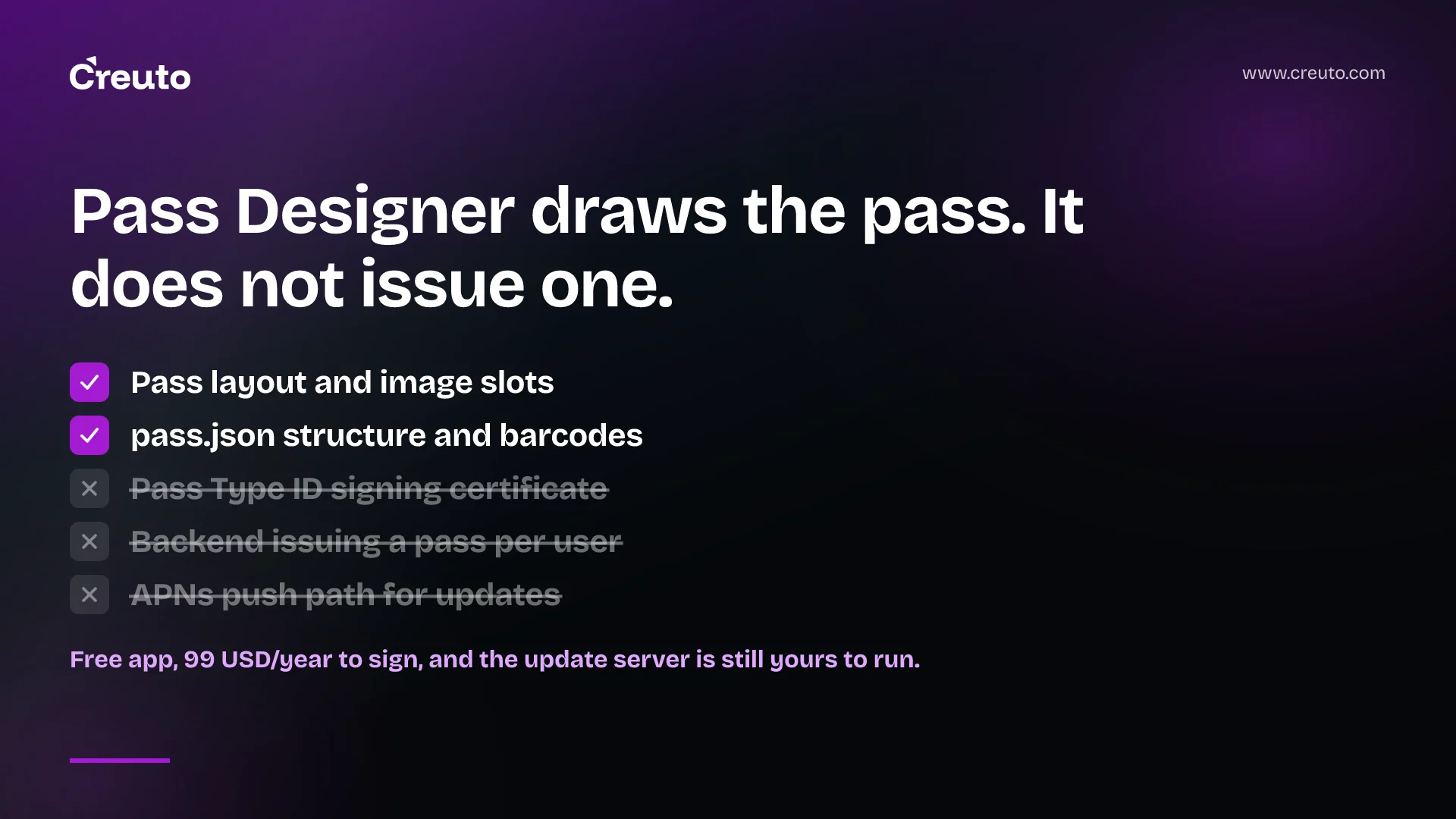
Apple Pass Designer is a free macOS app that ends the worst part of building a Wallet pass — hand-authoring pass.json and guessing at image slots — and changes nothing about the three things that actually decide whether a pass ships: a paid signing certificate, a backend that issues one pass per user, and a push path for when the value on the pass changes.
If you are weighing a Wallet feature for a loyalty programme, an event or a delivery order, that split is the whole decision. Here are the facts as of 3 October 2026.
| Question | Answer | Source |
|---|---|---|
| What is it? | A standalone Mac app with a template picker, component editor and live preview | Apple developer docs |
| What does it cost? | Free to download; signing requires Apple Developer Program membership at 99 USD a year | Apple |
| What does it need? | macOS 27.0 or later | Apple developer docs |
| What does it output? | A .pkpasstemplate bundle — not an installable pass | Apple developer docs |
| When did it appear? | Announced at WWDC 2026 in June; macOS 27 shipped 14 September 2026 | Apple, 9to5Mac |
What Apple Pass Designer actually removes
Two kinds of drudgery, and they are real. The first is layout. Apple's documentation for Pass Designer describes a template picker covering six styles — boarding pass, coupon, event ticket, store card, generic and poster generic — where choosing a template preloads the relevant text fields and image placements. The right-hand pane previews the result, including how the same pass renders on older iOS versions.
That last detail matters more than the preview itself. Apple's image table shows the slots moving between releases: a coupon uses a strip image before iOS 26, an event ticket gains a secondary logo from iOS 18, boarding passes switch from a logo to a primary logo at iOS 27. Getting that right by hand means reading a compatibility matrix. Getting it right in Pass Designer means looking at it.
The second is the pass format's fussier corners. Barcodes generate automatically from the data you type, across QR, PDF417, Aztec, Code128, Code 39, Codabar, EAN-13 and Interleaved 2 of 5 — Apple's docs are explicit that you should not supply a barcode as an image. Icons are a square 38-by-38 pixels, and every image goes in at 2x and 3x. These are the rules that make a first pass fail validation, and the editor enforces them for you.
Apple's companion tool, Pass Builder, imports the .pkpasstemplate bundle Pass Designer saves and gives you a type-safe Swift API plus a buildpass command-line tool to personalise, validate and sign. It is Apache-2.0 licensed, needs Swift 6.3 and runs on macOS 14+ or Linux. Read its README before you plan around it: Apple labels the package an early preview and states that APIs may change without notice between releases, with no stability guarantees. It is at version 0.1.0.
The certificate dance is still a dance
Nothing in the visual editor gets you past signing. Apple's build instructions are unchanged: create a Pass Type ID — a reverse-DNS string such as com.example-company.passes.ticket.event-4631A — generate a certificate signing request, obtain a Pass Type ID certificate, hash every source file into a manifest.json, create a PKCS #7 detached signature over that manifest, zip the directory and rename it to .pkpass.
Pass Designer helps at exactly one point in that chain: its Identity & Signing panel can import your details from a certificate you already hold. It cannot issue one. Certificates, Identifiers & Profiles is a paid-tier feature — Apple's own membership comparison marks it unavailable to free registered developers, and the Apple Developer Program costs 99 USD per membership year. Every signed pass you ever issue depends on a credential that expires, which is the same operational trap we wrote about in Developer ID certificate expiration: the build works until the day it silently does not.
A pass that changes needs a server, five endpoints and a push certificate
This is where most Wallet projects are decided, and no design tool touches it. A static pass — a one-off coupon, a single-entry ticket — is genuinely a file you can email. A pass carrying a number that moves is a distributed system.
Apple's web service specification sets out what you build. Add webServiceURL and authenticationToken to the pass, and you are now operating five endpoints: register a device for a pass, unregister it, return the serial numbers of changed passes, return an updated pass, and log messages. Apple suggests three tables behind them — devices, passes, and a many-to-many registrations table joining them.
Updating is push-driven. Your server sends an APNs notification with an empty JSON payload, signed with the same certificate and private key that signed the pass. The device then asks which serial numbers changed, then asks for each pass. Apple notes a detail that costs teams a day: a push notification for a pass update works only in the production environment. An updated pass is simply a new pass with the same pass type identifier and serial number, so your issuing pipeline runs on every change, not just at signup.
Skip this and the pass still installs. It just goes stale. A loyalty card showing a points balance from three visits ago is worse than no card at all, because the customer trusted it at the till. On MakeMyLook, the salon and wellness booking marketplace we built with 200+ vendors onboarded, and on FlashNow, our quick-commerce platform with no centralised warehouses, the state a customer cares about changes between sessions — a booking moves, an order is out for delivery. Those are exactly the surfaces where a Wallet pass either carries live data or quietly misleads.
Where semantic tags earn their keep
Semantic tags are the part third-party pass builders usually skip, and the reason a pass surfaces on the lock screen at the right moment rather than merely sitting in Wallet. Apple's SemanticTags object defines machine-readable metadata the system uses to offer a pass and suggest related actions; the reference lists 104 keys, from departureGate, boardingZone and transitStatus to venueDoorsOpenDate, homeTeamName and seats.
Two limits are worth knowing before you plan around them. Inside Pass Designer, semantic tags are available for boarding passes on iOS 27 and later and event passes on iOS 18 and later — not for store cards or coupons. And only the air travel boarding pass supports the new Semantic Pass designs introduced in iOS 26. The pass format itself is broader: balance, for example, is a semantic tag defined for store card passes. But the editor's semantic tag workflow is aimed at travel and events, which is where the system-level payoff concentrates.
Popular coverage has been looser than the documentation here. heise online's report, published 22 June 2026 while the app was still in developer beta, credits semantic tags with enabling calendar integration, route guidance and Siri suggestions. Apple's own reference does not promise those outcomes in those words. Our reading: the tags are inputs the system may act on, not features you switch on, and you should plan a pass that is useful without them.
When to build, and when to buy
The honest answer is that most teams searching this question should buy. If you are issuing passes for one event, or you have no backend and no appetite to run one, a pass-as-a-service vendor is the right choice: they hold the certificate, run the update web service and absorb the APNs plumbing, and that is worth their fee. The same is true if nothing on your pass ever changes — a static coupon needs none of this.
| Situation | Pass Designer plus your own backend | Pass-as-a-service |
|---|---|---|
| One-off event, static pass | Overkill | Right answer |
| No backend team | Wrong answer | Right answer |
| Balance or booking changes between sessions | Right answer | Works, but your data leaves your system |
| Pass is a view of a system you already run | Right answer | Duplicate state to keep in sync |
Build it yourself when the pass is a view onto data you already own and already push notifications about. At that point the update web service is a thin adapter over state your mobile app engineering stack already holds, and handing that state to a third party creates a second copy to reconcile. The question to settle before anyone opens Pass Designer is not what the pass looks like. It is who owns the serial number, and what happens the first time the number on the front of it is wrong.
Frequently asked questions
Apple Pass Designer is a free macOS app and needs macOS 27.0 or later. Signing the passes you design is not free: a Pass Type ID certificate lives in Certificates, Identifiers & Profiles, which Apple restricts to paid members of the Apple Developer Program at 99 USD a year.
Yes. Pass Designer can import details from a certificate you already hold, but it cannot issue one. Every distributable pass is a signed bundle, so you still create a Pass Type ID, generate a signing certificate, hash the files into a manifest and attach a PKCS #7 detached signature.
Only if you run a web service for it. You add webServiceURL and authenticationToken to the pass and operate five endpoints behind them, then send an APNs push signed with the pass certificate whenever data changes. Apple notes that pass update pushes work only in the production environment.
Apple Pass Designer ships six template styles: boarding pass, coupon, event ticket, store card, generic and poster generic. Picking one preloads the relevant text fields and image placements for that style, and you can also start from a blank pass or import an existing pkpass file.
It is worth it when the loyalty balance is data you already hold and already push notifications about, because the pass becomes a thin view over that state. It is not worth building yourself when you have no backend; a pass-as-a-service vendor is the better answer there.
