App store submission checklist: fix this before you submit
A pre-submission app store submission checklist for Apple and Google Play: completeness, demo accounts, privacy declarations, ratings and release controls.
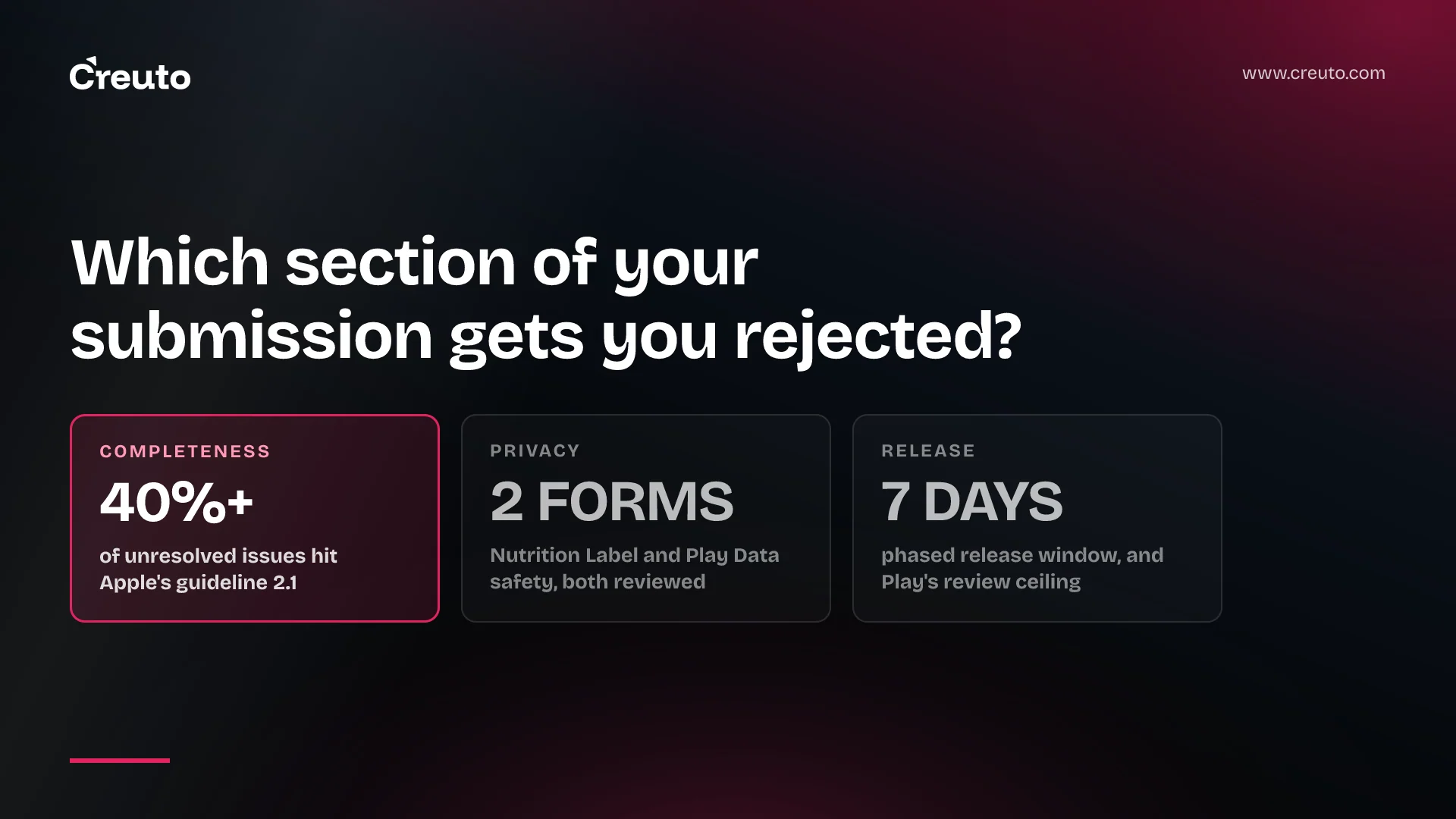
One number should shape your app store submission checklist more than any other: Apple says that on average, over 40% of unresolved issues are related to guideline 2.1: App Completeness. Not policy. Not design. Completeness — crashes, placeholder content, a demo account that does not work, a back end that was switched off for the weekend. Most rejections are avoidable clerical failures, and this is the list that catches them.
Work through it the day before you submit, not the morning of. It covers both stores, because the same build almost always goes to both, and it separates what Apple and Google actually publish from what we do in the mobile releases we run.
Section 1 of the app store submission checklist: completeness
Apple's guideline 2.1 is the single highest-yield item on this list. It requires that submissions be final versions with all necessary metadata and fully functional URLs included, that placeholder text and empty websites are scrubbed, that the app is tested on-device, and that you include demo account details and turn on your back-end service if the app has a login. Apple states plainly that it will reject incomplete bundles and binaries that crash.
Check each of these before you upload the build:
- No placeholder anything. Lorem text, "Coming soon" screens, a support URL that 404s, a privacy policy link that points at your staging domain.
- Every link in the app resolves. Apple requires a link to user support with up-to-date contact information and a link to your privacy policy for all apps.
- The back end is live. Apple's own pre-submission list says to enable backend services so that they're live and accessible during review. Review does not run in your business hours or your time zone.
- In-app purchases are visible and functional. Guideline 2.1(b) requires them to be complete, up to date and reviewable; if a configured item cannot be found in the app, explain why in your review notes.
- Screenshots show the app in use. Apple's guideline 2.3.3 excludes title art, login pages and splash screens as the only content of a screenshot.
- Contact details are current. Apple asks you to update your contact information in case App Review needs to reach you — the field that quietly goes stale when the person who created the account leaves.
Demo account and review notes
This is where most account-based apps lose a day. Apple requires either an active demo account or a fully-featured demo mode, plus any other hardware or resources that might be needed — login credentials, a sample QR code, a test card. A built-in demo mode in place of a demo account needs prior approval from Apple, and Apple requires it to exhibit the app's full features.
Review notes are not a formality either. Guideline 2.3.1 requires that all new features, functionality and product changes are described with specificity in the Notes for Review section — generic descriptions will be rejected. "Bug fixes and improvements" is a release note, not a review note.
On the Google side the equivalent lives on the App content page, where you provide and manage instructions on how to access restricted parts of your app. The same discipline applies: if a reviewer cannot reach a screen, that screen is a rejection waiting to happen.
Our practice, and it costs nothing: create the demo account fresh, a week before submission, on the production back end, with an expiry date past the review window and the credentials written into a shared document rather than one engineer's notes. Then have someone who did not build the app log in with them on a clean device.
Section 2: the privacy declarations both stores require
Two forms, two different definitions of "collect", and both are reviewed. Filling one in from the other is how teams end up with declarations that contradict their own app.
Apple's Privacy Nutrition Labels
Apple requires privacy information — including the practices of third-party partners whose code you integrate — to submit new apps and app updates to the App Store. Apple's definition of "collect" is transmitting data off the device in a way that allows you or your third-party partners to access it for a period longer than what is necessary to service the transmitted request in real time, and "third-party partners" explicitly includes analytics tools, ad networks and third-party SDKs.
One useful detail teams miss: you can update your privacy answers at any time without submitting an app update. A wrong label does not have to wait for the next release.
Google Play's Data safety form
Google requires all developers with a published app to complete the Data safety form, including apps on closed, open or production testing tracks. Apps active only on internal testing tracks are exempt. Even if you collect nothing, you must still complete the form and provide a privacy policy link.
Google's "collect" means transmitting data from your app off a user's device, and it covers SDKs, libraries and webviews whose code your app controls. Data processed only on-device, and data protected by end-to-end encryption that no intermediary can read, do not need to be disclosed. Pseudonymous data does.
The enforcement line is worth reading twice: Google says that when it becomes aware of a discrepancy between your app behaviour and your declaration, it may take appropriate action, including enforcement action. The form is a statement you are accountable for, not a questionnaire.
| Privacy item | App Store | Google Play |
|---|---|---|
| Declaration | Privacy Nutrition Label in App Store Connect | Data safety form on the App content page |
| Required with no data collection? | Yes — you still answer the questions | Yes, plus a privacy policy link |
| Third-party SDK data | Must be declared as your own | Must be declared as your own |
| Changeable without a release? | Yes, at any time | Submitted and reviewed with your app |
Build an SDK inventory before you fill in either form
This part is ours. Both declarations turn on what your dependencies do, and no one can answer that from memory on submission day. We keep a table of every third-party SDK in the build, what it transmits, and the vendor's own published data-safety guidance — Google points developers at the Google Play SDK Index to see whether a provider has published guidance. Rebuild it whenever a dependency is added, and the two forms take an hour instead of a fraught afternoon.
Section 3: age rating and content rating
Both stores gate publication on a rating questionnaire, and both treat the answers as declarations.
Apple derives the rating from a questionnaire covering content descriptors, in-app controls and capabilities, with the frequency of each content type specified. The consequence to note before submission: an Unrated app cannot be published on the App Store. If your calculated rating is 4+ or 9+ and you choose Made for Kids, Apple warns you cannot change that selection once the app is approved, and the app and all later updates must follow the Kids category guidelines.
Google assigns ratings through independent rating authorities based on your questionnaire responses, and requires the questionnaire for new apps, existing unrated apps, and all app updates where a change to your content or features would affect your answers. Target audience matters as much as the rating: any app with at least one target age group that includes children must comply with Google Play Families policy requirements, including using only Families Self-Certified Ads SDKs.
Google also sets an order of operations that blocks people who leave this to the end. Before you can fill in the Target audience and content section, you must already have declared whether your app contains ads, provided instructions for app access, and added a privacy policy.
Section 4: policy items that reject a technically perfect build
A build can be complete, correct and still fail. These are the categories to check your app against, not a summary of them — read the source for anything that applies.
- Metadata accuracy. Apple's guideline 2.3 requires all metadata, including privacy information, description, screenshots and previews, to accurately reflect the app's core experience. Google's policy centre carries an equivalent Metadata policy under Store Listing and Promotion.
- Hidden or undocumented features. Guideline 2.3.1 prohibits hidden, dormant or undocumented features. Remote-config features that light up after approval fall here.
- Public APIs only. Guideline 2.5.1 requires apps to use only public APIs and run on the currently shipping OS.
- Permissions and sensitive data. Google's policy centre lists User Data, Permissions and Device and Network Abuse as separate policies; Play also requires you to describe how you intend to use high-risk or sensitive permissions such as SMS or Call Log access.
- Purpose strings. Apple requires every app that accesses user data to include a purpose string explaining clearly and completely why your app needs the data.
- Target API level. Google's policy centre lists Target API Level as a policy in its own right, under Privacy, Deception and Device Abuse.
- Regulated categories. Apple requires certain apps — banking and financial services, cryptocurrency, healthcare, gambling, air travel — to be submitted by the legal entity that provides the services rather than an individual developer, with documentation attached in App Store Connect.
Section 5: release mechanics, decided before you submit
The last section of the checklist is not about passing review. It is about what a bad build costs you after it passes, and every control here has to be chosen at submission time.
Apple: phased release
Phased release rolls a version update out over seven days — 1% of users on day one, then 2%, 5%, 10%, 20%, 50% and 100% — to users with automatic updates on, without notifying them. You can pause it for a total of 30 days, with no limit on the number of pauses. Two caveats Apple states: apps in phased release can still be downloaded manually by anyone at any time, and if you remove the app from sale, phased release stops and is not available again for that version.
Google Play: managed publishing and staged rollout
Managed publishing separates approval from publication: updates are processed as usual, and after approval you control exactly when the changes are published. It cannot be used when publishing an app for the first time. Staged rollout is the Play equivalent of phased release, and Google is explicit that it is only available for app updates, not first publication, and that the percentage does not increase automatically.
Plan for the review window, not the average
Apple reports that 90% of submissions are reviewed in less than 24 hours. Google publishes no median, only a ceiling: certain apps may be subject to extended reviews, which may result in review times of up to 7 days or longer in exceptional cases, and Google recommends a buffer period of at least a week between submitting your app and going live. Plan the Android side around a week and you will rarely be wrong; plan it around a day and you will occasionally be very wrong.
One Play-specific rule belongs on the checklist because it costs a full cycle when missed: review turnaround is counted from the last submitted change, so submitting a change while others are in review may push your app to the back of the queue. Finish your listing edits before you send the build.
The day-before checklist, condensed
| Check | App Store | Google Play |
|---|---|---|
| Demo access | Demo account or approved demo mode, in App Review Information | App access instructions on the App content page |
| Back end | Live and reachable throughout review | Live and reachable throughout review |
| Privacy | Privacy Nutrition Label answers current | Data safety form plus privacy policy URL |
| Rating | Age rating questionnaire — Unrated cannot publish | Content rating questionnaire and target audience |
| Notes for review | Specific per feature; generic notes rejected | Access instructions and permission declarations |
| Release control | Phased release over 7 days | Managed publishing and staged rollout |
| Submission hygiene | One app version per platform in review | No listing edits once the build is in review |
A last piece of arithmetic from Apple that makes the case for going slowly: one app version submission per platform can be under review at a time, and submissions may not be reviewed in the order you submit them. Serial retries are expensive in a way parallel work is not.
What we do differently, and where this checklist stops
In the mobile work we deliver, the submission checklist is a gate in the release pipeline rather than a document someone remembers to open. The demo account is provisioned by the same script that seeds the staging environment. The SDK inventory is generated from the lockfile, so the privacy forms are answered from data rather than recollection. And no release reaches production without a rollout control turned on, because the cost of finding a defect at 1% of users is a fraction of finding it at 100%.
Where this checklist stops is anything specific to your category. Kids apps, medical apps, financial services, real-money gaming, VPN and MDM apps each carry documentation requirements this list does not attempt to summarise, and Apple's App Review page is explicit that specific documentation is required for certain scenarios and types of apps — regulatory clearance, rights authorisation, licences. If one of those applies to you, read the guideline itself and confirm your position with your adviser.
If you want this built into a pipeline rather than kept in a wiki, that is mobile app development and QA and automation work — the same discipline that sits behind iOS app development and Android app development in any team that ships regularly. The iOS 27 App Store requirements for age ratings and SDKs are worth checking against your current build before your next submission. When a release keeps failing for reasons nobody can name, talk to us.
The question to answer before you submit is not whether the app is finished. It is whether a reviewer, with no context and no access to your team, can reach every feature you are asking them to approve — because that is the test over 40% of unresolved issues fail.
Frequently asked questions
Apple reports that on average, over 40% of unresolved issues relate to guideline 2.1, App Completeness. That covers crashes, placeholder content, broken links, missing review information and demo accounts that do not work — clerical failures rather than disagreements about policy.
A crash-free build tested on device, complete and accurate metadata, working support and privacy policy links, a live back end, a demo account or approved demo mode, specific notes for review, current privacy answers and a completed age rating questionnaire. An Unrated app cannot be published.
Yes. Google requires every developer with an app published on Google Play to complete the Data safety form, including apps on closed, open and production testing tracks. Developers who collect no user data still complete the form and must provide a link to a privacy policy.
An active account on your production back end, with full feature access, an expiry past the review window, and any extras a reviewer needs such as a sample QR code or test card. Apple accepts a fully-featured built-in demo mode instead, but only with prior approval.
Apple states that on average, 90% of submissions are reviewed in less than 24 hours. Google publishes no median but recommends a buffer period of at least a week between submitting your app and going live, because extended reviews can run to seven days or longer.
On Google Play you should not. Google counts review turnaround from the last submitted change, so submitting a change while others are in review may push your app to the back of the review queue. Finish listing edits before you send the build for review.
Phased release is Apple's: a version update reaches 1, 2, 5, 10, 20, 50 then 100 percent of users over seven days, pausable for 30 days in total. Staged rollout is Google's equivalent, available only for updates, and its percentage does not increase automatically.
