Accessibility overlay: why the FTC's $1M fine matters
The FTC fined an accessibility overlay vendor $1 million for claiming a widget makes sites WCAG-compliant. Why overlays fail, and what real fixes involve.
An accessibility overlay promises something every website owner wants to hear: add one script, and an AI widget makes the site accessible. The US Federal Trade Commission has already ruled on that promise. In April 2025 it approved a final order requiring accessiBe to pay $1 million over claims that its AI-powered plug-in could make any website compliant with the Web Content Accessibility Guidelines. Overlays are still sold with much the same pitch, and businesses still buy them expecting protection they do not get.
What the FTC found
The FTC's final order, approved on 22 April 2025 by a 3-0 vote, addressed two problems.
The first was the product claim. accessiBe had claimed its accessWidget could make any website compliant with WCAG, when it could not achieve or maintain that compliance. The order bars the company from claiming its automated products can make a website WCAG-compliant or ensure continued compliance, and from misrepresenting what its products do.
The second was how the claim was marketed. The FTC said the company formatted third-party articles and reviews to appear as independent opinions while concealing material connections to the reviewers. The order prohibits presenting reviews as independent, or endorsers as impartial users or objective organisations, when they are not.
That second finding matters to buyers as much as the first. If you evaluated an overlay by reading comparison articles, some of what you read may not have been as independent as it looked.
Why an accessibility overlay cannot fix a website
The technical case against overlays is not new, and a recent critique restates it well. The reasons come down to where accessibility actually lives.
Accessibility is in the markup, not on top of it. A screen reader relies on the page's structure: real headings in order, buttons that are buttons, form fields with labels, images with meaningful descriptions. A script injected after the page loads can try to patch some of that, but it is guessing at intent it cannot know. It does not know what an unlabelled icon button does, or which image is decorative and which carries information.
Dynamic interfaces defeat it. Modals, single-page app navigation, live-updating content and custom components are where most real barriers sit, and they are the hardest thing for a bolt-on script to repair reliably.
It can interfere with the tools disabled users already rely on. People who use screen readers, magnifiers or switch access have configured their own assistive technology. An overlay that changes the page's behaviour can conflict with that setup rather than help it.
It fixes what is easy to detect. Automated tools find some issues and miss many others, and an overlay optimised against automated scans can make a site score better while leaving real barriers in place.
The WCAG guidelines maintained by the W3C are organised around whether content is perceivable, operable, understandable and robust. Those are properties of how a site is built, which is why they cannot be retrofitted by a single script.
The scale of the underlying problem
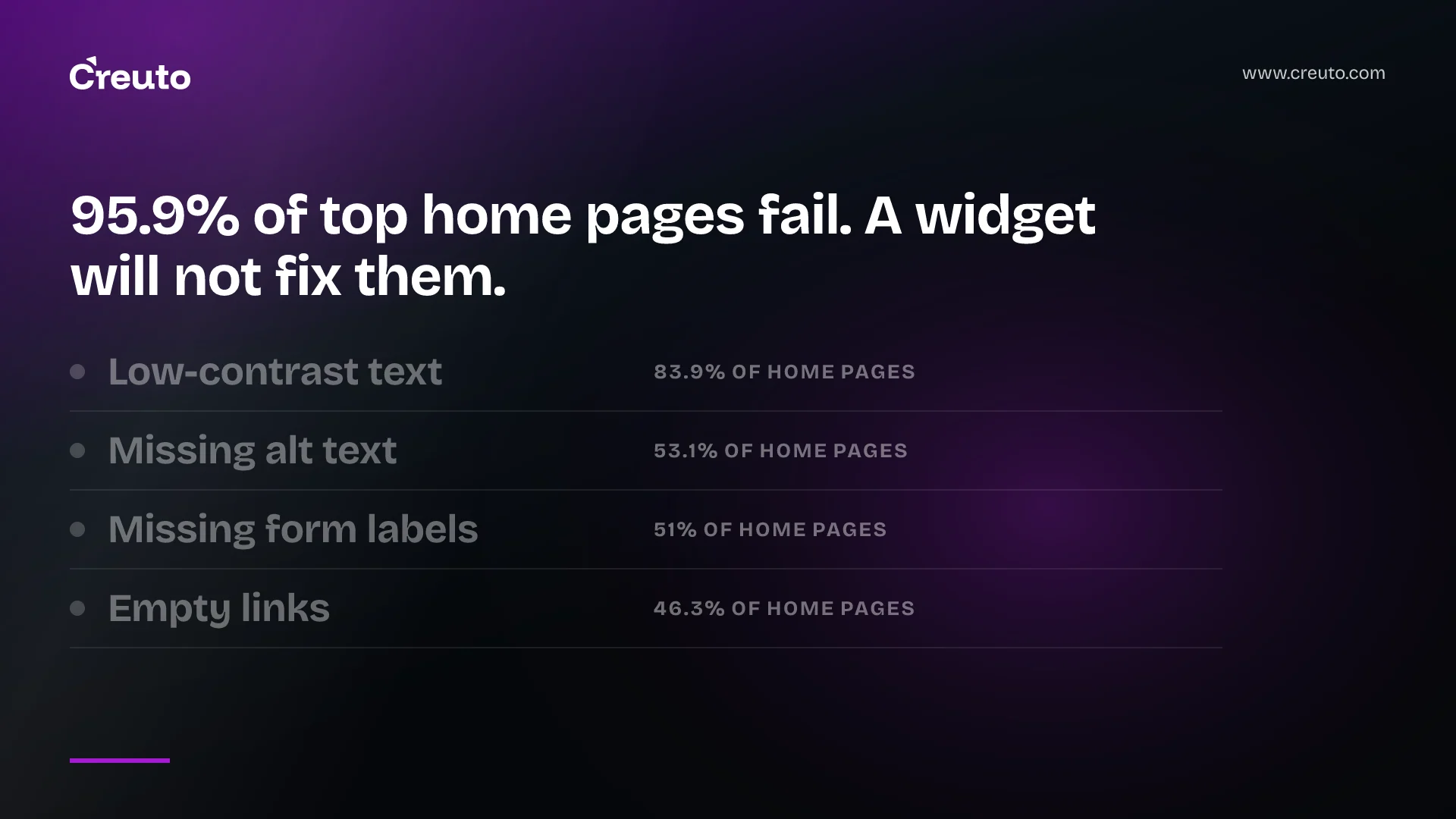
The reason overlays sell is that the problem is everywhere. The WebAIM Million 2026 report, which analyses the home pages of the top million websites, found detected WCAG 2 failures on 95.9% of them, up from 94.8% the year before, with an average of 56.1 errors per page.
The same report shows why genuine fixes are more achievable than the numbers suggest. Six types of error account for 96% of everything detected: low-contrast text on 83.9% of home pages, missing image alternative text on 53.1%, missing form labels on 51%, empty links on 46.3%, empty buttons on 30.6% and missing document language on 13.5%.
Every one of those is a fix in the code or the design system, most of them small. That is the counter-argument to the overlay pitch in a single table: the common failures are well understood and cheap to fix properly, and the uncommon ones are exactly what a widget cannot fix.
What an automated scan cannot tell you
Automated tools are genuinely useful, which is why they belong in the plan below. It is worth being clear about their limits, because the same limits apply to any overlay built on similar detection.
A scanner can tell that an image has alternative text. It cannot tell whether the text says anything useful, or whether "image123.jpg" has been dutifully copied into the attribute. It can tell that a form field has a label. It cannot tell whether a screen reader user can recover from a validation error, or whether the error is announced at all. It can check colour contrast on static text, and struggle with text over images, gradients and hover states. And it cannot judge whether the order in which a keyboard moves through a page makes sense, or whether a custom dropdown can be operated without a mouse.
Those are the barriers that stop people completing a purchase or a booking. They are found by someone using the site the way a disabled user does, which takes an afternoon per key journey rather than a subscription.
Questions to ask any vendor promising compliance
If you are being sold an automated accessibility product, or already pay for one, a few questions separate a useful tool from a liability.
- Does it claim compliance, or help you find issues? Tools that report problems for developers to fix are valuable. Tools that claim to guarantee compliance are making the kind of claim the FTC acted against.
- What happens when it is removed? If the site becomes inaccessible the moment the script stops loading, nothing has been fixed.
- Has it been tested with screen reader users? Not scanned — tested, by people who rely on assistive technology daily.
- Are the reviews independent? The FTC order specifically concerned reviews presented as independent that were not. Check who wrote the comparison you are relying on.
What genuine remediation looks like
- Remove the overlay first, or at least stop relying on it, so you are measuring the real site.
- Run an automated scan to clear the common issues quickly: contrast, alternative text, labels, empty links and buttons, document language.
- Fix them at the source — in the design system and shared components — so every page inherits the fix rather than each page being patched individually and the same mistake reappearing on the next page someone builds.
- Test manually with a keyboard and a screen reader through your most important journeys: sign-up, search, checkout, contact. Automated tools cannot tell you whether a journey is usable.
- Check dynamic components: modals trap focus correctly, menus are operable by keyboard, errors are announced.
- Build it into delivery: accessibility checks in code review and continuous integration, so new work does not quietly reintroduce what you fixed, which is the most common way remediation projects lose their gains within a year.
The contrast finding deserves a special note. A site where most text fails contrast usually has a colour palette problem, not a page problem. Fixing the design tokens once can clear the most common failure across the entire site.
One more point on the regression in the WebAIM figures, because it cuts against the story that the web is gradually getting more accessible. Failures rose from 94.8% to 95.9% of home pages in a year, and errors per page rose by about 10%. Whatever the market for overlays has achieved, it has not reversed that trend. Sites keep shipping new components faster than anyone fixes old ones, which is precisely why the fix has to live in how components are built rather than in something bolted on at the end.
The business case
Buying an overlay feels like reducing risk. The FTC order suggests the opposite: a widget sold as a compliance guarantee is not one, and relying on it can leave a business believing it is covered when it is not. Meanwhile the users the site was meant to serve still cannot complete the journey.
Real remediation is usually less dramatic and more finite than people fear, because most of the failures are the same handful of issues in shared components. That is why we treat it as design system work within UI/UX design and build it into web application delivery, rather than as a plug-in decision. It is also the same principle behind checking what machines can actually read on a page: what matters is what the markup says, not what a script adds afterwards.
Frequently asked questions
No automated overlay can guarantee WCAG compliance. In April 2025 the FTC approved a final order requiring accessiBe to pay $1 million over claims its accessWidget could make any website compliant, and barred it from making such claims.
The final order, approved 3-0 on 22 April 2025, required a $1 million payment and prohibited claims that accessiBe's automated products make websites WCAG-compliant or ensure continued compliance, plus presenting reviews as independent when material connections existed.
Accessibility depends on page structure such as headings, labels and meaningful image descriptions. A script added afterwards must guess at intent, struggles with modals and dynamic content, can conflict with users' own assistive technology, and tends to fix only what automated scans detect.
The WebAIM Million 2026 report found detected WCAG 2 failures on 95.9% of the top million home pages, up from 94.8% in 2025, with an average of 56.1 errors per page.
According to WebAIM Million 2026, low-contrast text appears on 83.9% of home pages, missing image alternative text on 53.1%, missing form labels on 51%, empty links on 46.3%, empty buttons on 30.6% and missing document language on 13.5%.
Fix the common issues at source in shared components and design tokens, test key journeys manually with a keyboard and screen reader, check dynamic components such as modals, and add accessibility checks to code review and continuous integration.